Tachyon Guides

Tachyon Studio in Modeling


BLENDER ADDON · MODELLING

Tachyon Guides

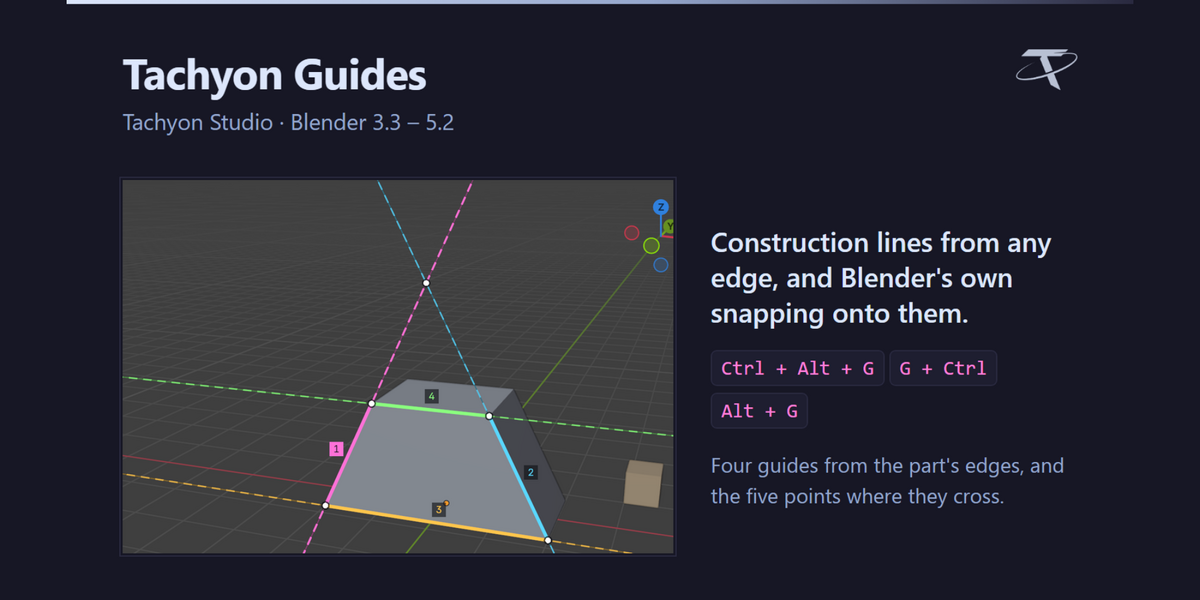
The guides you know from CAD software, in Blender. In a CAD program you draw construction lines that aren't part of the model and snap to them, to their crossings and along them; Tachyon Guides brings that way of working to Blender. Select an edge and press Ctrl + Alt + G: an endless guide runs along it, in its own colour, and where two guides cross there is a point. Then move with G and hold Ctrl: Blender's own snapping slides your selection along the guides and lands it exactly on the crossings. Alt + G does the same with a magnet, and the Guides tab lists every guide, lighting each one up as you hover its row.

⚠ Pure Blender, and nothing to configure. No external tool and no network use of any kind — it opens no sockets, sends no telemetry and checks no licence. One package covers Blender 3.3 to 5.2: a modern extension on 4.2+, a classic add-on on 3.3 – 4.1. Ctrl + Alt + G takes over Blender's Remove from Vertex Group and Remove from Collection keys (both stay in their menus, and the key can be changed); everything else of Blender's is untouched.
THE INTERFACE

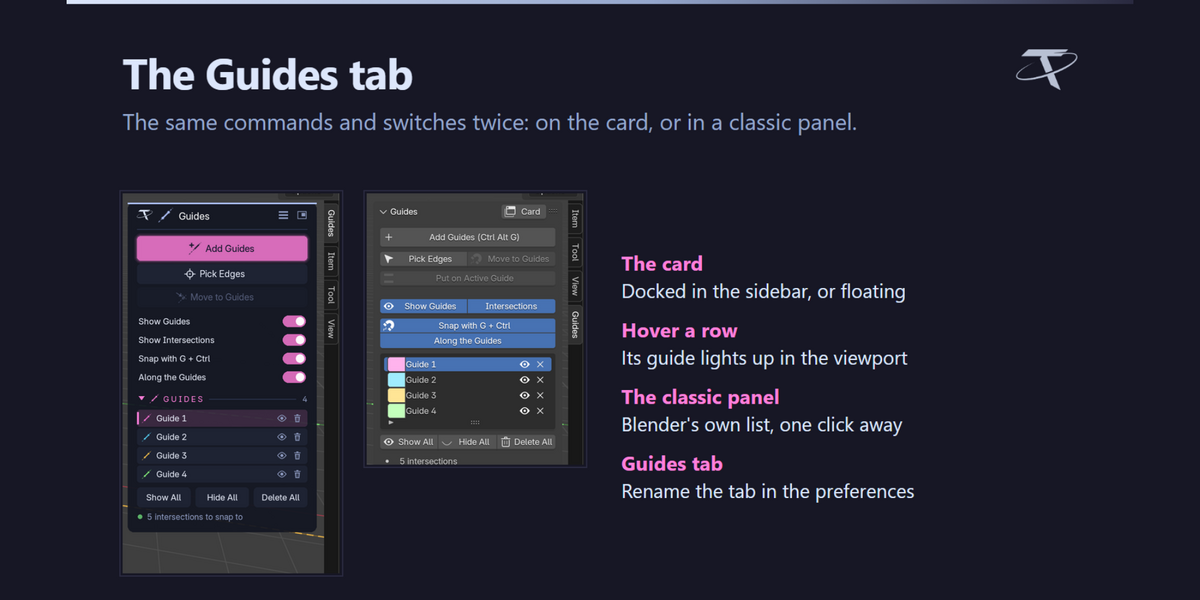
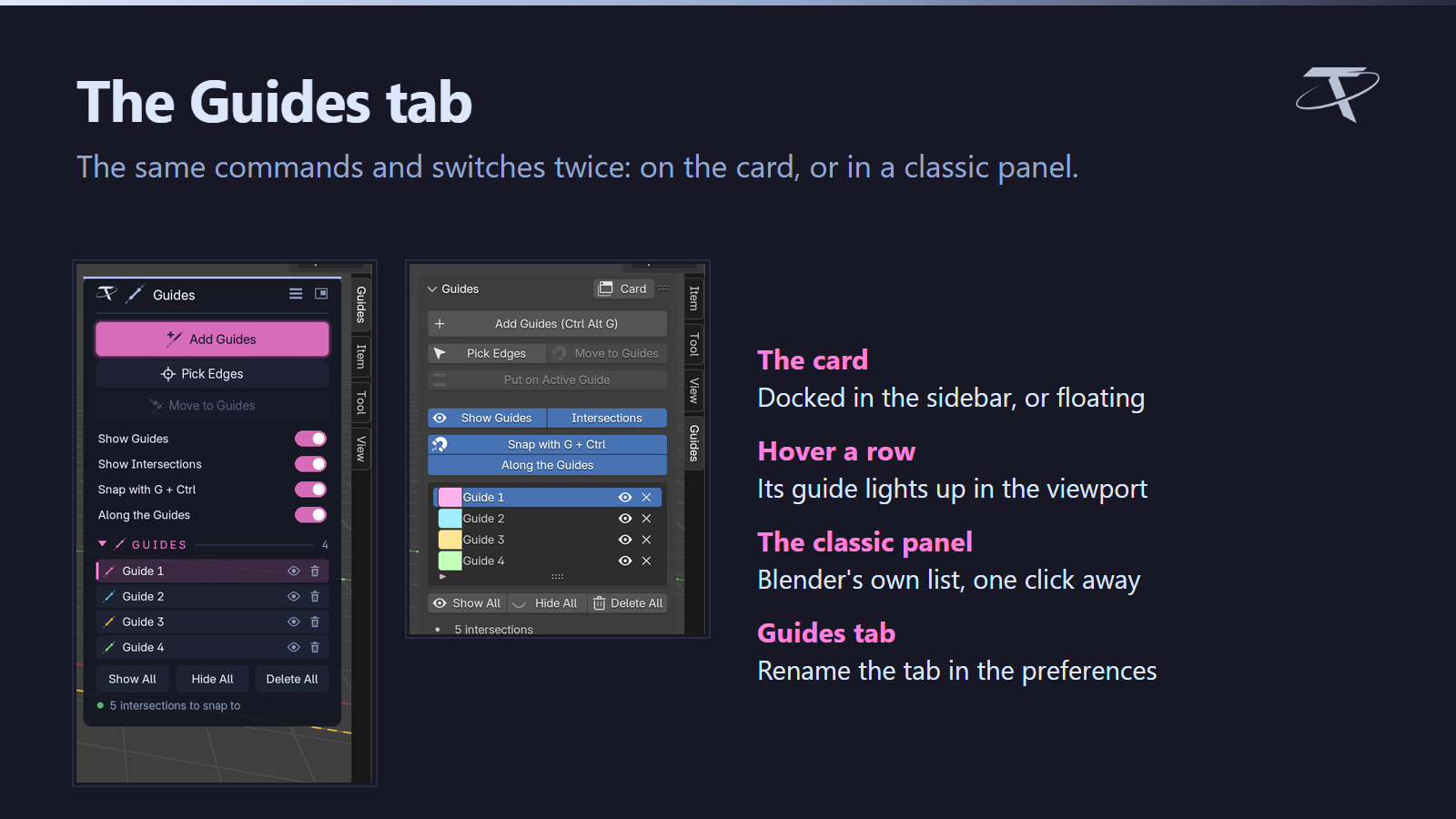
Everything in the sidebar’s Guides tab, on the card or in a classic panel.

The Guides tab: the card and the classic panel
FEATURE BY FEATURE
A guide from any edge
Blender's own snapping lands on them
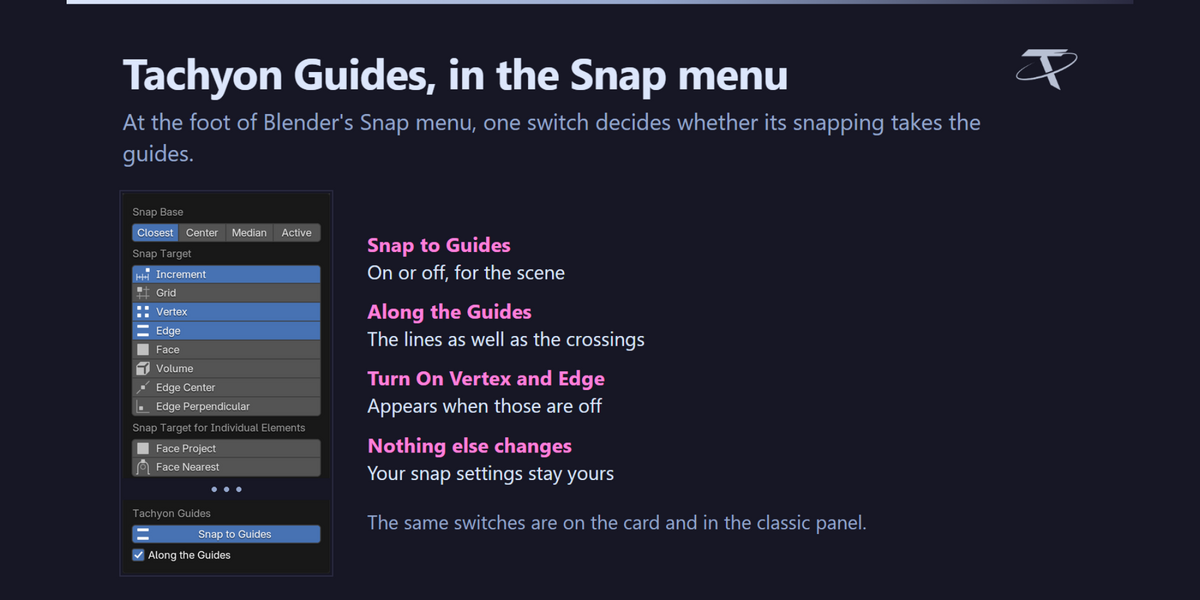
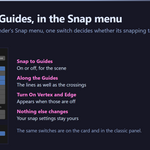
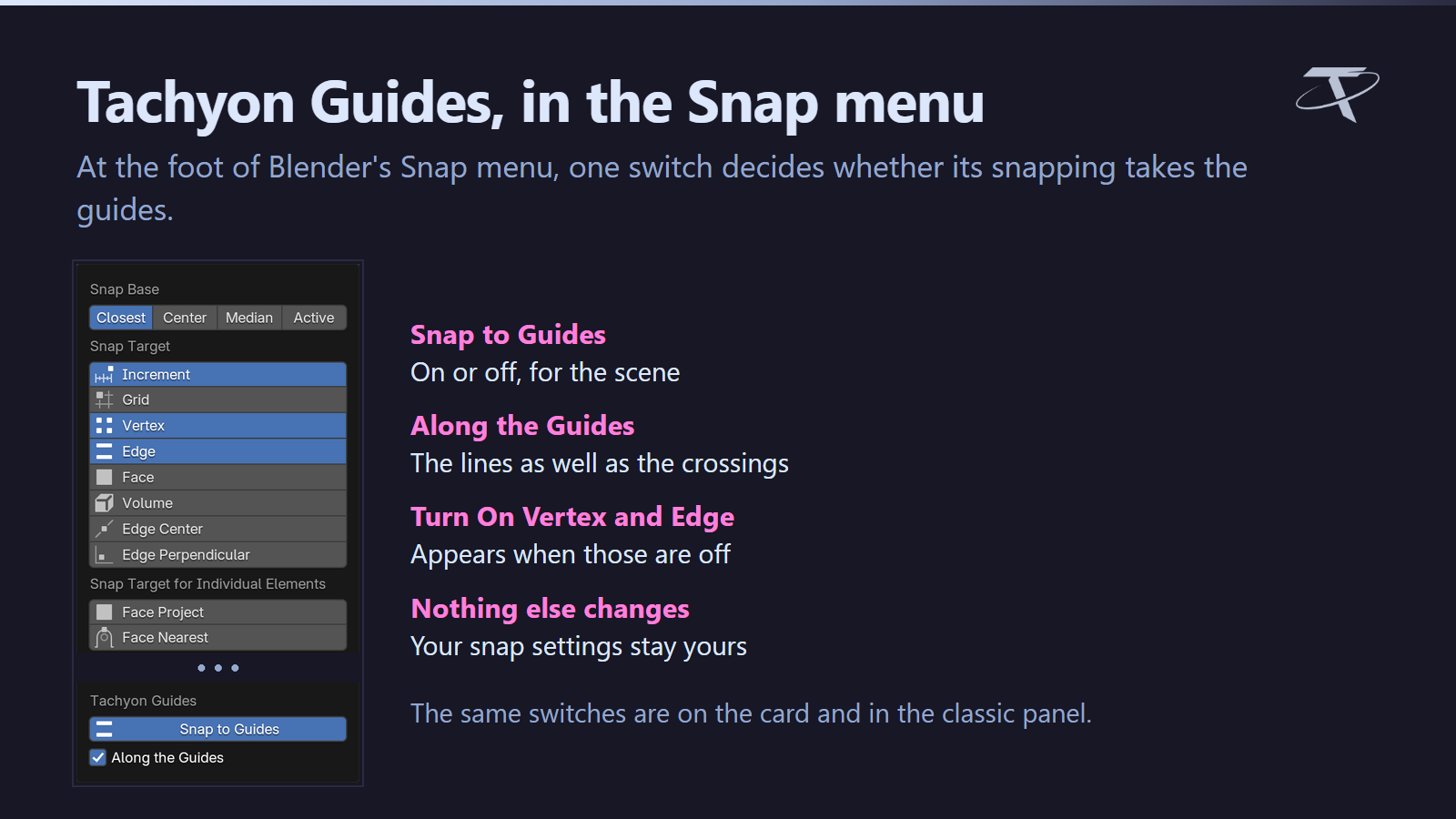
Tachyon Guides, in the Snap menu
Move to Guides, with a magnet
Every guide in a list
Pick them on screen, delete with X
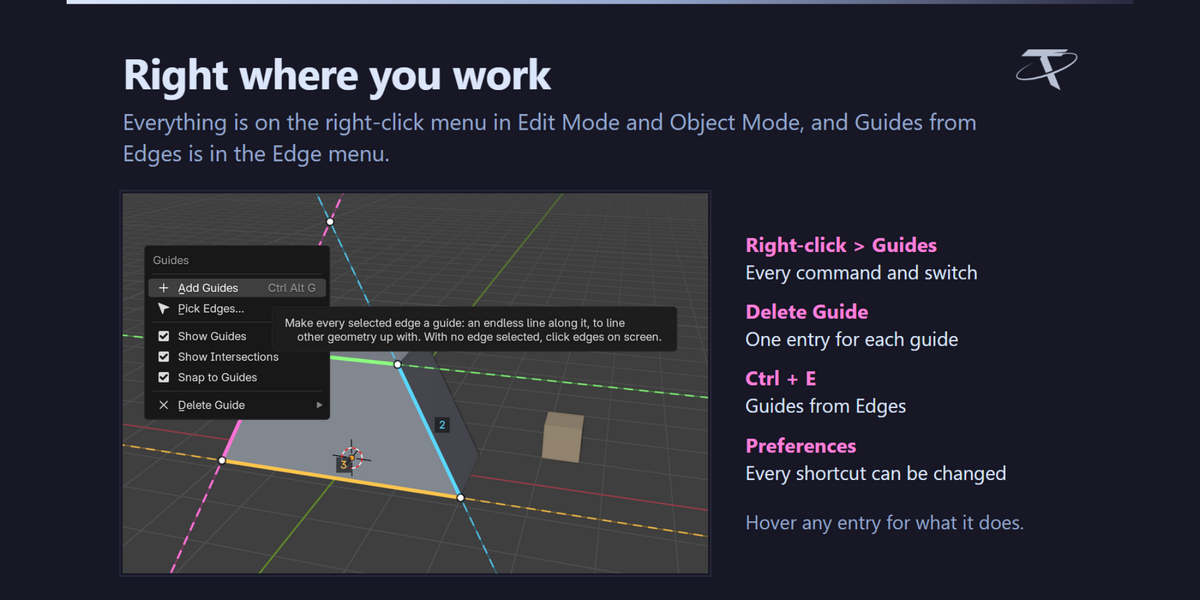
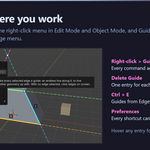
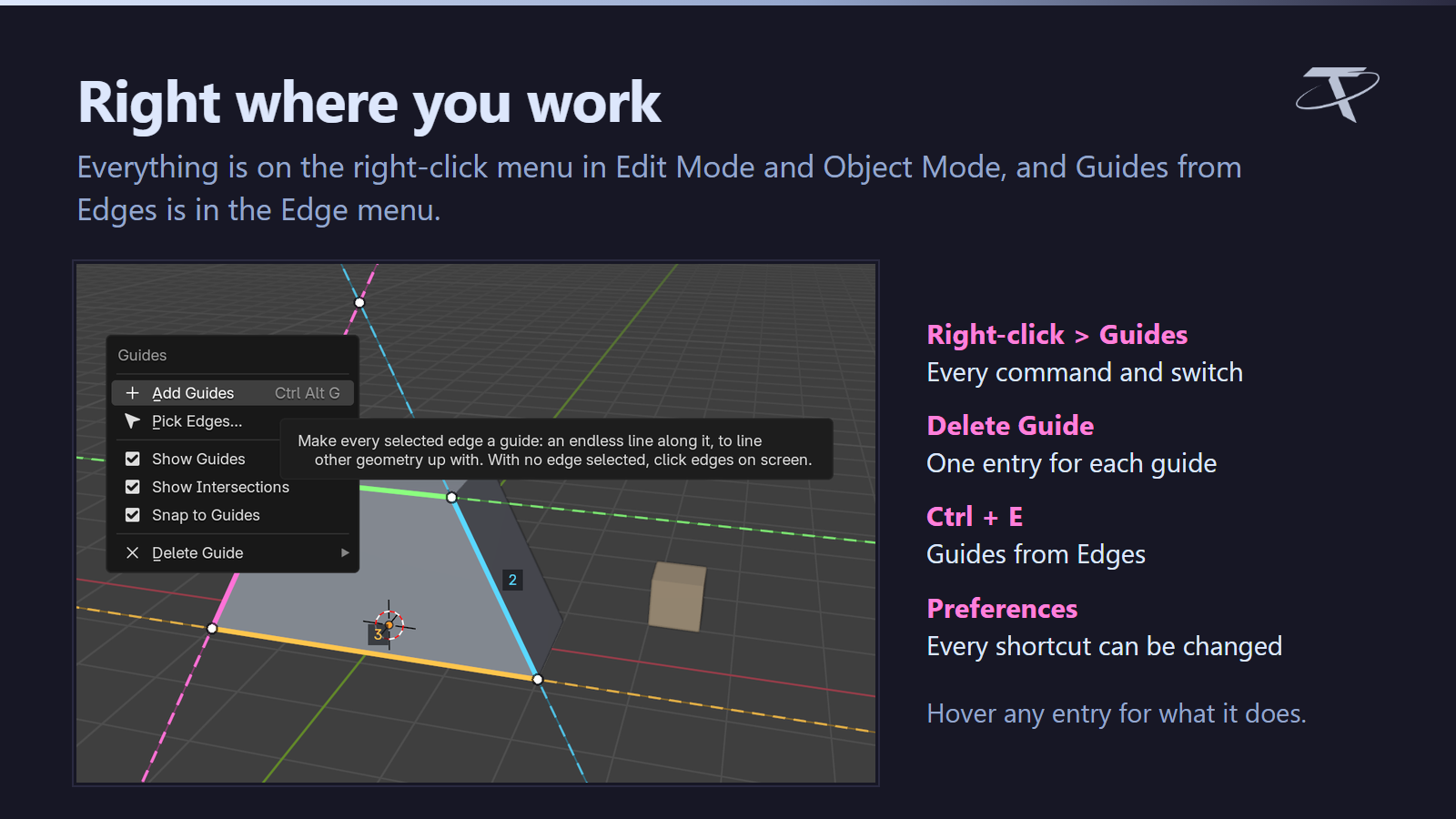
Right where you work
Tachyon Studio
Questions, bug reports and feature requests — join the Discord.
GPL-3.0-or-later · Copyright 2026 Tachyon Studio.

THE TACHYON STUDIO COLLECTION

Go beyond
Tachyon Guides.

The lines are drawn. Shape the corners along them, cut into the shape and measure what you built.

SHAPE THE CORNERS

Advanced Modeling Bundle

Advanced Inset, Bevel and Extrude: every corner gets its own depth, width and vertex count, and Extrude follows any edge you pick.
Advanced Modeling Bundle product thumbnail

CHECK THE SIZE

Measure Flow

Distance, angle, area, radius and thickness, picked in the viewport and saved with the scene.
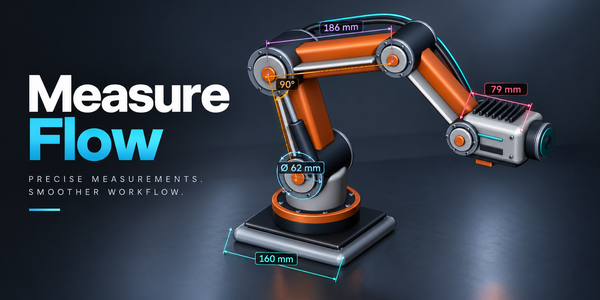
Measure Flow product thumbnail

Build out your workflow.

A few more tools, chosen for the work you do here.
There is more in the studio.

See the full collection ↗

Optional products, sold separately. Check requirements; external applications are not included.

Use Ultimate Utilities or its Core Utilities / Export Checker / Fast Export standalones, not both.


  • For 1 person (1 seat). Commercial use included.

    $9.99
  • For a team of up to 6 people (6 seats). Commercial use included.

    $39.96
  • For a studio of up to 20 people (20 seats). Commercial use included. Need more than 20 seats? Contact us directly.

    $99.90
$9.99

Support Period Included

Includes 12 months of

Extend this product’s Support Period +12 months: 50% of product price

Have questions before purchasing?
Login to message

Details
Blender Extension Compatible Yes
Published about 3 hours ago
Blender Version 3.3 - 5.2
Extension Type Add-on
License GPL