 Unik Studio


Import 3ds Max Files With A Clear Blender Workflow
3dsmax to blender is built for artists who receive .max assets and need a practical Blender handoff path with explicit dependency checks, unit handling, material cleanup, and readable import reports.
Key Features
Bundled MAX Importer — Open .max Files Without A Manual Export Step
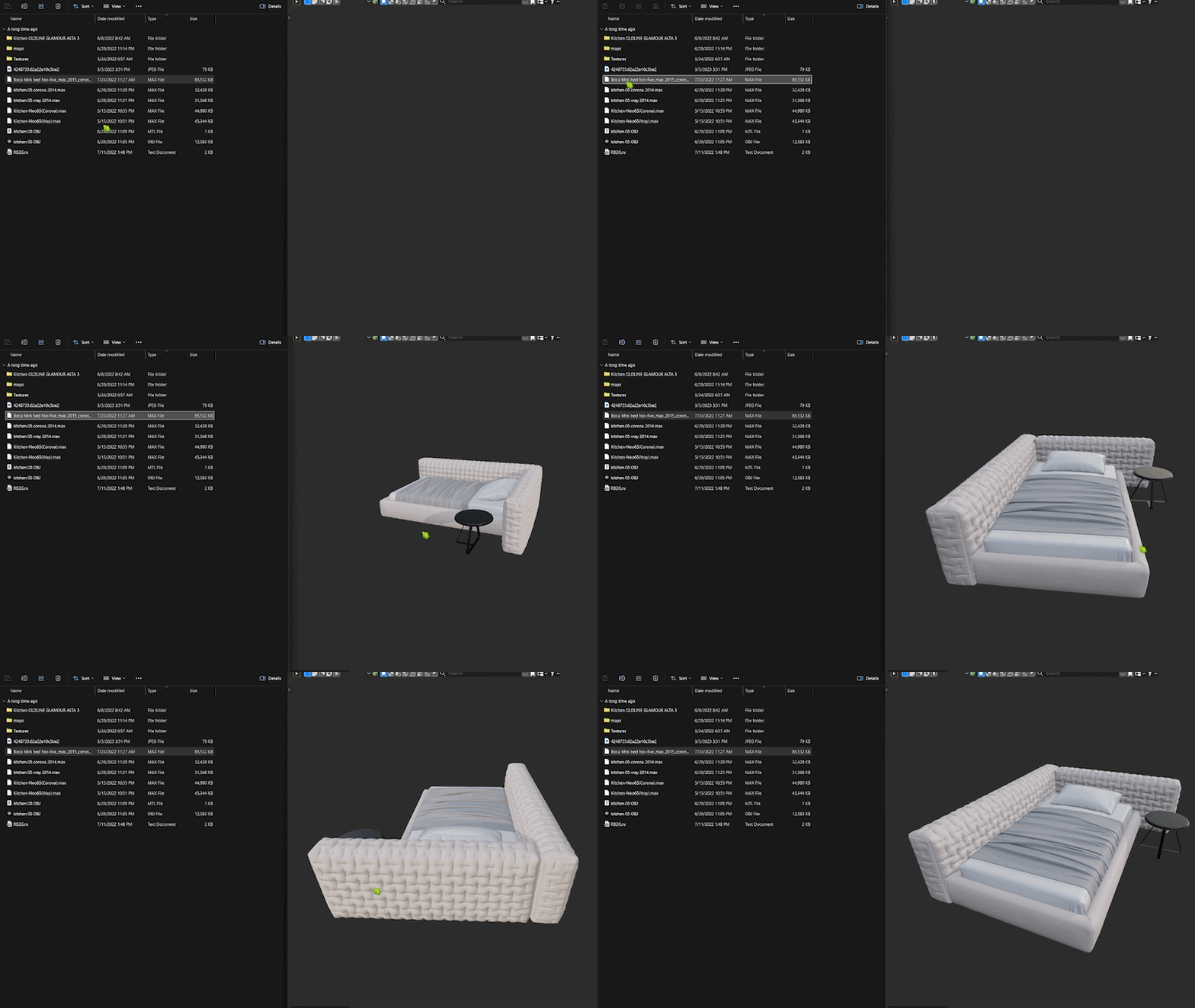
The add-on tries the bundled Autodesk MAX Importer first, so many .max files can be imported directly into Blender without manually exporting FBX or OBJ before starting.
The bundled importer is source-based and GPL-compatible. If a file cannot be handled by the direct importer, the add-on can use your configured bridge fallback instead.
Unit Detection — Better Scale On Import
Direct imports are normalized to Blender's metric scene scale. When readable unit metadata is available, the add-on detects millimeters, centimeters, meters, or inches automatically.
If unit metadata is not readable, choose a fallback source unit in preferences. The default fallback is inches, matching the common 3ds Max default system unit.
Material And Texture Reports — Know What Came Across
Imported materials are normalized for Cycles where possible, and the import report shows which external texture images were found or missing.
Texture support depends on image files still existing at the referenced path, beside the .max file, or in searchable subfolders. Embedded texture extraction is not included.
Bridge Fallback — Use A Local 3ds Max Export Command When Needed
Configure a local bridge command that opens a .max file and exports OBJ, FBX, glTF, or GLB. Blender imports the generated interchange file after the bridge command finishes.
The add-on fails early when the bridge executable is missing and can keep intermediate files for debugging when you enable that preference.
Optional GLB Cache — Reuse Direct Import Results
Set a cache folder for direct .max imports and the add-on can write GLB output alongside the Blender import workflow, making repeated handoff and review easier.
A Simple Import Workflow
1. Install And Enable
Install the ZIP in Blender 4.2 LTS or newer and enable 3dsmax to blender in preferences.
2. Choose Direct Import Or Bridge Fallback
Keep the bundled MAX importer enabled, or configure a 3ds Max bridge command for files that need an external export path.
3. Import A .max File
Drag and drop a .max file into Blender or use the import operator.
4. Review Warnings
Check the report for unit fallback, texture loading, missing files, material simplification, and bridge output details.
Compatibility And Support Matrix
| Item | Current v1 Support |
|---|---|
| Blender | 4.2 LTS or newer |
| Platform | Windows x64 |
| Source format | 3ds Max .max |
| Support class | Converter-backed direct parser plus optional host-assisted bridge fallback |
Known Limitations
- Only .max source files are supported in the current release.
- Direct import uses the bundled Autodesk MAX Importer parser.
- If the direct importer is unavailable for a file or Blender setup, a user-configured local 3ds Max bridge/export command is required.
- Unit auto-detection is best effort; use the fallback unit preference when metadata cannot be read.
- Texture support depends on external image files being available. Embedded texture extraction is not included.
- Renderer-specific materials, modifiers, rigs, constraints, animation, cameras, lights, and scene metadata may degrade depending on the parser or bridge output.
- Proprietary Autodesk software, licenses, converter binaries, and third-party tools are not bundled.
FAQ
Does this work without 3ds Max?
Yes for files handled by the bundled MAX importer. Files that cannot be handled directly may require a configured local 3ds Max bridge/export command.
Does it import every part of a 3ds Max scene perfectly?
No. Geometry is the primary target. Materials and textures are partial, and renderer-specific shaders, modifiers, rigs, animation, cameras, lights, and metadata may be simplified or lost.
Does it work offline?
The add-on itself does not require internet access. Any optional bridge workflow depends on the local tools you configure.
What support is included?
Support covers add-on installation, preference setup, Blender import handoff, and failure reports. Support does not include Autodesk licenses, installing 3ds Max, or troubleshooting unrelated third-party converters.