 Unik Studio


AnyNode Preview — Blender Geometry Nodes & Shader Preview
AnyNode Preview V1.0 is a Blender node preview add-on for Geometry Nodes, the Shader Editor and World nodes. It adds cached node thumbnails, 3D viewport field overlays and material controls without rewiring the original node graph.
Full edition shown below. Lite includes Selected Preview, card controls, timing, Refresh and cache so you can test the core workflow first.
Geometry Nodes and Shader Preview Cards
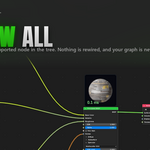
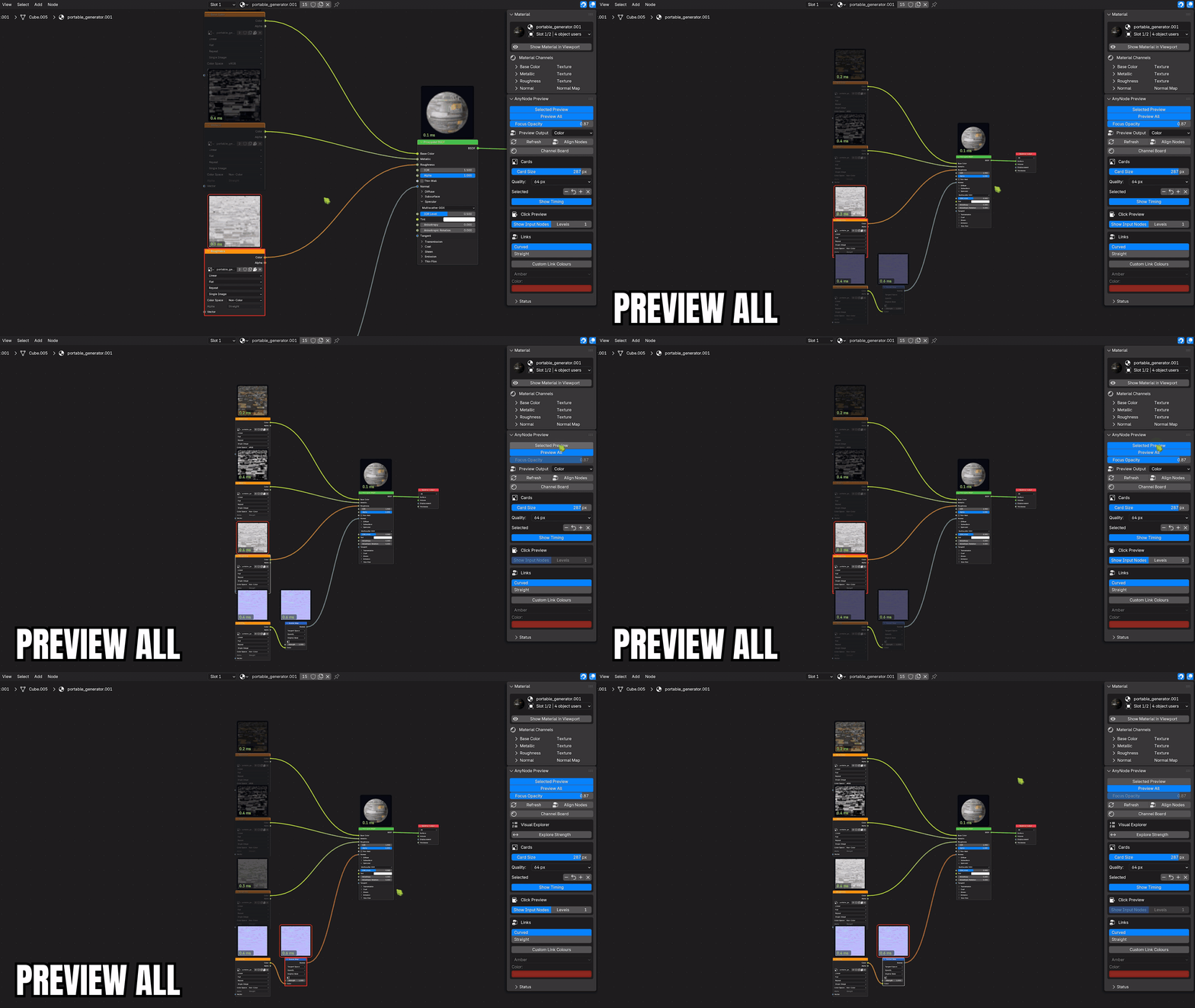
One switch draws a cached card over every supported node in a Shader or Geometry tree — textures, shaders, geometry, fields, images. Nothing is rewired to a Viewer and the artist's graph is never touched, because previews are evaluated on a temporary copy. Ctrl+Shift+P toggles it; Show Timing adds the millisecond badge you can see on each card.
Selected Node Preview and Chain Focus
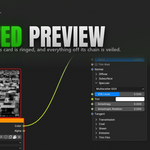
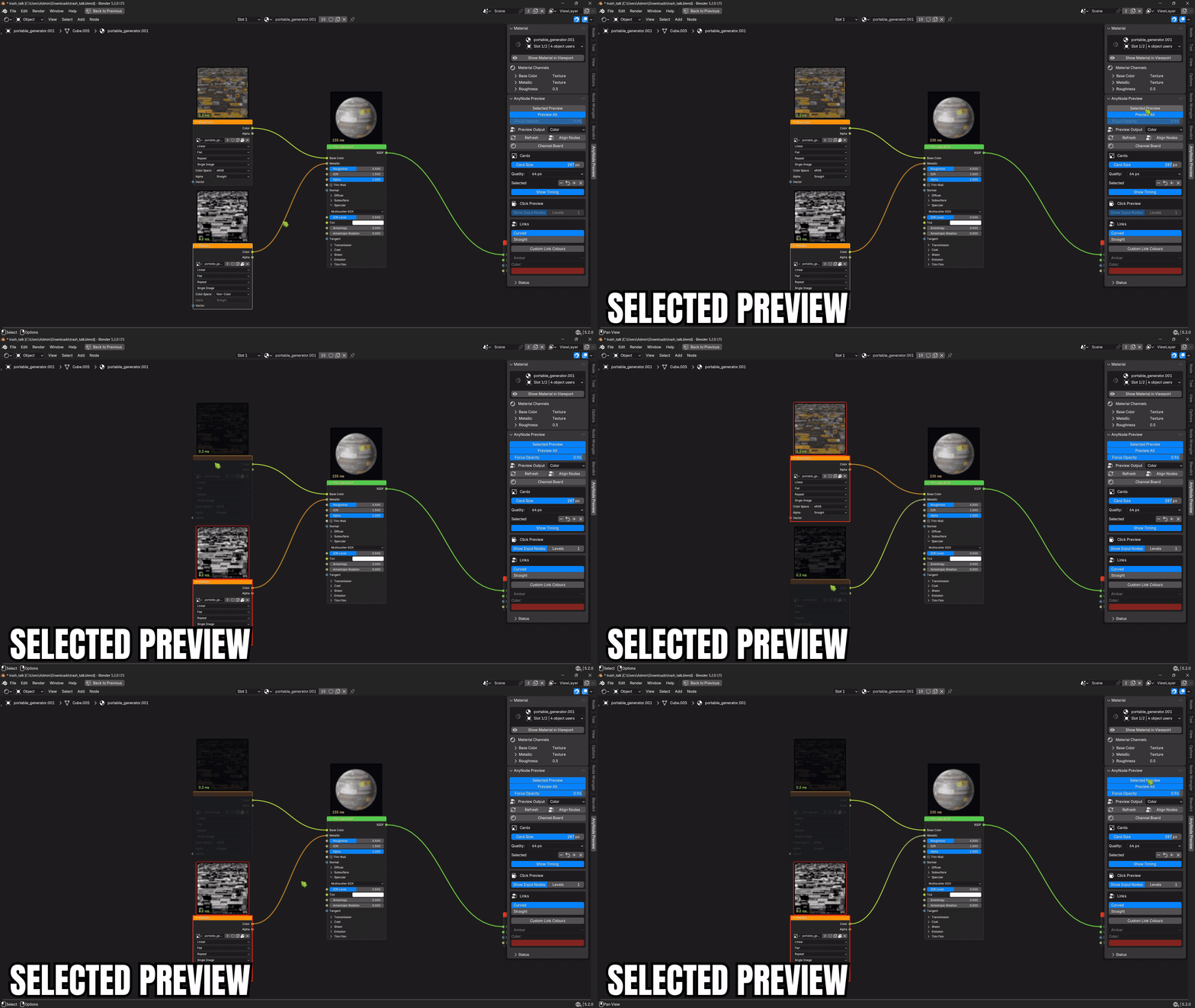
A click previews the node, rings its card so the click has a visible answer even when every node already carries one, and highlights the chains passing through it. Only the nodes outside those chains are veiled — Blender's own wires are never redrawn. Focus Opacity sets the veil from 0 to 100%, and Show Input Nodes follows a configurable number of upstream levels.
Geometry Nodes Preview, Step by Step
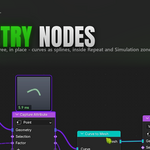
Curves, meshes, instances and fields render as clay cards on the nodes that make them, including inside Repeat, Simulation and For Each Element zones. Curves are converted for display, so a curve node shows its splines instead of an empty card. When a node genuinely cannot carry one — a passthrough, a frame, an output node — the sidebar names it and says why, from the same call that made the decision.
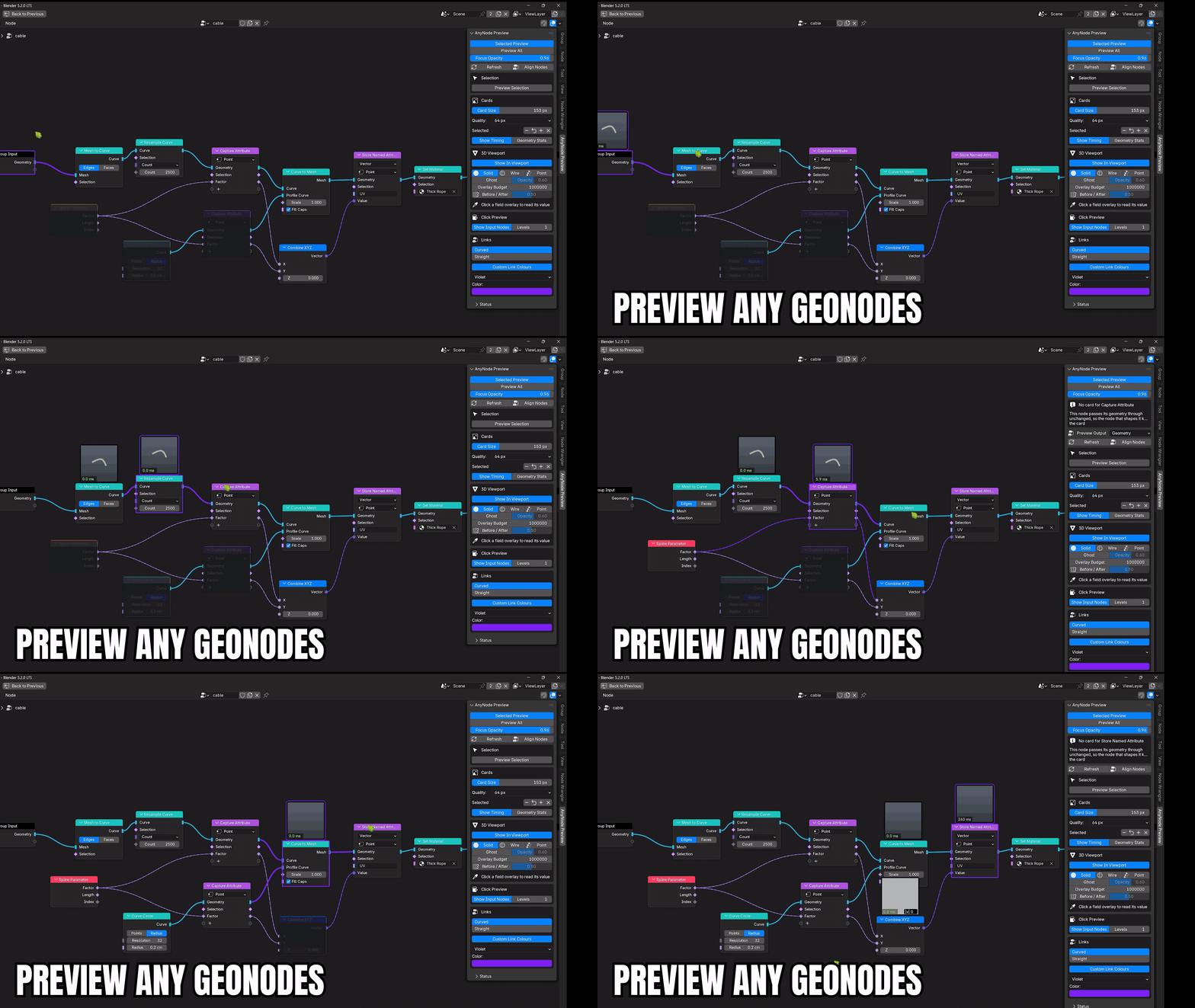
Preview Output appears when a node has more than one visual output and picks the exact socket the card shows. The choice is session-only and the source graph is never rewired.
Geometry Nodes Preview in the 3D Viewport
Draw the active Geometry node's evaluated result onto the object whose modifier owns the tree — at real scale, in place, and correctly occluded by the rest of the scene. Solid, wire or points; opaque or as a ghost over the real object. It has its own triangle budget, separate from the card budget, because a full-screen overlay is worth more triangles than a thumbnail.
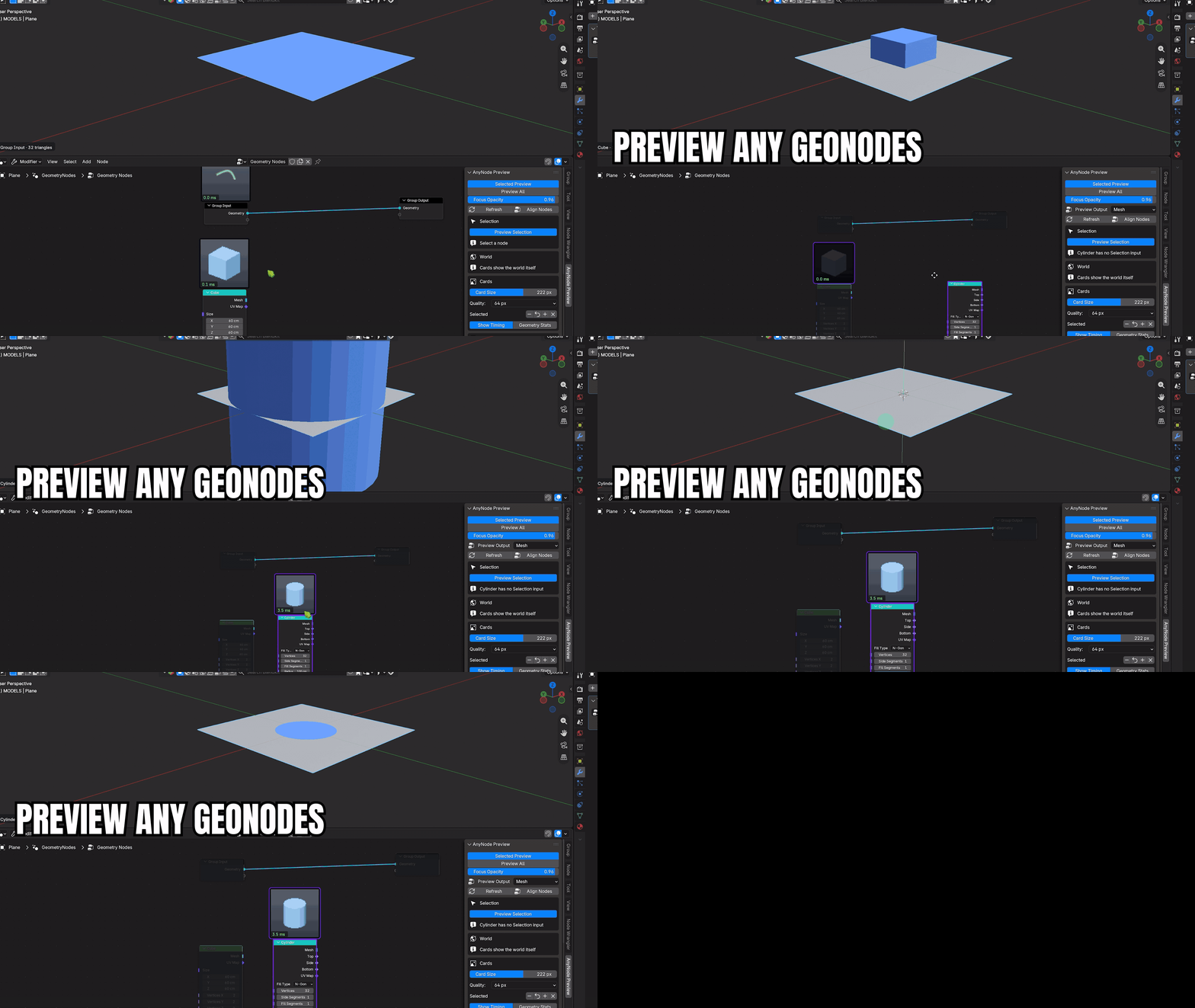
Field and Attribute Heatmaps on the Real Mesh
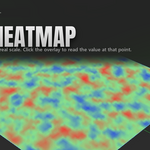
This is where the viewport beats a 64 px card by the widest margin: a thumbnail cannot show where on a dense mesh a value falls. Field and attribute outputs draw as a heatmap on the geometry itself, with a caption naming the node and the range the heatmap is normalised against — without it the same picture could mean 0..1 or 0..1000. Click the overlay to read the value at that point; the reading stays pinned as you orbit.
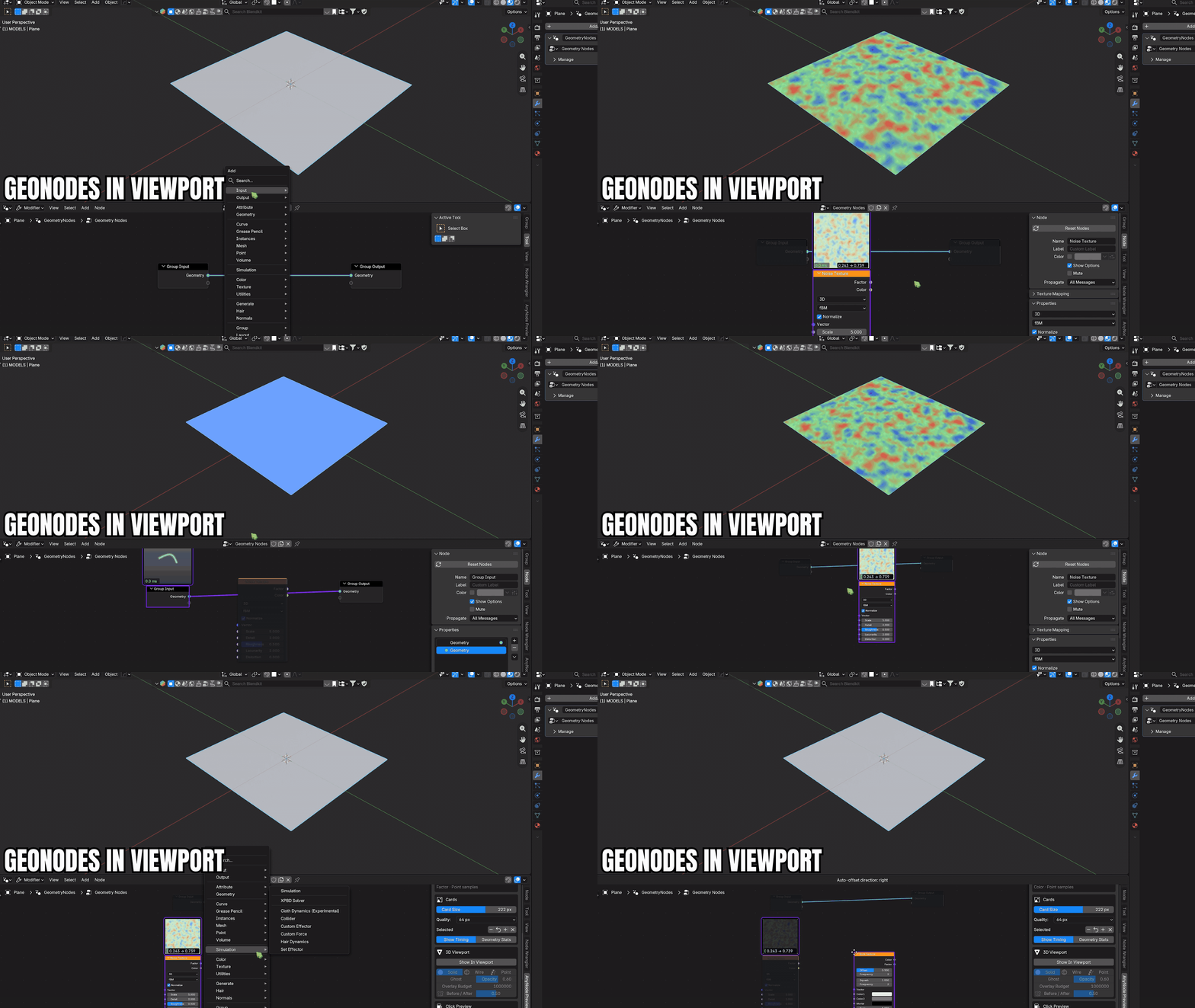
Before / After wipes the node's input geometry against its output in the same place at the same scale, so the change a node makes is one picture rather than two remembered ones.
Material Preview Controls in the 3D Viewport
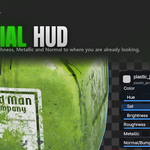
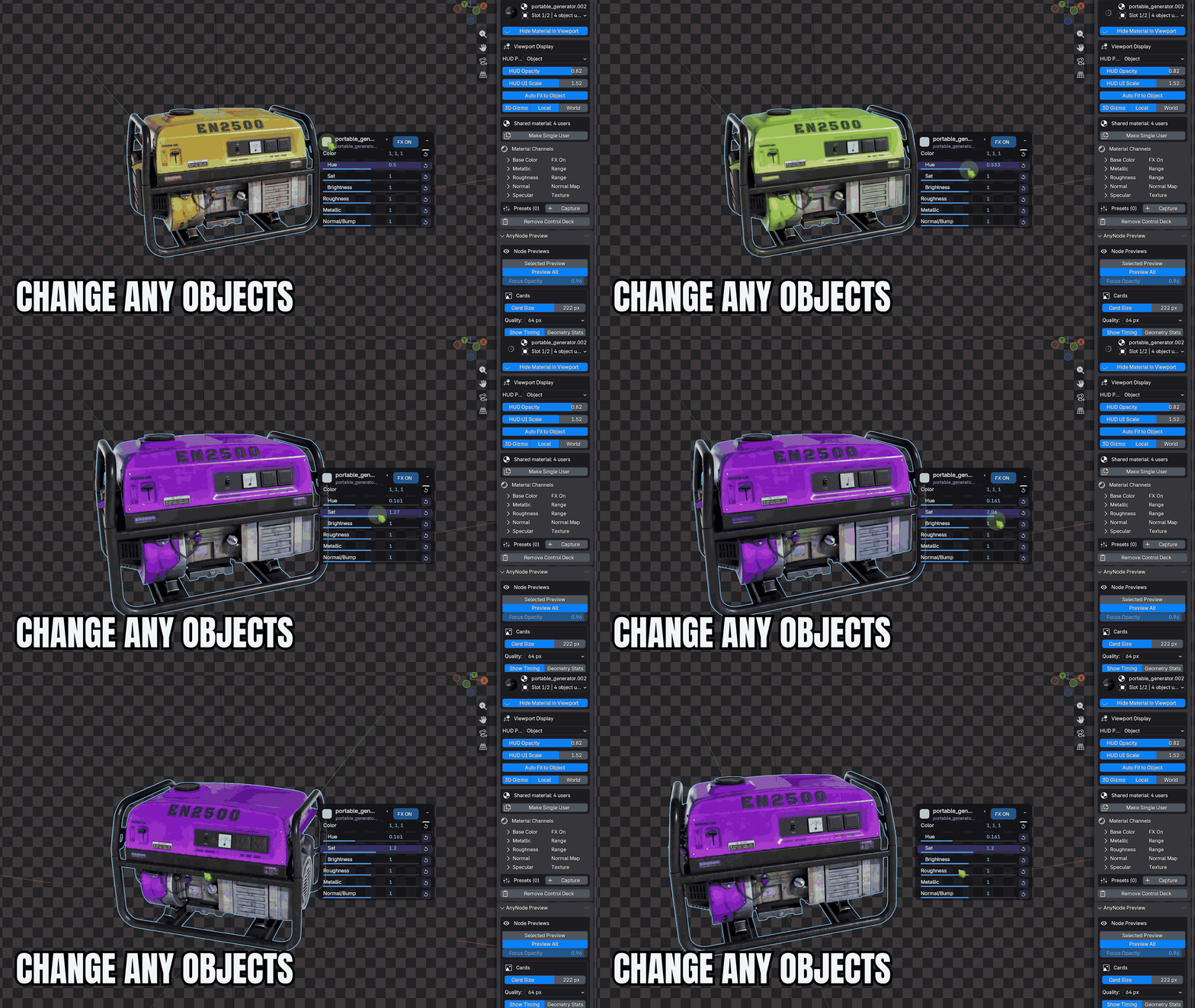
A compact HUD follows the active object with Colour, Hue, Sat, Brightness, Roughness, Metallic and Normal. The controls are discovered from the material that is actually connected, not a guessed list, and a linked texture is tinted rather than replaced — the texture detail survives. Alt+M shows or hides it in Object Mode; every row has its own reset, and FX On / FX Off compares against the original in one click.
Non-Destructive Material and Shader Controls
On first show, Base Color gains neutral Colour Adjust controls while linked Roughness and Metallic maps gain reversible Map Range layers, and Normal, Bump and Displacement expose Strength, Strength and Scale. Every one of them can be removed again, restoring the exact original socket or value. Shared materials show their user count and are never copied without an explicit Make Single User.
World Shader and HDRI Preview
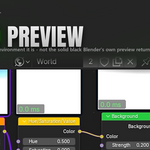
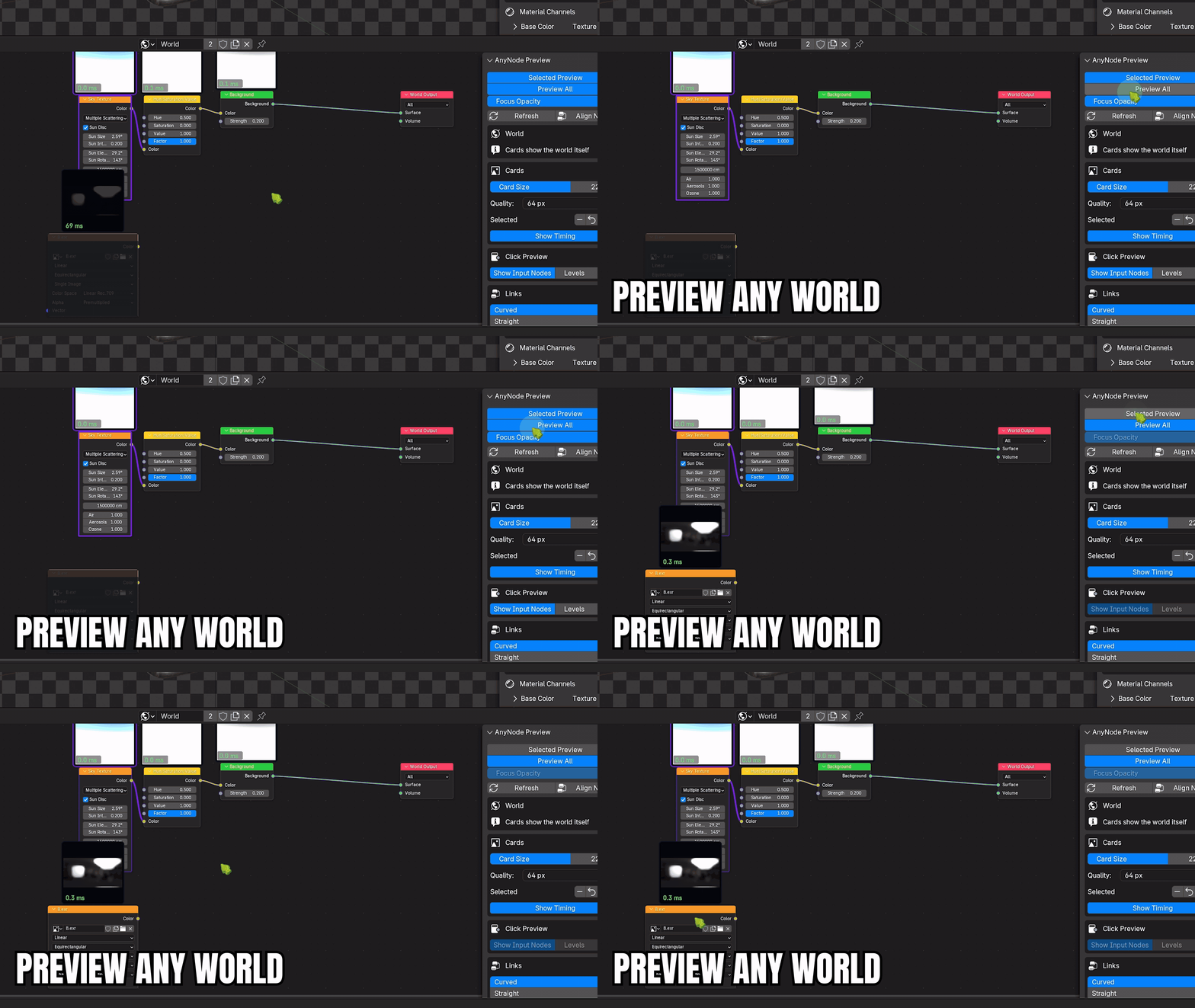
World trees render through a 3D viewport, wired via a Background, so the card shows the sky you built. Blender's own ID-preview system renders a World to solid black; this path does not. Sky Texture, HDRI and the adjustment nodes between them all show their result, and the material-only tools hide themselves in a World editor rather than offering controls that cannot apply.
Custom Node Thumbnail Size, Timing and Link Style
Selected card size grows or shrinks the cards of the selected nodes between 25% and 300%. It changes how large the card is drawn, never what is rendered, so it costs no render and cannot invalidate a cached thumbnail. Show Timing controls the ms badges independently.
One Colour with twelve presets drives node links and the active-node outline, and links switch between Curved and Straight. It is opt-in: with it off the add-on never writes to your theme, and turning it off restores the colours you had.
Blender Node Preview Features
Answers you would otherwise get by rewiring, guessing, or rendering.
Channel Board — every material channel side by side
Base Color, Metallic, Roughness, Normal, Alpha, Emission and anything else you have linked, rendered at once instead of rewiring one socket at a time into Material Output. Linked channels render through their exact source socket, so a Separate Color's Blue feeding Roughness shows Blue and not Red. Unlinked channels draw as their constant and cost no render at all.
Visual Explorer — pick the result, not the number
One unlinked value input is rendered as the finished material at eight settings at once, so a look is chosen from results instead of dragged blind. The current value is always the blue reference tile. Click a ready tile to apply it; one Ctrl+Z takes it back.
Presets and A/B
Presets store typed deck values, name, order, notes, favourite state and an optional packed 128 px thumbnail. A/B compares two of them live: Cancel restores the exact entry state, Commit keeps the winner as one undo step.
Align Nodes
Arranges the selected nodes or the whole current tree into deterministic dependency columns. Connected single-consumer chains snap to 20 px horizontal padding, so pairs such as Image Texture → Normal Map stay visually together, and duplicate Texture Coordinate/Mapping utilities in the same frame can be consolidated without losing outgoing links.
Blender Node Preview Workflow
- Open a Geometry Nodes, Shader or World tree and press
Nfor the AnyNode Preview tab. - Turn on Preview All to card the whole tree, or Selected Preview to card what you click.
- Click the node you are working on to ring its card and veil everything off its chains.
- Turn on Show In Viewport when a 64 px card is not enough — fields and dense meshes read at real scale.
- Press Alt+M to bring up the material HUD and art-direct the look in place.
- Capture a preset when you like it, and A/B it against the previous one.
What's Included with AnyNode Preview
AnyNode Preview V1.0 Full: preview cards for Geometry, Shader and World trees, the 3D viewport overlay with field readout and Before/After, the material HUD and Material Lens, Channel Board, Visual Explorer, presets with A/B, Align Nodes, link colours and shapes, documentation and FAQ.
Choose Your AnyNode Preview V1.0 Edition
-
Lite: Selected Preview for Geometry, Shader and World, card controls, timing, Refresh and cache. Download
AnyNode_Preview_V1.0_LITE.zip. -
Personal: the complete V1.0 Full add-on. Download
AnyNode_Preview_V1.0_PERSONAL.zip. -
Team: the same Full add-on plus priority support with a two-business-day response target. Download
AnyNode_Preview_V1.0_TEAM.zip. -
Studio: the same Full add-on plus one-business-day priority support, onboarding and PO/invoice handling. Download
AnyNode_Preview_V1.0_STUDIO.zip.
Personal, Team and Studio contain the same complete GPL add-on. Team and Studio are fair-share service tiers, not seat restrictions. Lite is a separate feature-limited trial build.
Blender Compatibility & Requirements
- ✓Blender: 4.5 or newer — verified against 4.5 LTS, 5.1 and 5.2.
- ✓Editors: Geometry Nodes, Shader/Material and World node trees.
- ✓Local execution: pure Python, no bundled binaries, no network access and no external dependencies. Background workers are extra Blender processes on your own machine.
- ✓License: GPL-3.0-or-later.
- ✓Install target: Blender Extension. Install the ZIP attached to your selected edition without extracting it through Edit > Preferences > Get Extensions > Install from Disk, or drag the ZIP onto Blender.
-
✓Version display: V1.0 is the customer-facing release. Blender reports semantic build
1.0.0for Lite and1.0.23for Personal, Team and Studio so upgrades are ordered correctly.
Known Limitations
- 1. Not every socket is a picture: Matrix, String, Menu, Object, Collection and Material sockets are intentionally not visualised, and vector grid outputs are skipped because there is no vector equivalent of Grid to Mesh.
- 2. Passthrough nodes show nothing on purpose: attribute and bundle plumbing, material and shade-smooth setters, transforms, curve radius/tilt and NURBS order/weight leave the card with the upstream node that actually shapes the result. The panel tells you which node that is.
- 3. Cards are not a render: geometry cards communicate shape and fields, not final render-engine materials.
- 4. Preview Selection skips zones: nodes inside a Simulation or Repeat zone are not supported by Preview Selection yet, and say so. Ordinary preview cards work inside zones.
- 5. World previews need a viewport: a World renders through a 3D viewport, so with no 3D view open the panel says so instead of guessing.
- 6. Before / After costs a second evaluation: it is off by default for that reason.
AnyNode Preview Changelog
V1.0 — Current release
- ▸ World trees preview as environments through Selected Preview, Preview All and Refresh.
- ▸ Preview cards for Geometry, Shader and World trees, with zone support and per-output selection.
- ▸ 3D viewport overlay with field heatmaps, value readout and Before/After wipe.
- ▸ Material HUD, Material Lens, Channel Board, Visual Explorer, presets and A/B.
- ▸ Blender Extension packaging, verified from Blender 4.5 LTS through 5.2.
Preview Blender Nodes Without Rewiring
See it in the graph. Shape it in the viewport. Your node tree is never rewired.
