 Unik Studio



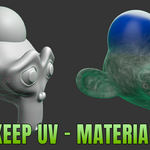
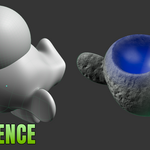
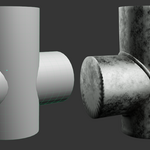
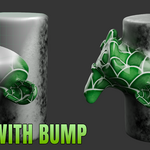
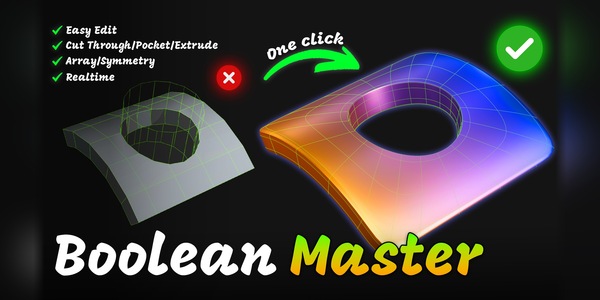
MergeToolsNon-Destructive Boolean Merging
Merge or cut meshes into one live result with clean CAD-style fillets. The source objects stay editable, materials blend across the seam, weld beads follow the real intersection — and one click bakes it all to an ordinary mesh with a recoverable backup.
Now runs on Blender 4.5 LTS
MergeTools no longer needs Blender 5.1. The same add-on installs on Blender 4.5 LTS and every newer release, with the same panel and the same settings.
- ✓ Blender 4.5 LTS and newer — one ZIP for Blender 4.5 LTS through 5.x; tested on 4.5 LTS and 5.1.
- ✓ Same workflow — Merge, Difference, fillet, material blend, weld bead and Bake work on every supported version (see Limitations for Remesh on 4.5).
- ✓ Lite and Full — both editions share version 1.0.6 and replace one another when you install the other ZIP.
Live Feature Demos
Recorded in Blender with the add-on itself. Everything below is in the Full version; the Lite edition merges two objects with fixed settings.
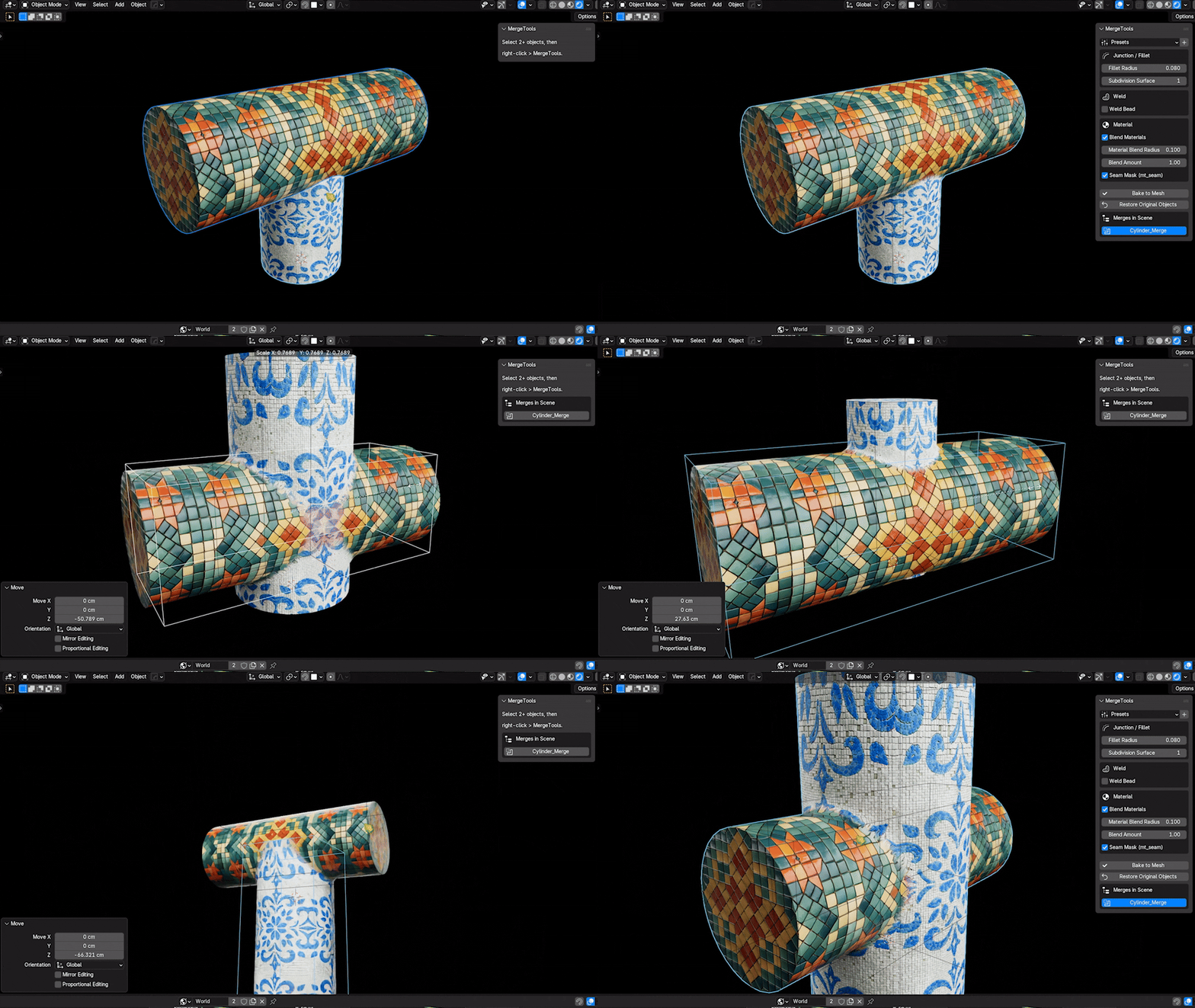
Start from editable source meshes
Keep the original objects alive as hidden sources with handle-style control, then tune the generated result in the MergeTools panel.

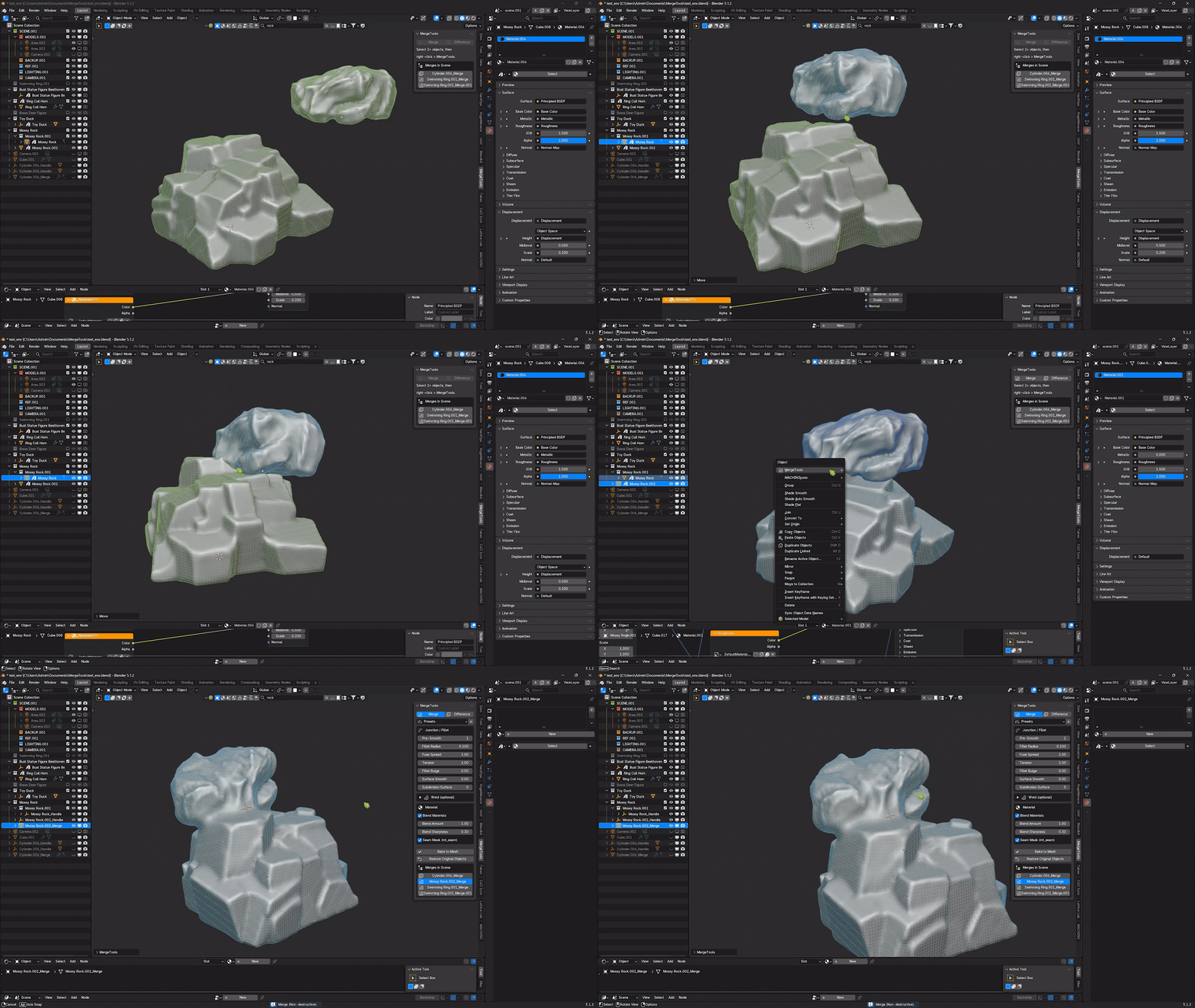
Build a live non-destructive merge
Select the meshes and choose MergeTools in the right-click menu to create one connected result. Tune Fillet Radius, Fuse Spread, Tension, Fillet Bulge, Surface Smooth, Subdivision Surface, material blending and the mt_seam attribute live from the N-panel.
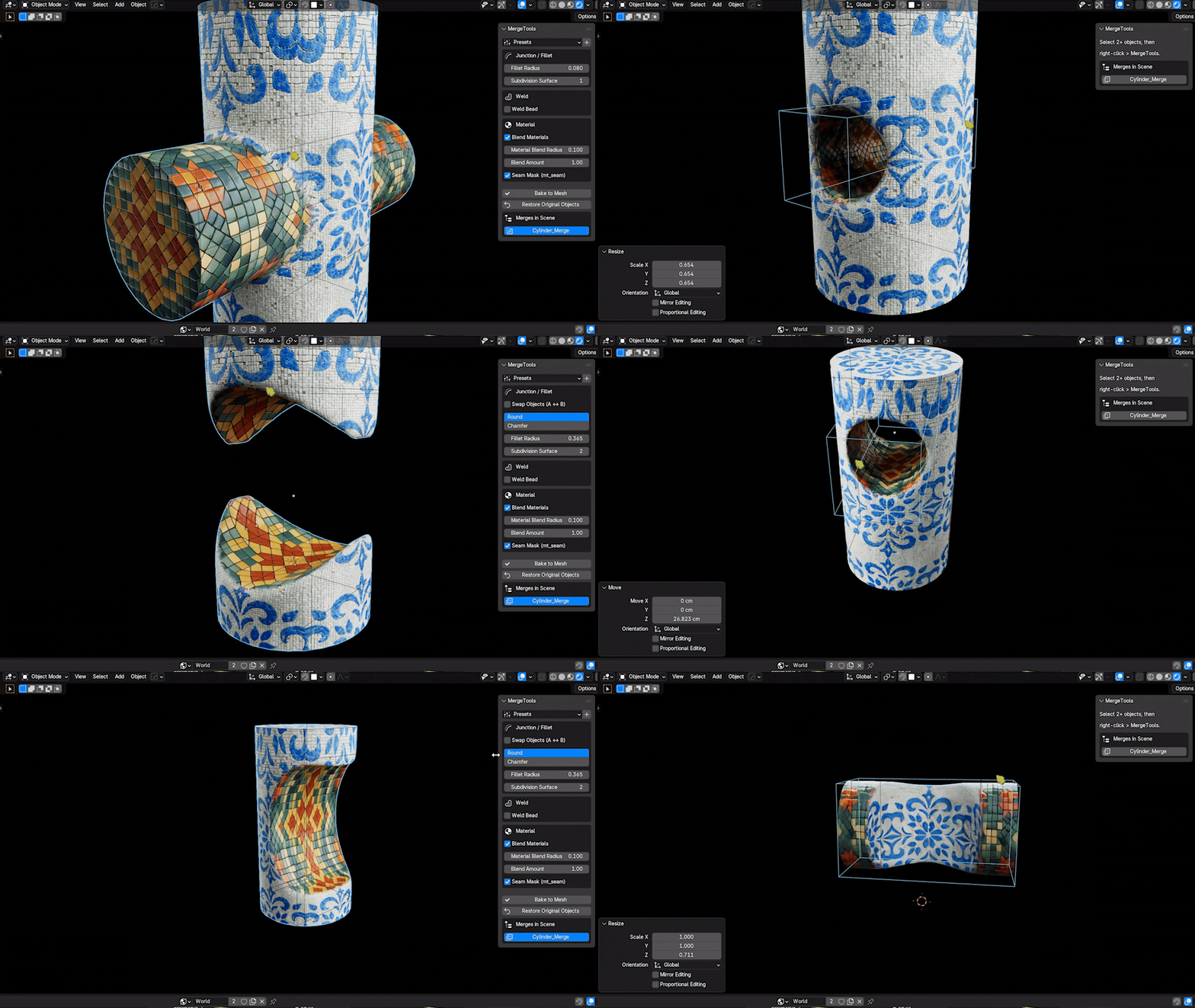
Cut forms with reversible Difference
Use Difference with either Solid or Remesh, swap which object is the base and which is the cutter with one click, then tune the engine-specific controls at the cut edge.
Procedural weld beads on real seam edges
Enable Weld Bead to sweep a bumpy tube along the actual intersection edges, filtered by seam position and edge angle. Control thickness, tube density and ripple strength, and assign a Weld Material — or leave it empty to use the blend material or a generated dark-steel fallback.
A live fusion object with a recoverable bake
MergeTools builds a separate Fusion Object driven by Geometry Nodes and linked back to the source meshes. Move the hidden sources, refine the seam and materials, then bake to an ordinary mesh. The procedural sources move into a managed hidden backup until you choose Restore Procedural or Delete Backup.
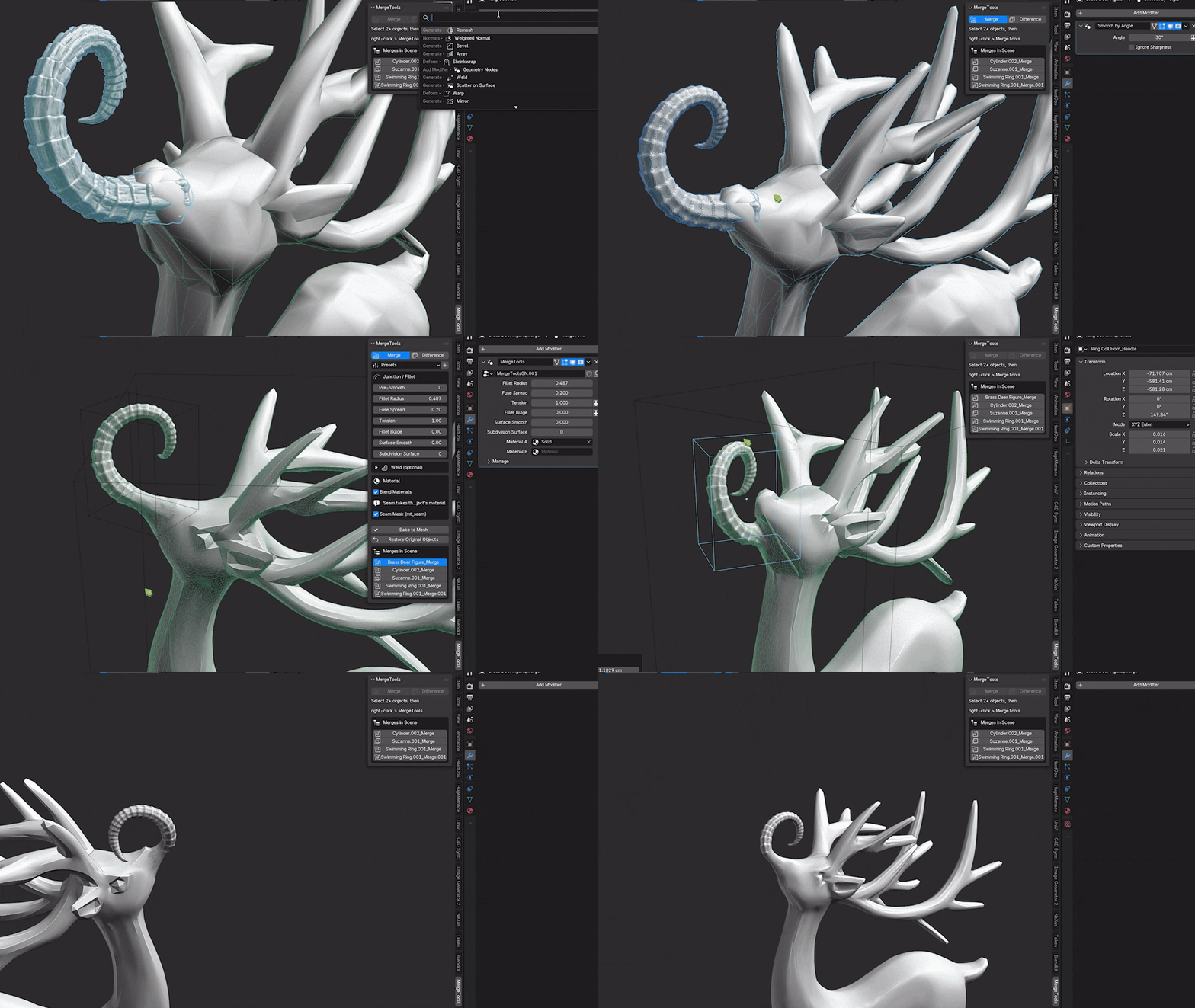
Merge any number of objects, any time
Select any number of meshes at once, or grow a live result later by selecting it together with new meshes and choosing Merge again. Every source keeps its own materials, including sources with several material slots.
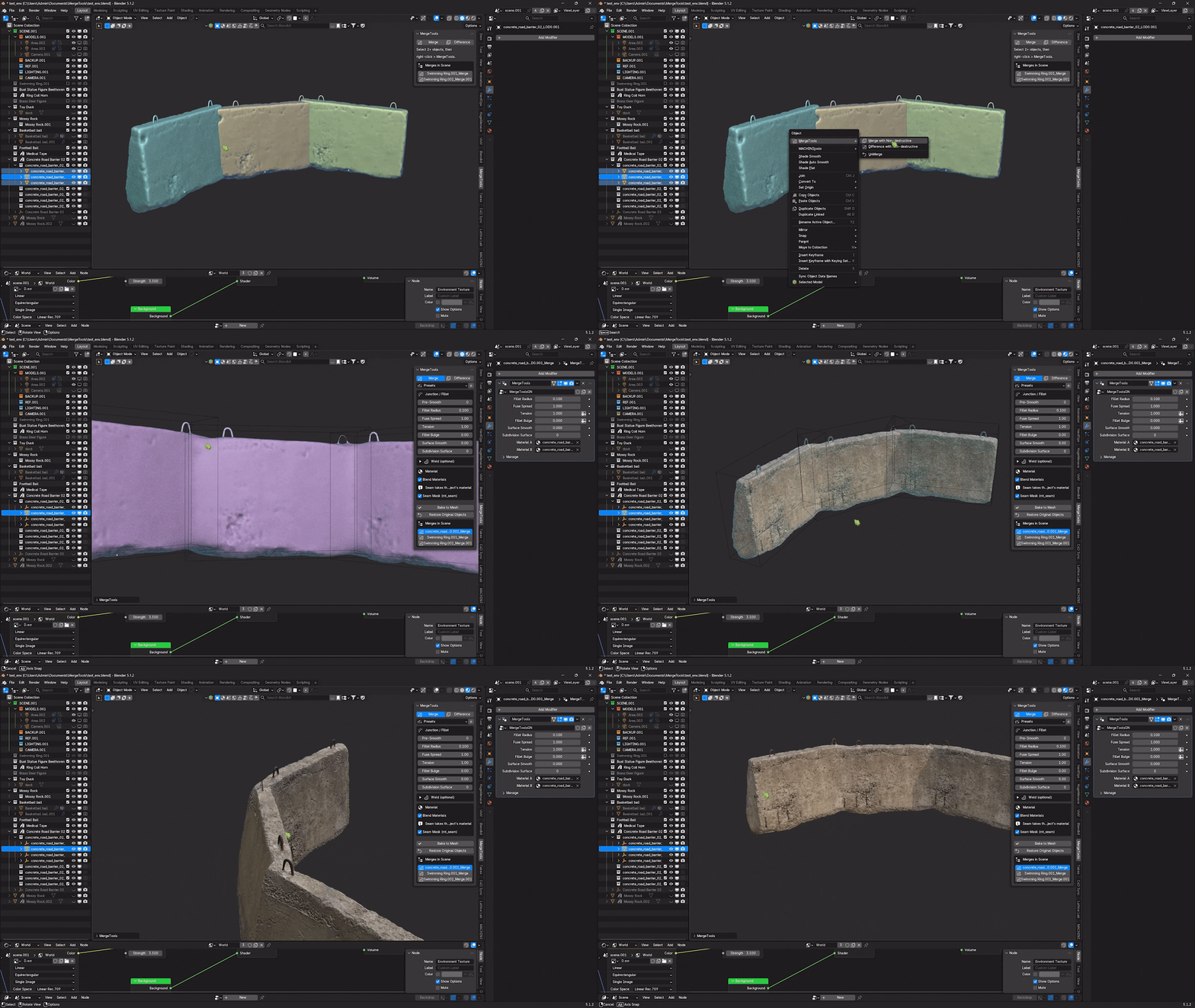
Blend materials without stretched or leaking UVs
Choose Cover Layer to lay a UV-free, triplanar patch of material over the seam band — it reads no UV coordinates, so it never stretches or cracks across UV islands. Or choose Cross-fade to blend the sources' own UV-mapped textures. Both follow the along-surface distance to the seam, so the band stays an even width; shape it with Blend Amount, Blend Sharpness and Blend Noise.
Lite or Full
Lite is for trying a live merge on your own meshes. Upgrade any time — installing the Full ZIP replaces Lite.
| FEATURE | Lite | Full |
|---|---|---|
| Live non-destructive Solid Merge | ✓ | ✓ |
| Original objects kept, Restore Original Objects | ✓ | ✓ |
| Right-click menu, sidebar tab and Merges in Scene list | ✓ | ✓ |
| Blender 4.5 LTS and newer | ✓ | ✓ |
| More than two sources, add objects to an existing merge | — | ✓ |
| Difference with Swap Objects (A ↔ B) | — | ✓ |
| Remesh (SDF) engine | — | ✓ |
| Fillet Radius, Fuse Spread, Tension, Bulge, Surface Smooth, Subdivision | — | ✓ |
| Material blend: Cover Layer and Cross-fade, mt_seam attribute | — | ✓ |
| Procedural weld bead | — | ✓ |
| Presets | — | ✓ |
| Bake to Mesh with a recoverable backup | — | ✓ |
What MergeTools Adds
A focused hard-surface workflow: merge, finish the seam, bake, move on.
1Merge, non-destructively
Combine any number of meshes into one live result; the sources stay intact and hidden from render.
2Difference with Swap
Subtract cutters from the active base, and flip Swap Objects (A ↔ B) any time to reverse the cut.
3Fillet controls
Pre-Smooth, Fillet Radius, Fuse Spread, Tension, Bulge, Surface Smooth and Subdivision — scale-independent, following the boolean's true intersection edges.
4Weld beads
A bumpy tube swept along the real seam, with size, detail, noise and its own material.
5Fusion Object
A dedicated Geometry Nodes result that references the original objects, so everything stays tunable until you bake.
6Material blend
Cover Layer (UV-free triplanar) or Cross-fade across any number of sources and multi-slot materials, plus the mt_seam attribute for your own shaders.
7Presets and scene list
Save named presets, jump between MergeTools results, or restore the original objects.
8Bake and clean export
Bake to real geometry; blend data becomes a standard UV layer and real material slots.
Workflow
Requirements
- ✓Blender: Blender 4.5 or newer, installed as an Extension. Tested on Blender 4.5 LTS and 5.1.
- ✓Platform: Tested on Windows 11. Pure Python and native Geometry Nodes — no external dependencies, no internet access.
- ✓Mesh objects: Works on selected mesh objects in Object Mode.
- ✓Recoverable workflow: Sources stay live while editing and move into a managed hidden backup when you bake.
-
✓Install target:
mergetools_v1.0.6.zip(ormergetools_lite_v1.0.6.zip) via Edit > Preferences > Get Extensions > Install from Disk, or drag and drop the ZIP onto the Blender window.
Limitations
- 1Mesh objects only: Convert curves, text, volumes and other object types to mesh first.
- 2Remesh on Blender 4.5: Blender 4.5 has no SDF Fillet / SDF Mean nodes (added in 5.0), so Remesh smooths the seam on the mesh instead; its result can differ slightly from Blender 5.x. The Solid engine is identical on every version.
- 3Material blend: Volume, OSL or node graphs that cannot be converted safely raise a warning and fall back to the nearest source material.
- 4Difference direction: The active object is the base by default; use Swap Objects to reverse the cut.
- 5Heavy scenes: Dense meshes, large intersections, high subdivision and weld beads can slow the viewport. Bake once the result is approved.
- 6Bake keeps a backup: Bake to Mesh moves the live sources into a hidden managed backup. Restore Procedural recovers them; Delete Backup removes them after confirmation.
Roadmap
What comes next for MergeTools. Updates are included for buyers of the Full version; the order may change with your feedback.
Blender 4.5 LTS support
- One ZIP for Blender 4.5 LTS through 5.x
- Full and Lite share one version and replace one another
Seam Profiles & Painted Radius
- Seam profiles: Round, Chamfer, Cove groove, Raised Lip and Step
- Paint the fillet radius along the seam — thin in one place, wide in another
- Drag the fillet radius directly in the viewport with a gizmo
- Full-radius fillets on large, dense meshes and grazing contacts (a sphere resting on a plane)
Seam Details Kit
- Rivets, bolts, screws and stitches placed live along the seam — or any object you choose
- Weld styles: TIG ripple, MIG bead, spot weld, caulk and solder
- Panel lines: a groove that follows the seam
- Everything bakes to real geometry
Boolean Stack
- Give every source its own role — Union, Cut or Intersect — in one live result
- Slice: split an object into two pieces, both with clean fillets
- Shell Cut: cut with a wall thickness for hollow boxes and tubes
- Reorder sources and nest merges safely
Cutter Library
- Drag vents, ports, screw holes and panels from the Asset Browser onto any surface
- Cutters snap to the surface normal and cut with a fillet automatically
- Save your own cutters to the library
Smart Wear Materials
- Seam-driven looks: rust bleed, grime, paint chips, weld scorch and glowing seams
- Works in EEVEE and Cycles
- Blend material refreshes automatically when you edit a source material
Game-Ready Bake
- Bake fillets, welds and details to a normal map on the low-poly mesh
- Automatic UVs for the seam band, quad-friendly seam cleanup and LODs
- One click to a GLB / FBX-ready asset
Speed & Organic Fuse
- Draft quality while dragging sliders, full quality the moment you let go
- Clay Fuse: a separate blend radius for every pair of sources, for organic models
- Optional constant-radius CAD fillet
- Full video tutorials and expanded documentation
Merge clean. Stay editable.
Installation, every setting, the Lite edition and troubleshooting are in the Documentation tab.
More add-ons by Unik Studio
Other Blender tools from the same creator.