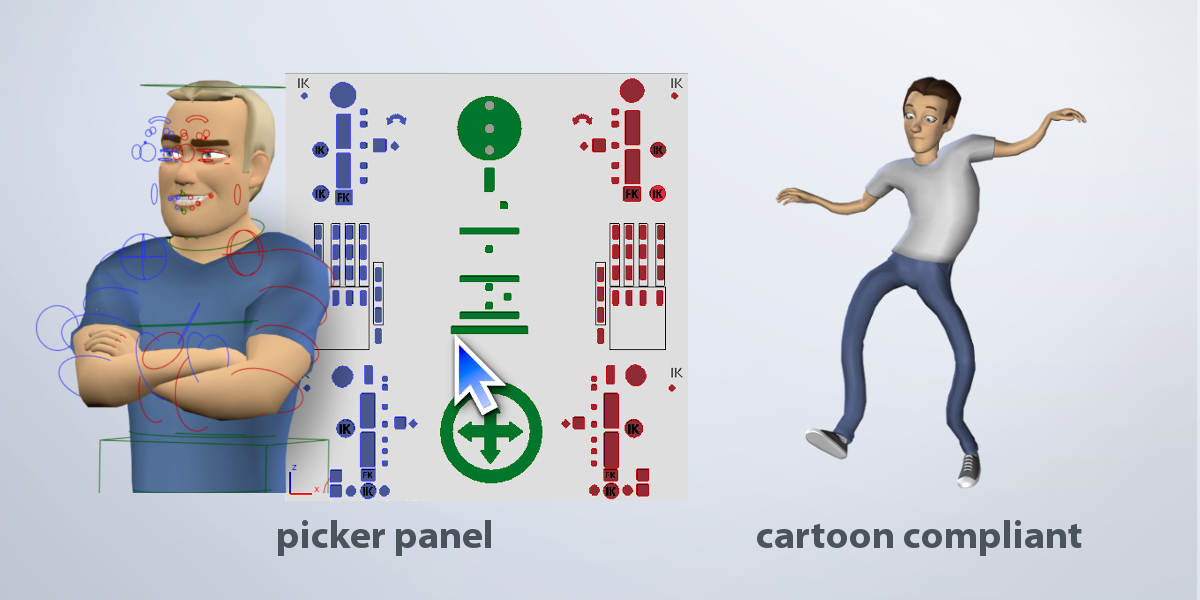
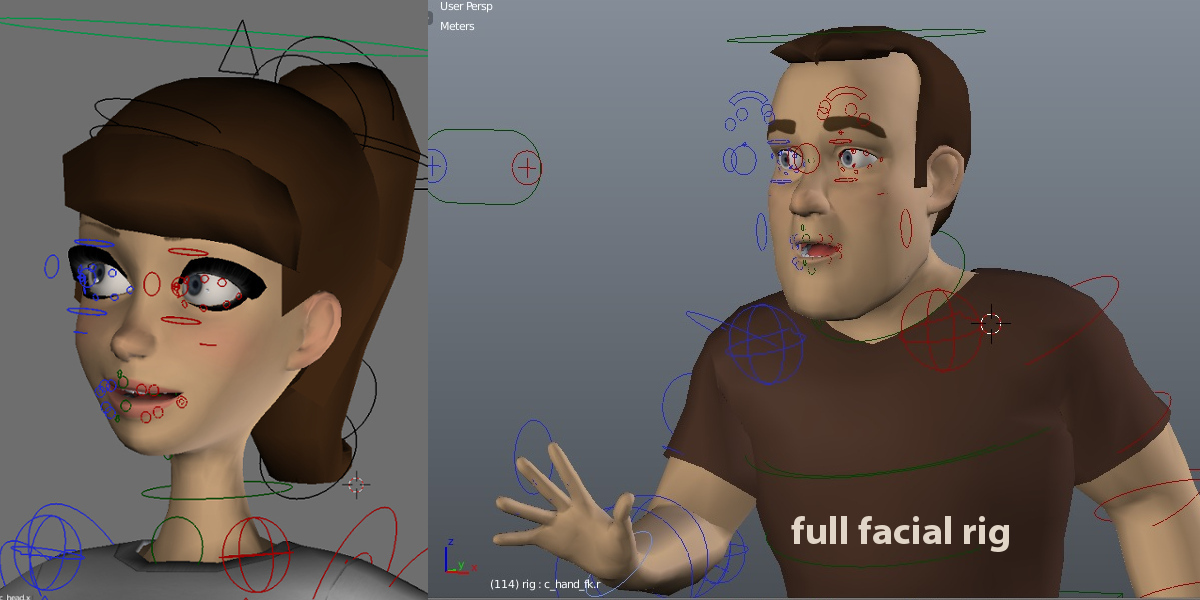
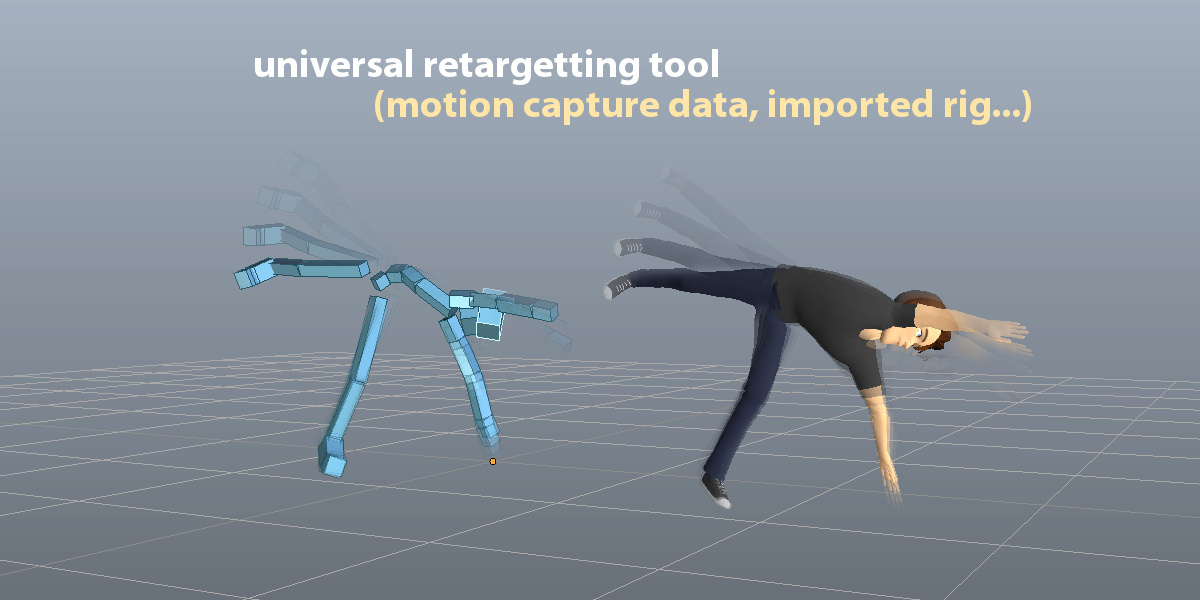
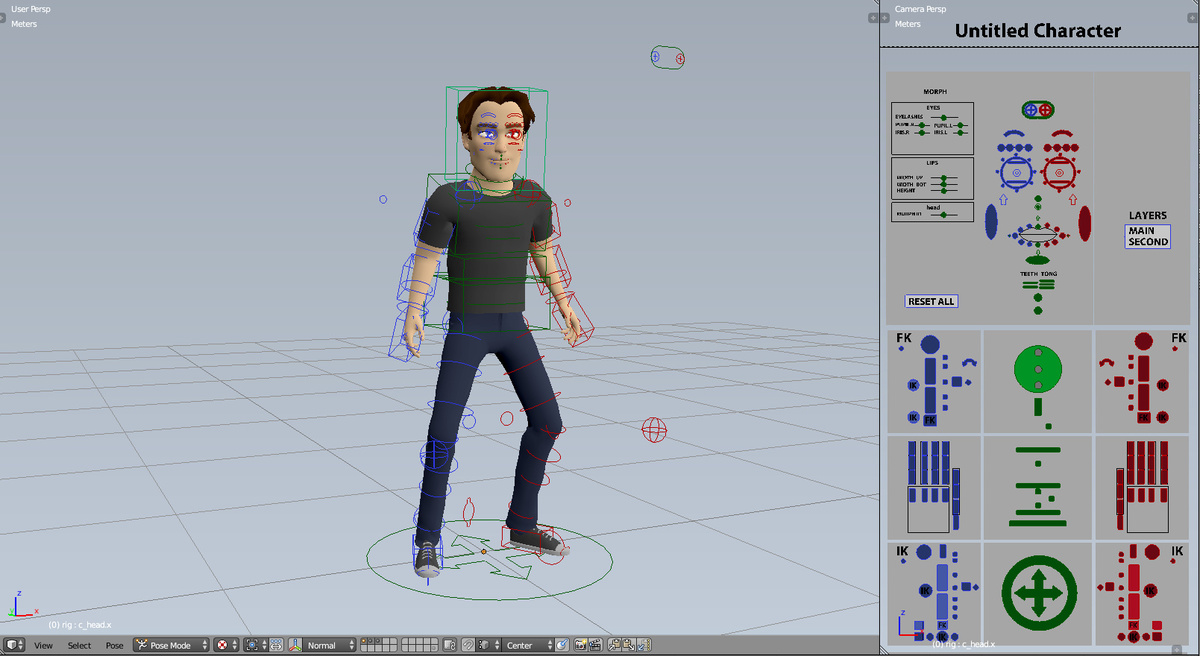
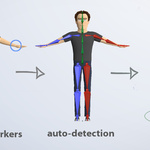
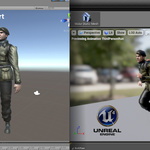
Auto-Rig Pro

Artell in Import & Export


Item Rating

This item has an average rating of 5 from 447 ratings by the community.

87%
4%
4%
2%
6%

Purchase this item to leave a review!

  • Stephen Jones
    over 3 years ago

    I am amazed at how the simple rigging interface can provide such good rigs. The skinning is good, better than Automatic Weights certainly, and the voxel option cleans up shorts and legs, etc., nicely. The retargeting is good. I only wish they supplied a bone chart that listed exactly what targeting to bones are required. You can figure it out, but it is a complicated naming pattern. Exporting to UE no probs.

    • Artell

      over 3 years ago

      Thanks for rating Stephen, appreciated.

  • Don Hohman
    over 3 years ago

    Great for basic rig but I have had no luck with the mouth, tongue, and eyes moving with the rig. The hair also does not follow when manipulations are made. I'm sure it's something I'm missing but as a newbie, very frustrating.

    • Artell

      over 3 years ago

      Thanks for the feedback, sorry to hear it was a mitigated experience for you. While it's supposed to be a helpful addition in the rigger's toolbox, it's definitely not a simple toy and requires some knowledge and minimum experience with Blender and rigging to appreciate it at its full potential. It's not a fully automatized solution, especially regarding skinning:
      http://lucky3d.fr/auto-rig-pro/doc/faq.html#skin

  • e
    over 4 years ago

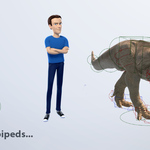
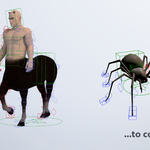
    Can you rig non-human characters? Odd shaped characters?

    • Artell

      over 4 years ago

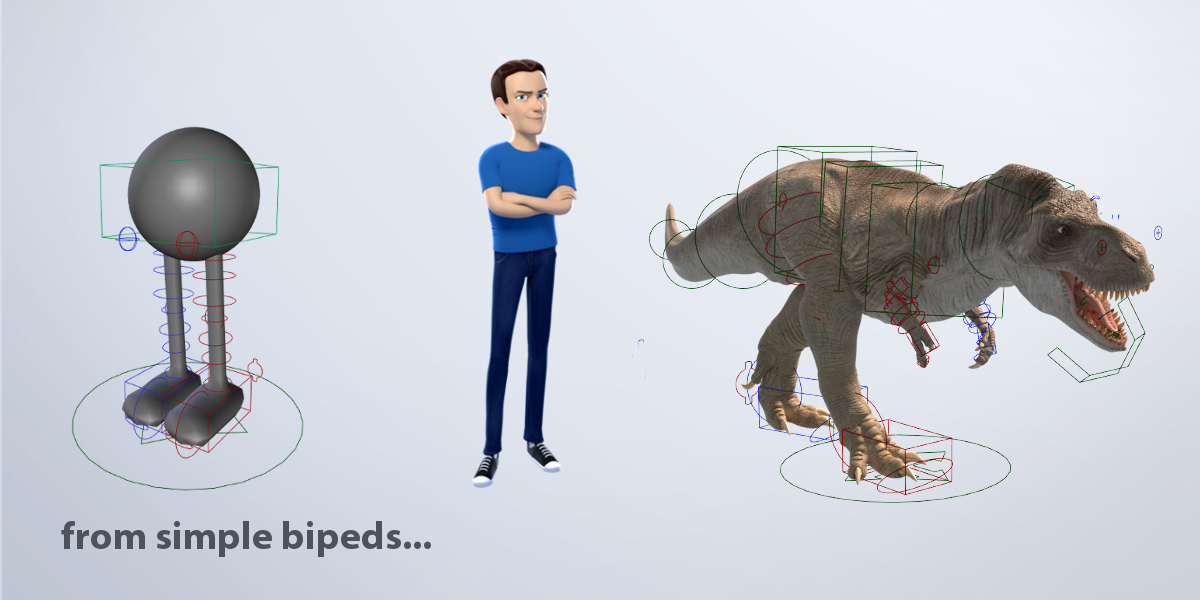
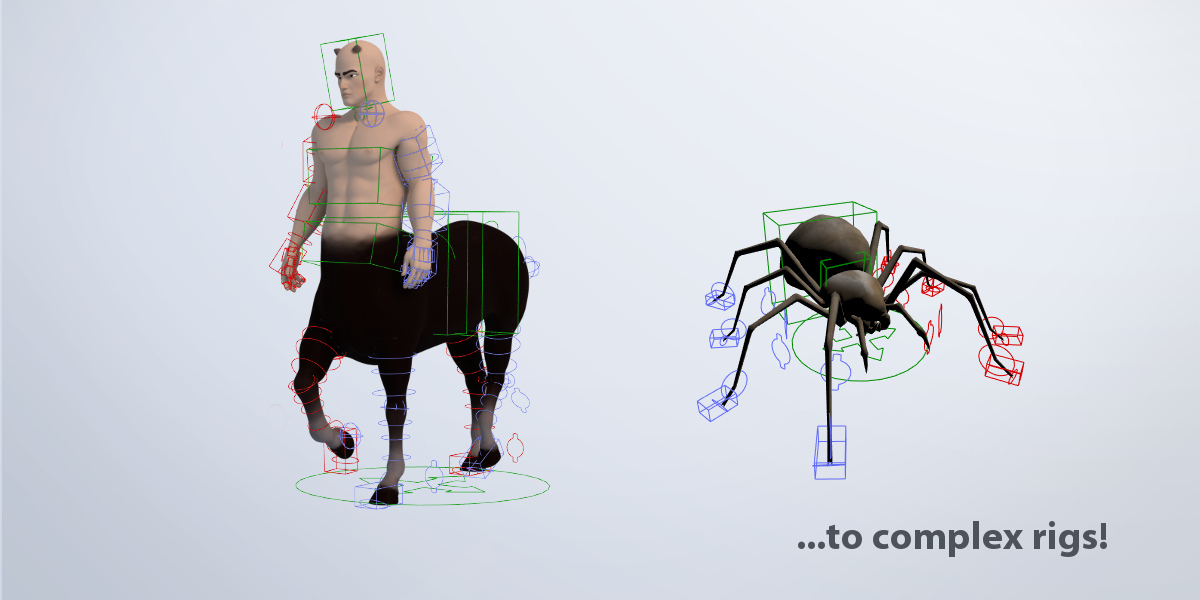
      Thanks for rating, yes it's a modular rigging tool then limbs can be added individually to rig various types of characters:
      http://lucky3d.fr/auto-rig-pro/doc/faq.html#what-can-i-rig-with-it

  • gari
    about 5 years ago

    I used to love it, but as I upgrade the blender 2.93.1 with your latest version. It's all messed up. Any idea?
    Thanks!

    • Artell

      about 5 years ago

      Hello gari,
      Please report the bug with instructions to reproduce it:
      http://lucky3d.fr/auto-rig-pro/doc/bug_report.html
      Thanks.

  • James Moore
    over 5 years ago

    Overall a good product and easily worth the price. The export to UE4 feature produces a UE4 mannequin-compatible skeleton which is an important system requirement if you want to sell animations and / or skeletal meshes on the Unreal Engine marketplace. The other features are also very useful and allowed me to easily rig and skin my character with 90% of the rigging and skinning done in a few minutes. It takes a few attempts to learn where to place the points on the body for creating a good reference skeleton. The reference bones will still require moving manually and a reclick of the Skin button (and repeat multiple times) to achieve a good skinning base. Its not perfect skinning but much better than the built-in skinning of Blender. I recommend purchasing the Voxel Heat Diffuse Skinning addon to make your skinning life even easier in areas other than the fingers, teeth, tongue or eyes because it is slightly better than the skinning in this addon. However, I have found that even with that other addon , manual corrections in the skinning will still be required to get a desirable skinned character mesh in some areas of your character unless you are making a low poly character. e.g. the fingers, teeth, tongue and eyes can need manual correction. The product is regularly updated. The level of support from Lucas is second to none and several issues that I have encountered have been promptly resolved.

    • Artell

      over 5 years ago

      Thanks for the review! Indeed there are no perfect automated solution for weight distribution, but I will look forward to improving existing tools.

  • JG
    almost 6 years ago

    Good addon. But I bought it for Unreal with Peception Neuron Mocap System. ARP system only provides A-pose armature system. And Peception Neuron is only provide T-pose system. I made my character and bones with ARP, but export only A-pose. So I made armature again with vanila system by myself. Can you teach me T-pose export for Unreal?

    • Artell

      almost 6 years ago

      Thanks for rating JG. Sorry I don't understand "ARP system only provides A-pose armature", since ARP supports any type of pose, but the Smart feature supports only T and A Pose. If you need help, click "Ask a Question" on the right of this page.

  • Thanh Tan Vo Van
    almost 6 years ago

    My main criticism with this add-on is that the bone naming conventions the auto-generated rig comes with can be particularly confusing and frustrating to work with, especially if you tend to sort your Vertex Groups by name often like I do and/or need to find the proper bone to re-parent something to.

    For example, a series of bones for the fingers would go like this inside Auto-Rig:

    thumb1.l (Deformable)
    thumb2.l (Non-deformable)
    thumb3.l (Non-deformable)
    c_thumb1.l (Non-deformable)
    c_thumb2.l (Deformable)
    c_thumb3.l (Deformable)

    What this means is that the vertex groups you'll work with during weight-painting won't have something intuitive like:

    thumb1.l
    thumb2.l
    thumb3.l

    but rather something like this:
    thumb1.l
    c_thumb2.l
    c_thumb3.l

    This tends to make sorting alphabetically an equally messy affair.

    Another example of un-intuitiveness is for example in the twisting part of the upper arm. While the legs and forearm use something like "X_stretch" and "X_twist" naming conventions, the arm uses "arm_stretch" but actually makes the "arm_twist" a non-deformable bone, and gives that role to some other oddly-named "c_arm_twist_offset" control bone. So if there are any methods for changing the default auto-generated bone names and if they do deform or not, I'd be really interested in knowing about them, because some of the default settings are just silly.

    Besides that, I'd say this add-on is worth every cent and is a must if you're an animator/rigger that's using Blender, but also work a lot with imported/exported models. This add-on will save you massive quantities of time in that department for sure, even with its rough edges.

    • Artell

      almost 6 years ago

      Thanks for the review, you have definitely spotted interesting inconsistencies that should be worked on later. The difficulty is to keep the updates backward-compatible with characters that are already rigged. I'll see what I can do.

  • 김유림
    about 6 years ago

    Great Product! Hope there were more explanation about whether light version though. I thoroughly read the pages over and over but couldn't find out if face rigging was included in the light version, bought the light version cause I only needed basic rigging+am kinda broke, immediately realized it didn't cover the face rigging and had to pay about 50 bucks in total to get the complete version :(

    • Artell

      about 6 years ago

      Sorry to hear that! A discount coupon could have been sent your way to upgrade to the full version. Let me know if you have any question. Thanks for rating!

  • J. G.
    over 6 years ago

    Excellent support. Does what it says on the tin! Not a perfect score because the documentation is a bit lacking in places... i.e. the docs have an image and a rigged model to show where the various bones should be placed on a face, but don't actually describe where things should be placed in a way that can be extrapolated to faces that aren't 100% human. Better descriptions of what each bone actually represents, in cases like that, would help immensely. There's a few other places that the documentation made things a bit harder than it needed to be. Hopefully, as the product continues to be developed (there have been several meaningful updates in the ~2 months I've used it, even), the documentation will continue to develop as well.

    • Artell

      about 6 years ago

      Thanks for rating, as for the facial features, maybe the Mike Rig could help by observing how weights are distributed in the facial area (link in the doc below):
      http://lucky3d.fr/auto-rig-pro/doc/auto_rig.html#how-to-paint-the-weights

  • Leonardo Miranda
    about 7 years ago

    Do you wanna do something for UE4? Well, this thing will do your life easier, I haven't encountered nearly any problem just two or three times in 2.8 with the smart rigging, but a simple reinstall always fix it, and when I needed support the response was very quick, though I just needed it once.

    • Artell

      about 7 years ago

      Thanks for the review Leonardo!

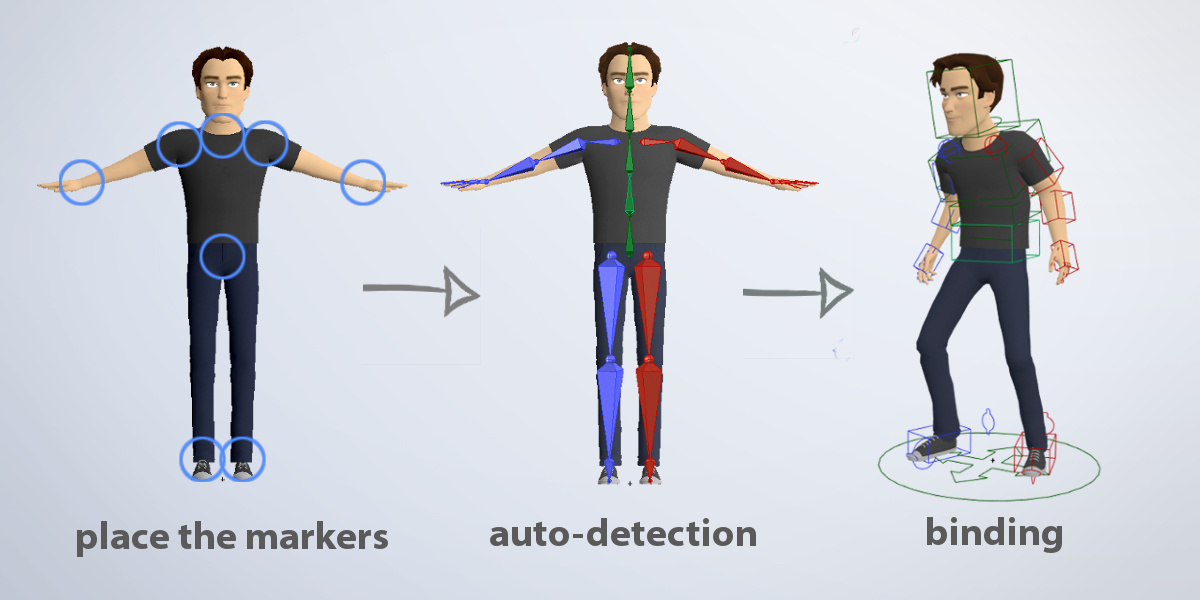
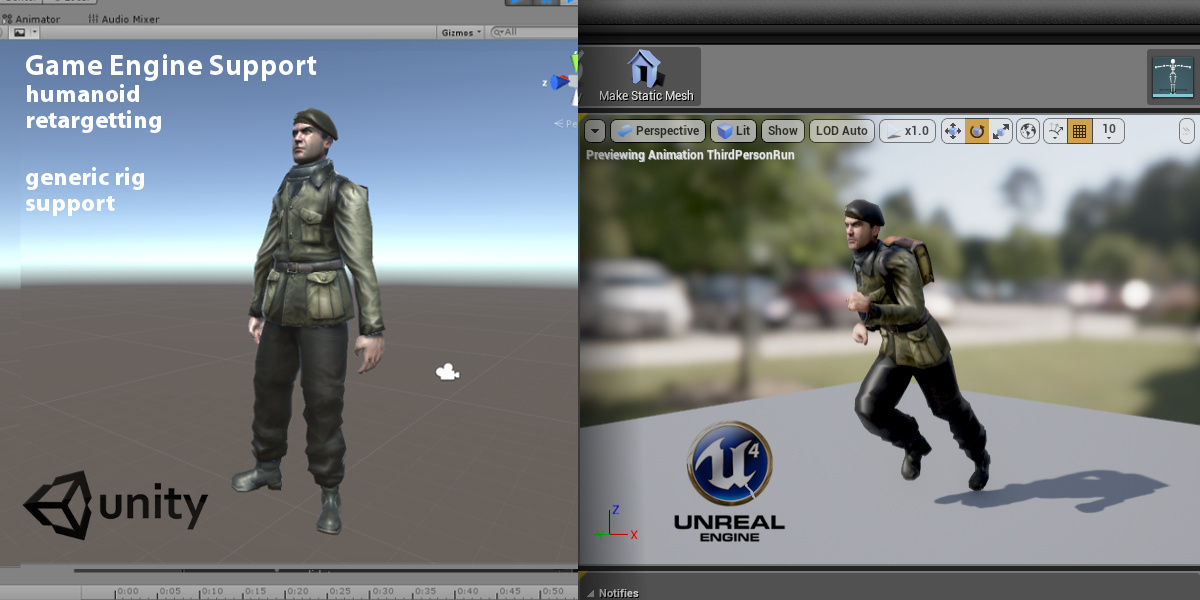
  • The full package! Auto-Rig Pro core, Smart tool (biped body recognition), Fbx/Gltf export to Unreal/Unity, Remap tool to retarget animations, updates and support messages

    $50
  • Auto-Rig Pro core only, updates and support messages

    $25
  • Auto-Rig Pro full version for 10 seats

    $162
  • Auto-Rig Pro full version for 20 seats

    $227
$50

Support Period Included

Includes 12 months of

  • Support from Artell
  • Product updates

Extend this product’s Support Period +12 months: 25% of product price

Have questions before purchasing?
Login to message

Details
Blender Extension Compatible Yes
Sales 70400+
Downloads 93900+
Rating
447 ratings
Published over 10 years ago
Blender Version 2.93 - 5.2
Extension Type Add-on
License GPL