 Unik Studio




Latest update November 22, 2026
Smart Sync Pro v2.1.3
Redshift-only machines fixed. Fixes the import stopping, and textures going missing, when Redshift is installed but Octane is not.
- Renderer check: Cinema 4D 2026 reports a missing renderer plugin with an error the plugin did not catch, so the import stopped right after the FBX merge, before Redshift materials and textures were set up. Every check now handles it.
- Safer import: if building Octane/Redshift materials fails for any reason, the import keeps the geometry and Standard materials and prints a warning with details to the Console.
- Tested on Blender 5.3 and 5.2.
v2.1.2 — Missing-texture fixes
- Redshift re-import: an old same-named Redshift material is no longer reused, so new or changed Blender textures always arrive (the old one is kept as __PREV and removed when unused).
- FBX importer materials: Redshift materials created by the C4D FBX importer now get their texture paths repaired, like Standard bitmaps.
- Safe file names: exported textures use plain ASCII names without spaces, so Octane and Redshift can load files with accents or special characters.
- Tested on Blender 5.3 and 4.5.
v2.1.1 — Complete Auto Sync package
- Added the missing Update (Keep C4D Materials) and Auto Sync plugin modules.
- Matched version numbers across the Blender add-on and Cinema 4D plugin.
- Re-verified material graphs, node groups, Geometry Nodes materials, camera/light animation, Update mode and the Auto Sync watcher.
v2.1.0 — Auto Sync release
- Auto Sync: C4D detects a new Blender export and re-imports it automatically in Update mode, with Ctrl+Z support.
- Export on Save: optional automatic export whenever the Blender file is saved.
- Fewer missing textures: automatic UV creation before baking, surface baking for unsupported shader roots, packed-image support and visible bake warnings.
- Fixed modern Blender transmission maps, extreme imported light brightness, light-color animation failures and renderer-choice persistence.
v1.2.x foundation: FBX + metadata + texture bundles, texture relinking, Octane/Redshift conversion, camera animation and Update mode.
BLENDER ADD-ON CINEMA 4D PLUGIN OCTANE + REDSHIFT
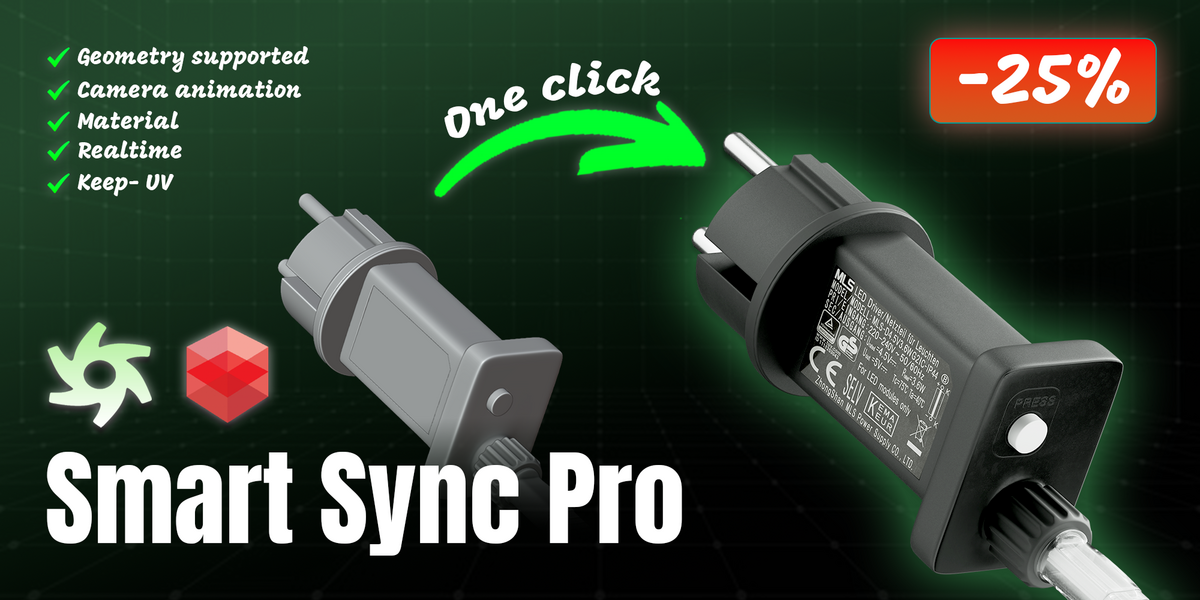
C4D Smart Sync Pro
A faster Blender → Cinema 4D handoff.
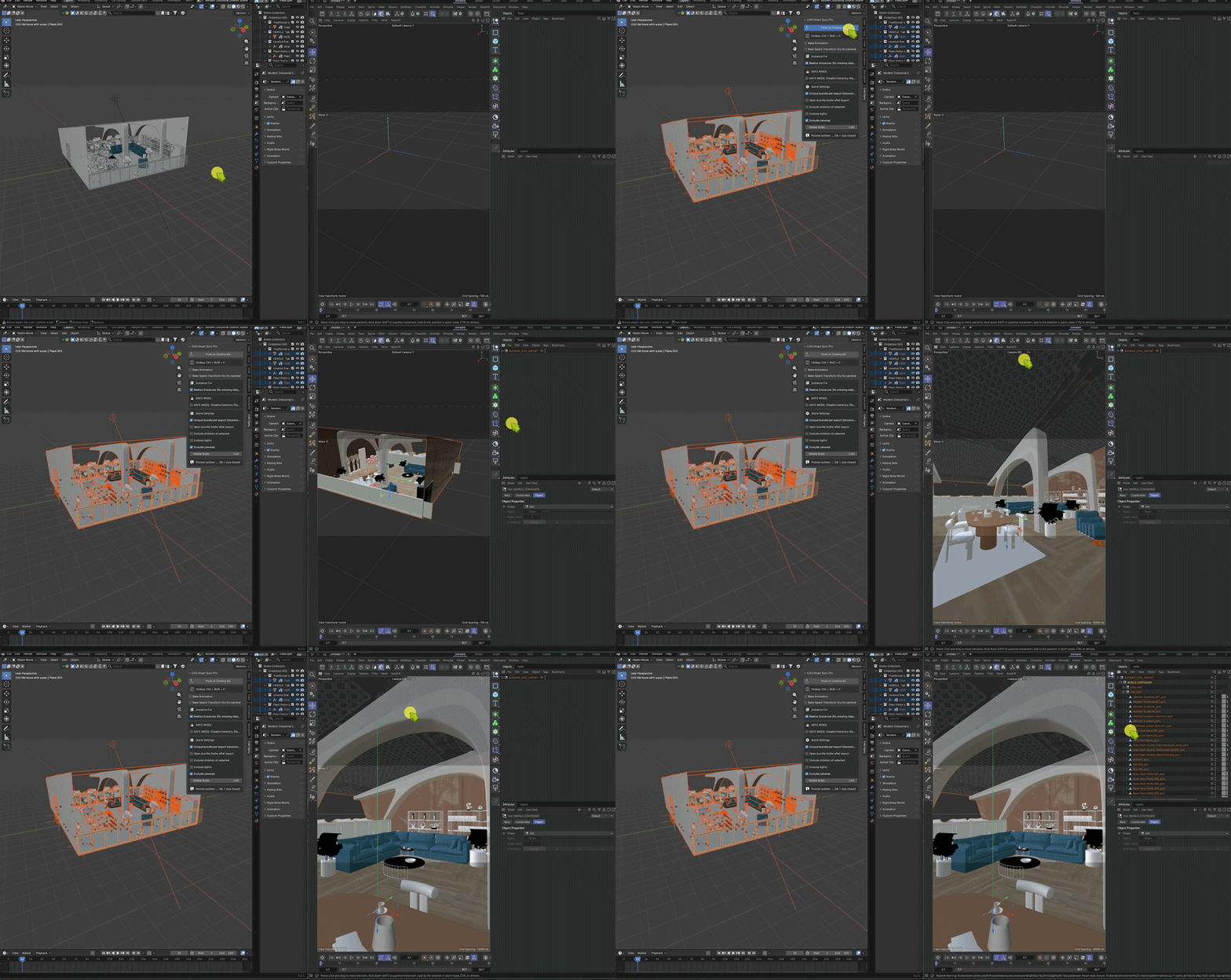
Export geometry, textures, materials, cameras and lights from Blender, then import or update the latest bundle in Cinema 4D without rebuilding your scene from scratch.
Blender 4.0+ · Tested through Blender 5.3 · Cinema 4D 2026
New workflow in v2.1
Auto Sync: export, detect, update
Keep working in Blender while Cinema 4D watches for completed exports. Each new bundle is automatically imported in Update mode.
1. Export from Blender
Use the N-panel button or enable the optional Export on Save setting.
2. Cinema 4D detects the new bundle
A unique export ID makes detection reliable without depending on file timestamps.
3. Geometry updates, C4D lookdev stays
Materials, tags, layers, user data and transforms remain in place. Auto Sync imports are grouped for Ctrl+Z.
Key Features
01 · Update workflow
Update without losing C4D materials
- Match existing Cinema 4D objects by name and replace only their geometry.
- Preserve materials, texture and compositing tags, layers, user data and transforms.
02 · Texture protection
Stronger protection against missing textures
- Collect image maps, nested node groups and materials assigned through Geometry Nodes.
- Bake unsupported shaders, auto-create UVs where needed and include packed or generated images.
03 · Scene animation
Camera and light animation
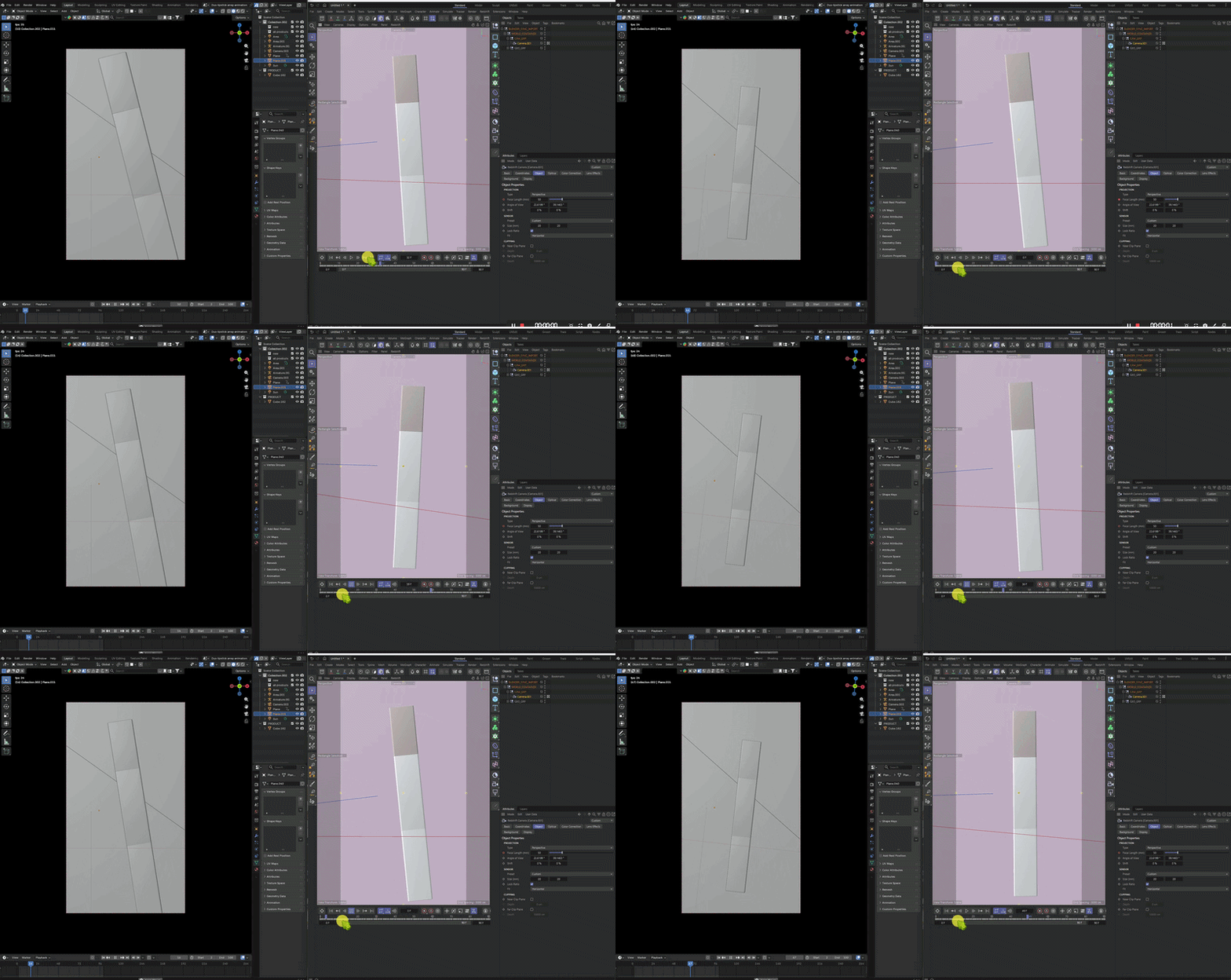
- Bake camera position, rotation and focal length frame by frame.
- Convert Track-To setups to C4D Target tags and transfer Point, Spot, Area and Sun lights.
04 · Renderer materials
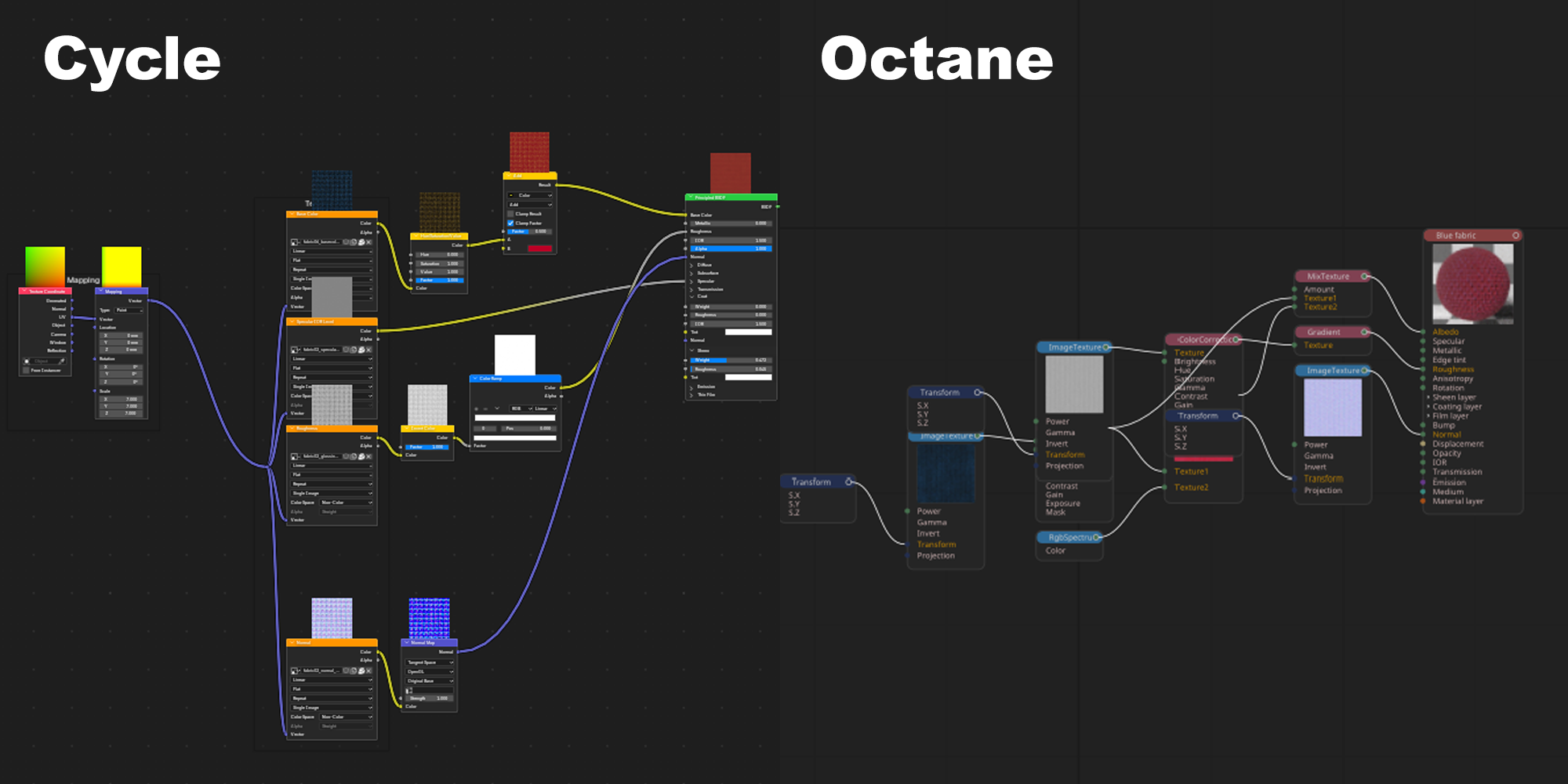
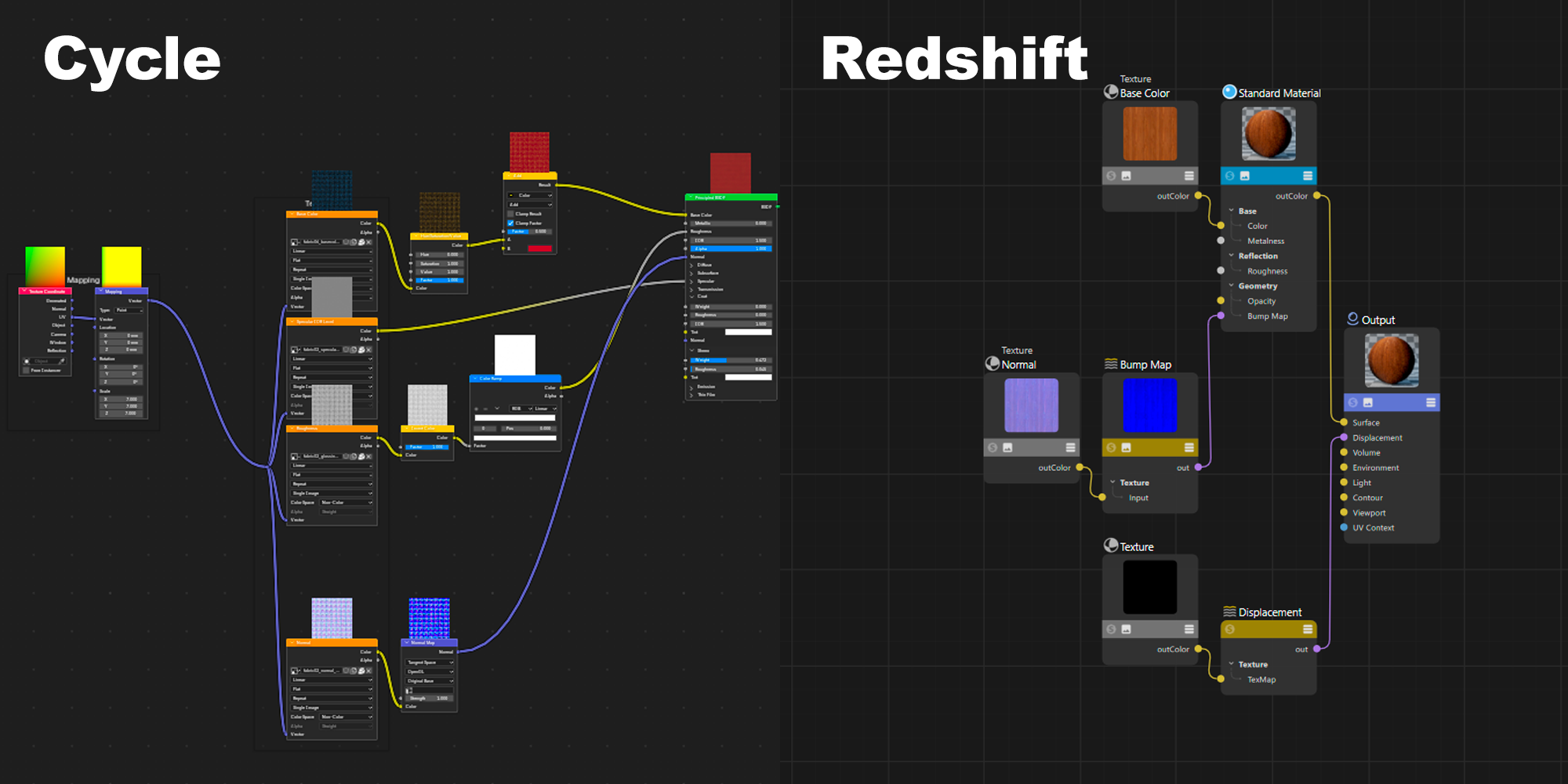
Octane and Redshift material setup
- Rebuild supported Blender material data into renderer-specific networks.
- Handle base color, roughness, metallic, transmission, emission, normal, bump and more where available.
05 · Blender export
One-click Blender export
- Export a full scene or selection, with optional cameras and lights.
- Write an atomic FBX, metadata and texture bundle so C4D reads only completed exports.
Installation
- Blender: Preferences → Add-ons → Install → select Smart Sync Pro.zip.
- Cinema 4D: copy the C4D_Plugin folder into the Cinema 4D plugins directory, then restart.
- Extensions menu: Import · Update (Keep C4D Materials) · Auto Sync: On/Off.
Current scope: Octane and Redshift can rebuild supported texture graphs from metadata. Cinema 4D Standard texture reconstruction, deforming-mesh/Alembic animation, native Octane/Redshift lights and UDIM are not currently supported.
MORE FROM UNIK STUDIO
More add-ons by Unik Studio
Other Blender tools from the same creator.