Quick workflow fit
Move simulated garments from Marvelous Designer to Blender with fewer export steps
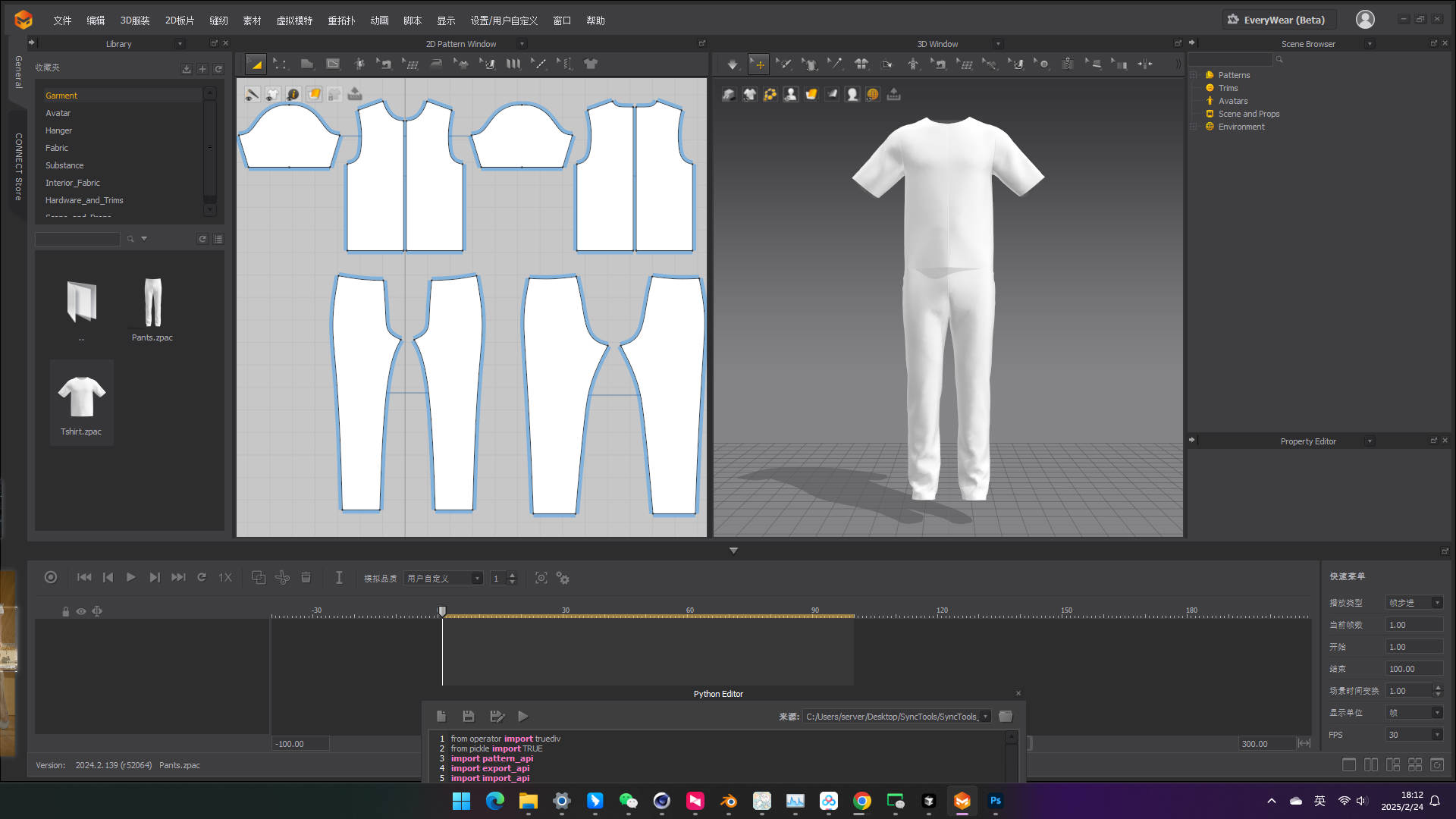
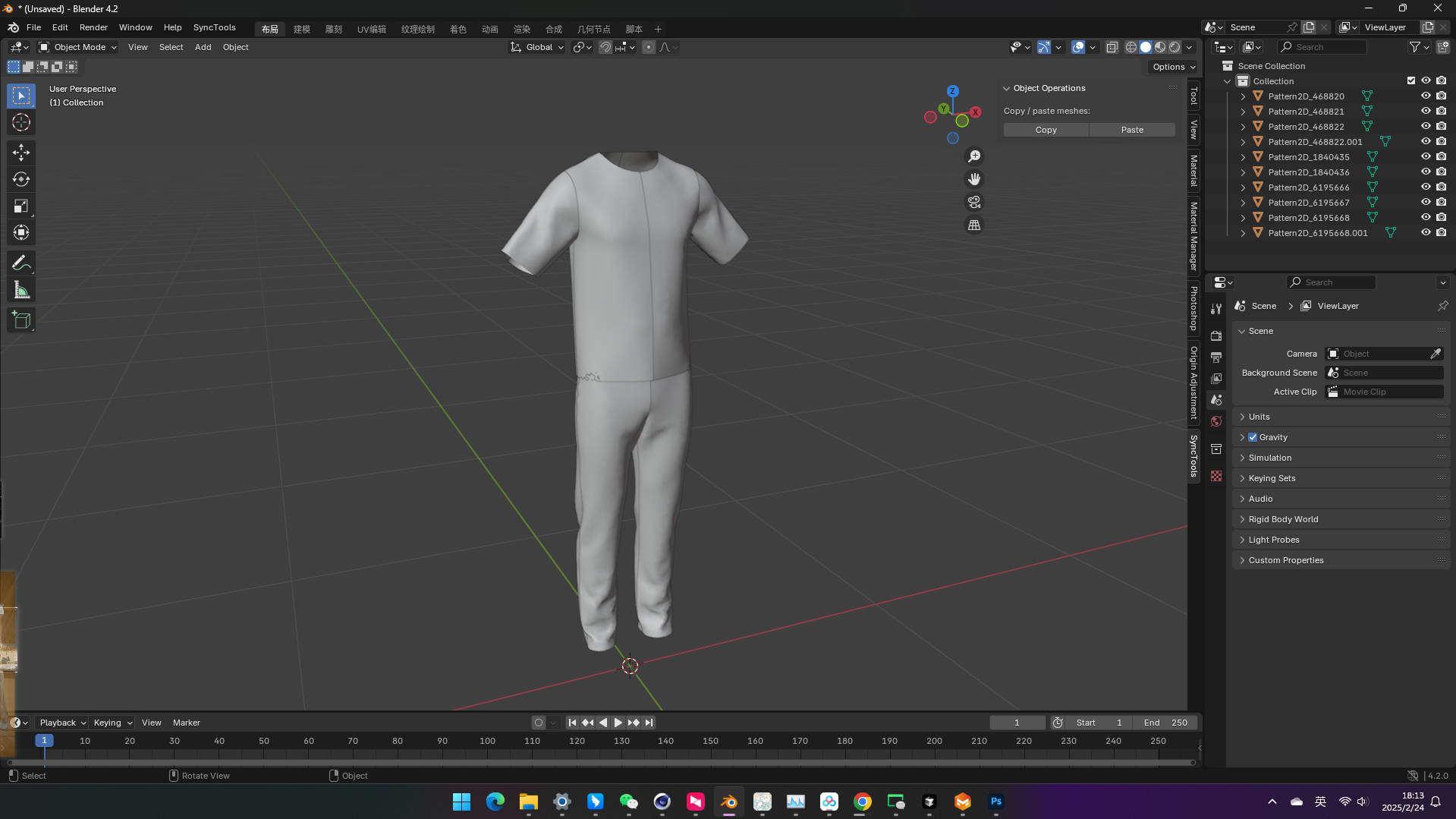
Use one copy/paste workflow for garments, UV layouts, baked cloth results, basic materials and supported hierarchy instead of rebuilding FBX settings every time.
Best for: Character artists who simulate clothing in Marvelous Designer and finish shading, lighting or rendering in Blender.
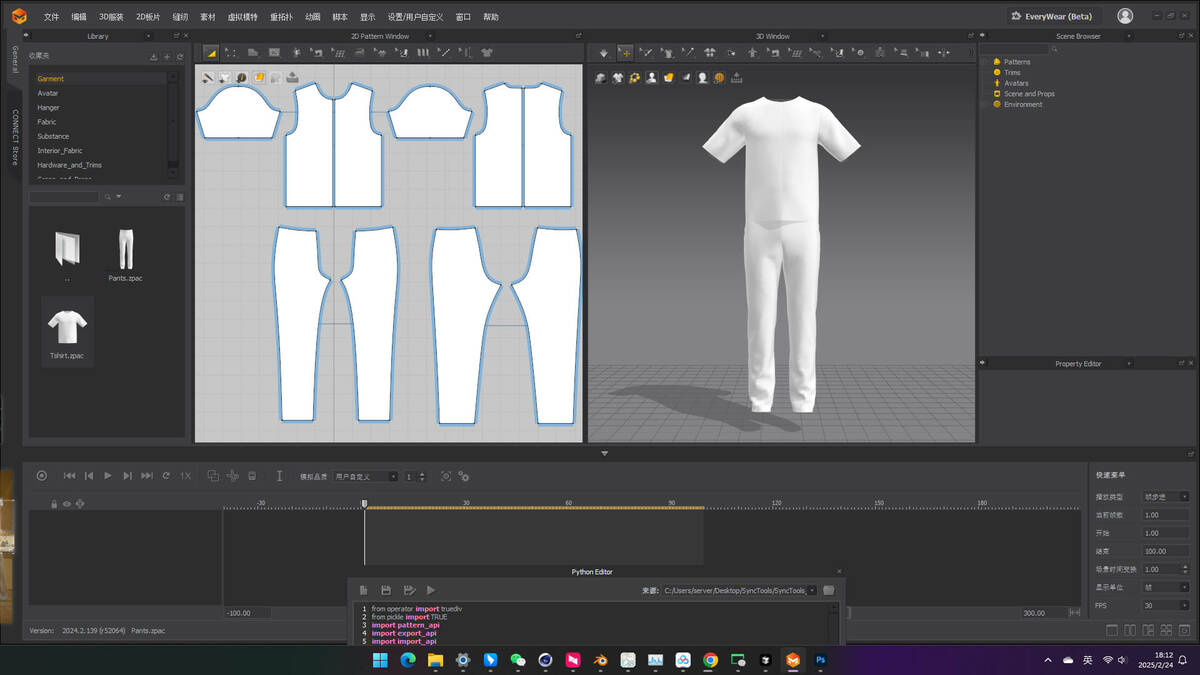
What transfers / what you get: Garment meshes, UV layouts, baked animation or cached simulation results, basic material data and supported grouping.
Before you buy: Marvelous Designer and Blender are both required. Cloth is transferred as baked or sampled result data; the live Marvelous Designer simulation solver and garment construction settings do not become native Blender simulation settings.
|
Multi-DCC Platform Support
The SyncTools Series
All SyncTools plugins share a unified data exchange protocol, enabling lossless asset conversion across platforms and true multi-software collaborative workflows.
Get all ten released SyncTools products in the DCC Integration Suite — save over 25% compared with buying them individually. |
SyncTools Pro for Marvelous Designer
One-click copy/paste of Marvelous Designer garments, meshes, and animations into Blender and back.
Move Marvelous Designer garments, simulation results, and animations into Blender for shading and rendering through a unified FBX-based exchange protocol.
What gets transferred
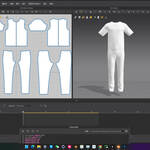
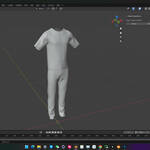
Garments - as posed/sim'd meshes
|
UV Maps - MD UV layout preserved
|
Animations - baked keyframes
|
Cloth Sim Results - as cached geometry
|
Materials - basic PBR baseline
|
Hierarchy - garment groups kept
|
|
|
Overview
A clipboard for Marvelous Designer and Blender
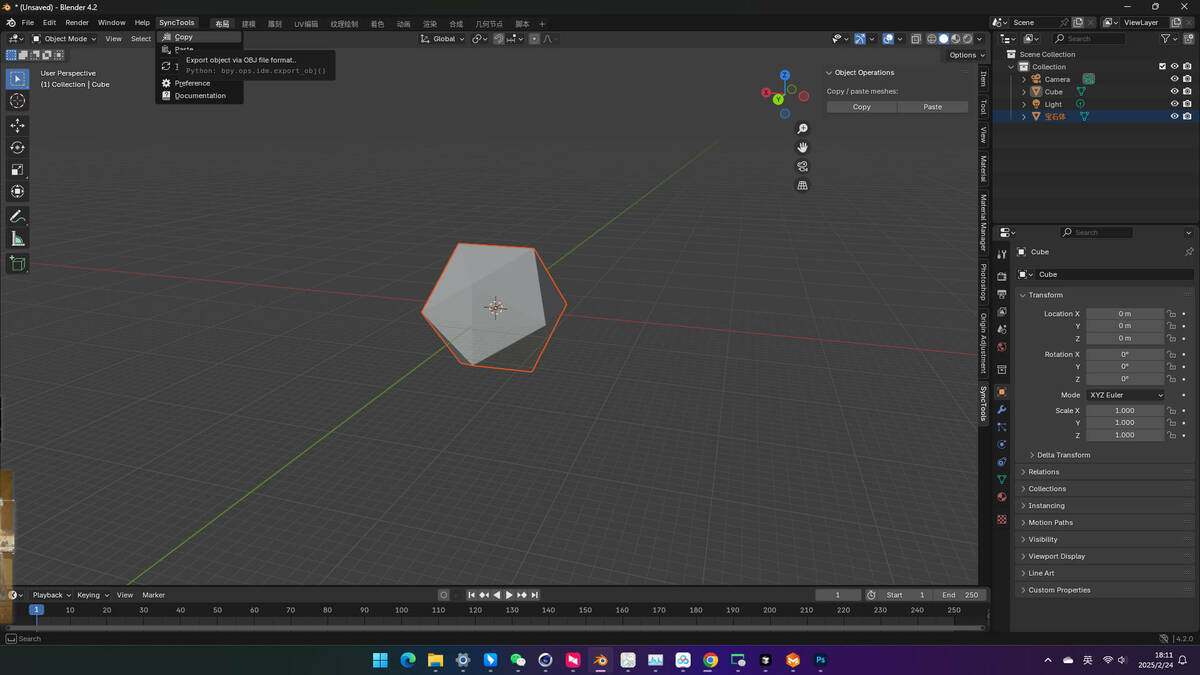
SyncTools Pro turns the Marvelous Designer / Blender round-trip into a Copy/Paste action: select garments in MD, hit Ctrl + Shift + C, switch to Blender, hit Ctrl + Shift + V. Cloth simulation results, UV layouts, and basic materials come along.
Built for character artists who simulate clothing in MD and finish/render in Blender, plus mograph artists doing fabric flyovers.
|
|
Features
What you get
| Bidirectional Sync |
MD to Blender and Blender to MD from the same shortcut. |
| Garment Preservation |
Each MD garment comes across as a separate Blender object with names and groups intact. |
| UV Layout Preservation |
MD's auto-generated UV layout carries over for shading. |
| Animation Transfer |
Baked cloth simulation animations export as keyframes Blender can read. |
| Selective Transfer |
Toggle which elements come along: garments, UVs, materials. |
| Smart Scaling |
Automatic unit matching keeps dimensions consistent. |
| Custom Shortcuts |
Default Ctrl + Shift + C / V - fully remappable per-app. |
| Cross-Platform |
Works on Windows and macOS. |
|
|
Benefits
Why this addon?
- Skip the FBX Wrangling - No manual export dialog, no settings to remember.
- Sim Results Preserved - Cloth sim baked to geometry transfers cleanly to Blender for rendering.
- Studio-Ready - Shared cache directory works for character/mograph collaboration.
- Part of an Ecosystem - Same protocol works with our Maya, 3ds Max, Cinema 4D, Houdini, Rhino, and ZBrush plugins.
|
|
Compatibility
Compatibility
- Marvelous Designer: 11 and newer recommended
- Blender: 3.0+
- OS: Windows 10/11, macOS 13+
|
|
Installation
Quick Start
1. Install MD plugin - Drop the included plugin folder into Marvelous Designer's plugins directory.
2. Restart Marvelous Designer - Sync Tools menu becomes available.
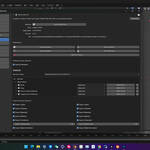
3. Install Blender add-on - Edit > Preferences > Add-ons > Install the SyncTools .zip.
4. Use Copy/Paste between apps - Default Ctrl + Shift + C / V hotkeys.
|
|
Support
Support & Updates
- Email and ticket support via Superhive inbox (typically 48 h response)
- Community chat for real-time help
- Free lifetime updates within the current major version
|
|
Tags
marvelous designer, md, blender, pipeline, dcc, sync, copy-paste, fbx, cloth simulation, garments, character
|
|
2026 SyncTools Pro for Marvelous Designer - part of the SyncTools DCC family
|
|
Community
Support Blender Foundation
We believe in giving back to the community that makes our work possible. Every month, we dedicate a portion of our plugin's revenue to support the Blender Foundation. Thank you for helping us contribute to the future of open-source creativity.
|
 blenderVfxMaster