Quick workflow fit
Carry supported scene layout between Unity and your DCC tools
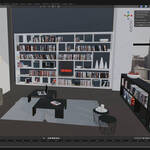
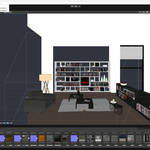
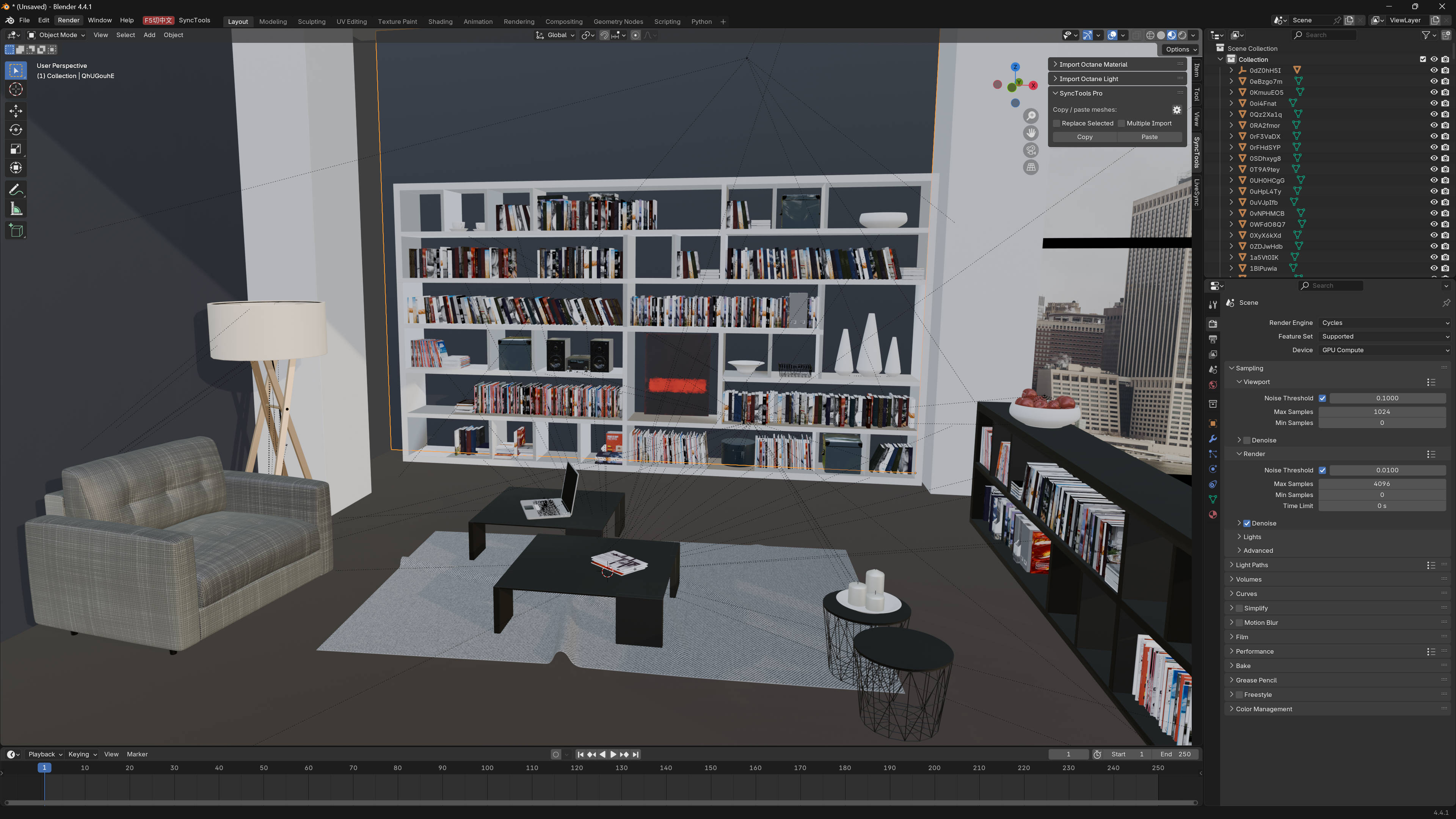
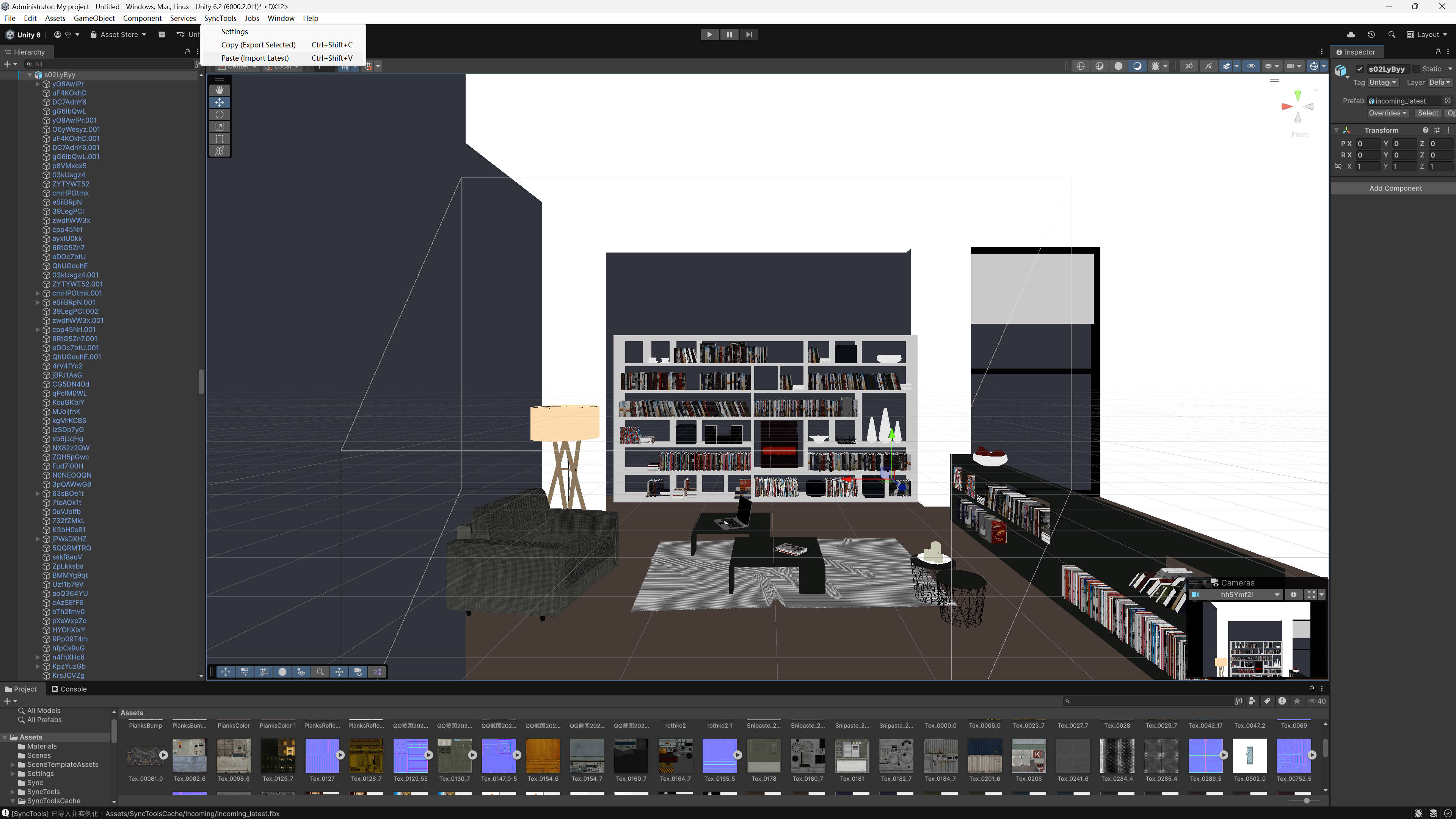
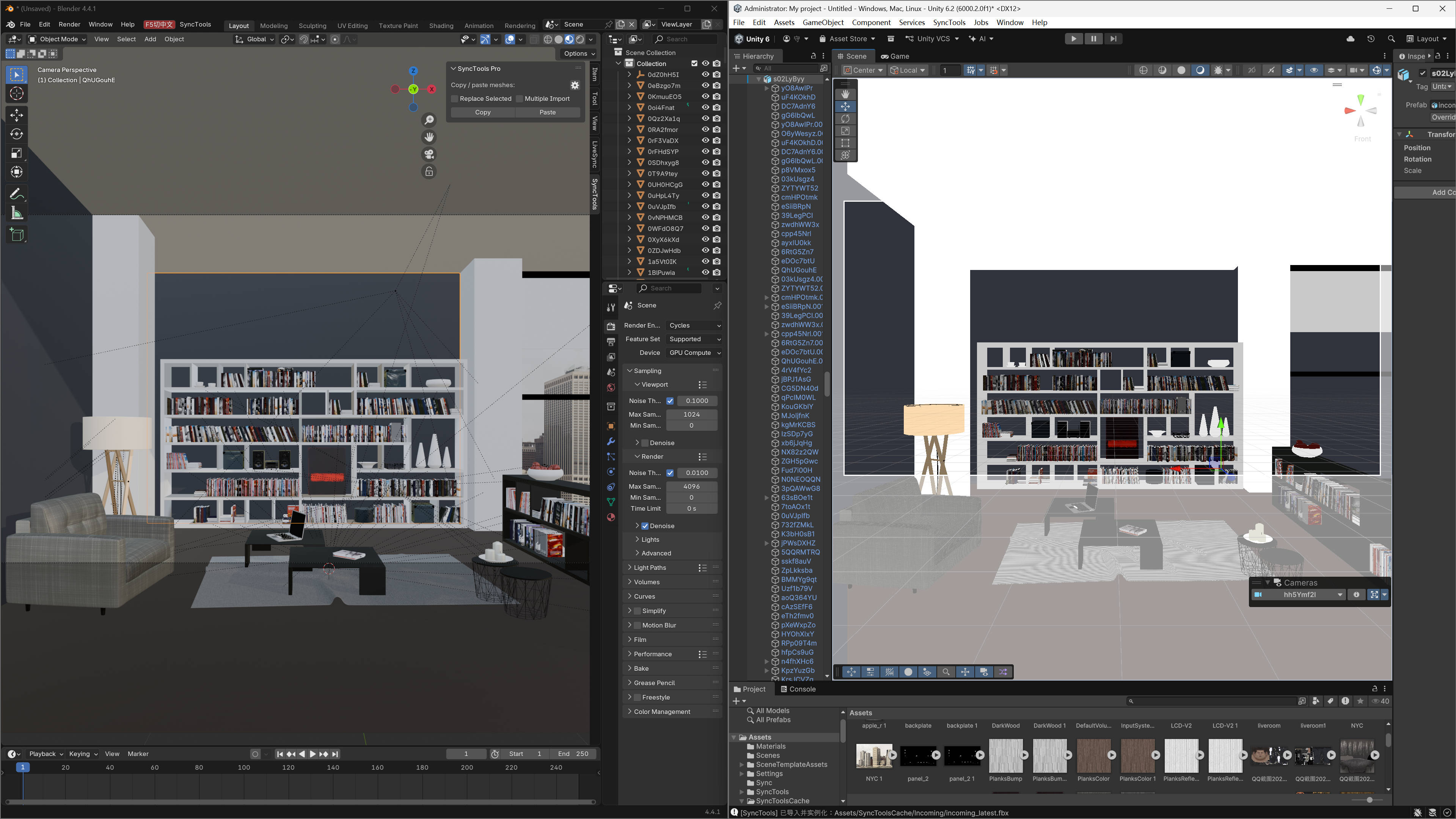
Move selected scene objects into Unity for assembly or send Unity objects back to a connected DCC for refinement without recreating transforms and hierarchy manually.
Best for: Level designers, technical artists and small teams iterating between Unity, Blender, Maya or other supported SyncTools connectors.
What transfers / what you get: Supported static meshes, basic PBR materials, lights, cameras, transform hierarchy and baked keyframe animation.
Before you buy: Unity and the source DCC connector are required. This is a file/cache-based copy/paste workflow—not continuous live sync. Shaders, scripts, physics and engine-specific components may require manual rebuilding.
|
Multi-DCC Platform Support
The SyncTools Series
All SyncTools plugins share a unified data exchange protocol, enabling lossless asset conversion across platforms and true multi-software collaborative workflows.
Get all ten released SyncTools products in the DCC Integration Suite — save over 25% compared with buying them individually. |
SyncTools for Unity
Bring DCC-tool layouts, lighting, and cameras into Unity - or send Unity scene objects out for refinement.
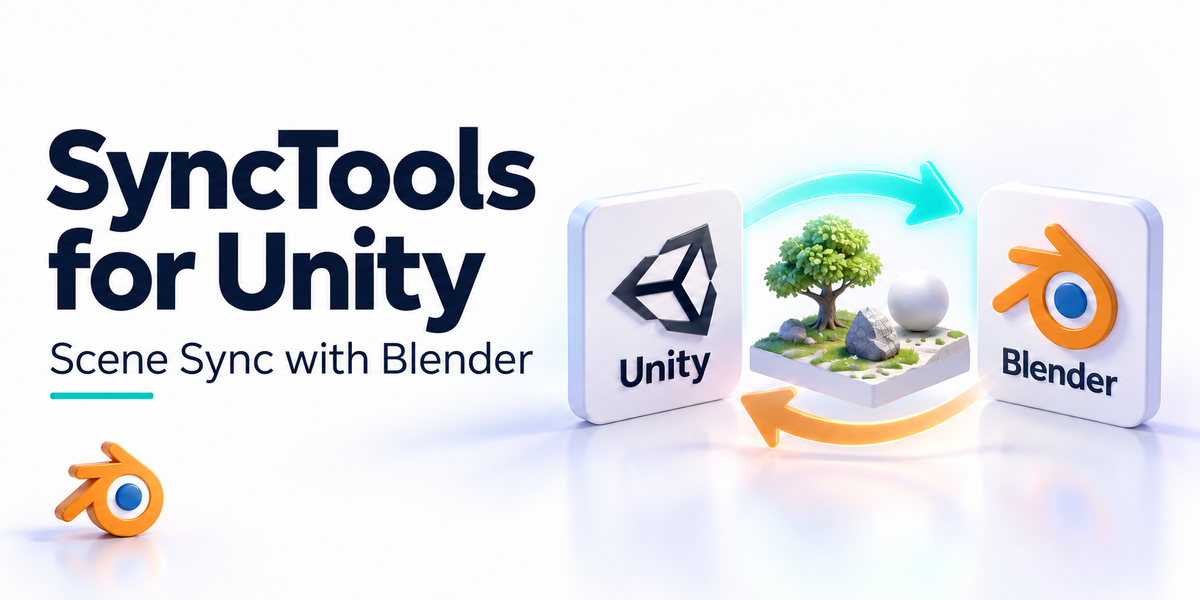
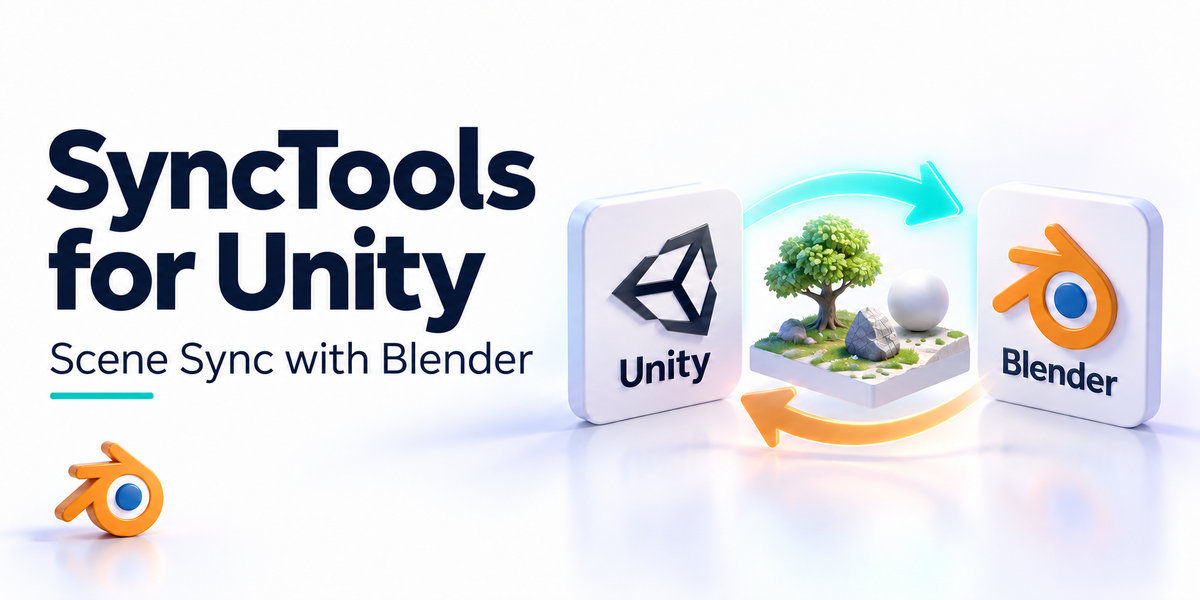
Unity joins the SyncTools ecosystem. Move static meshes, lights, and cameras into Unity from any other supported DCC, and send selected scene objects back for further work - all through one Copy/Paste protocol.
What gets transferred
Static meshes - geometry + materials
|
Lights & Cameras - transforms preserved
|
Materials - PBR base maps
|
Animations - baked keyframes
|
Hierarchy - transform parenting
|
Cross-DCC - Blender/Maya/Max etc.
|
|
|
Overview
A bridge between Unity and your DCC tools
SyncTools for Unity focuses on fast scene-data exchange. Bring layout/lighting/camera setups from Blender or Maya into Unity, or send Unity scene objects out to your DCC for refinement, without rebuilding the scene manually.
Designed for level designers, technical artists, and small teams iterating between Unity and external tools.
|
|
Features
What you get
| DCC-to-Unity Import |
Static mesh actors, materials, lights, cameras land directly in your scene. |
| Unity-to-DCC Export |
Send selected Unity actors out for rework in Blender/Maya/Max. |
| Selective Transfer |
Toggle which elements come along. |
| Smart Scaling |
Automatic unit matching. |
| Custom Shortcuts |
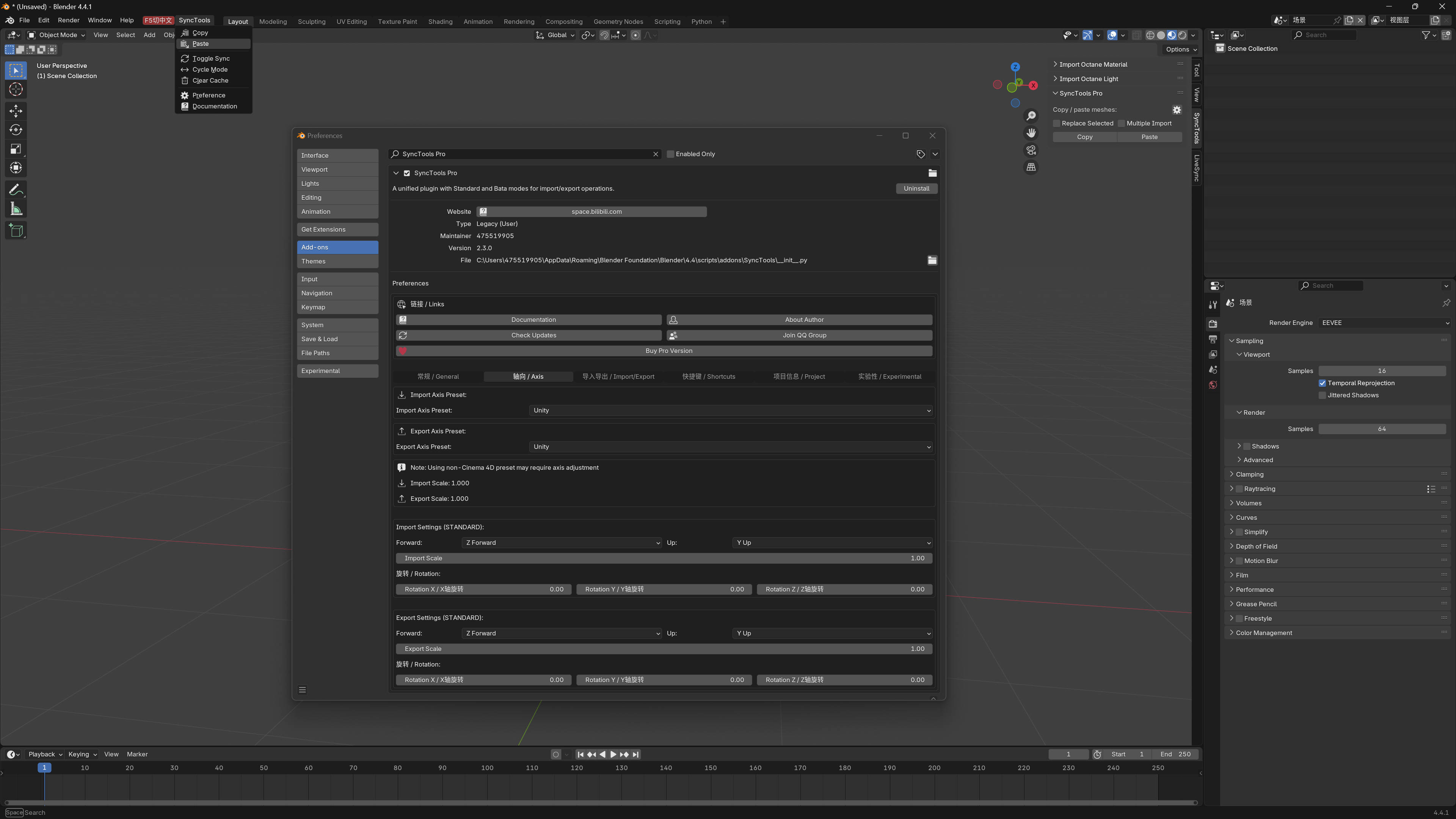
Default Ctrl + Shift + C / V - remappable. |
| Cache Auto-Cleanup |
Cache folder under ~/Documents auto-clears. |
| Native Menu |
SyncTools menu in Unity Editor. |
| Cross-Platform |
Windows and macOS. |
|
|
Benefits
Why this addon?
- Stop Rebuilding Scenes - Carry layout decisions from your DCC into Unity in seconds.
- Consistent Across Supported Workflows - Shared protocol so transforms and hierarchies survive.
- Studio-Ready - Point both apps at a shared cache directory.
- Part of an Ecosystem - Same protocol works with Maya, 3ds Max, Houdini, Cinema 4D, Rhino, Marvelous Designer plugins. Buy the DCC Integration Suite to get all of them.
|
|
Compatibility
Compatibility
- Unity: 2021 LTS and newer
- Source DCC: any SyncTools-supported app
- OS: Windows 10/11, macOS 13+
|
|
Installation
Quick Start
1. Import the SyncTools Unity package - From the package zip.
2. Wait for Unity to compile - Adds a SyncTools menu to the Editor menubar.
3. Set the cache folder - Match what your DCC plugin uses (default ~/Documents).
4. Use Copy/Paste between apps - Default Ctrl + Shift + C / V hotkeys.
|
|
Support
Support & Updates
- Email and ticket support via Superhive inbox (typically 48 h response)
- Community chat for real-time help
- Free lifetime updates within the current major version
|
|
Tags
unity, blender, maya, dcc, sync, level design, pipeline, fbx
|
|
2026 SyncTools for Unity - part of the SyncTools DCC family
|
|
Community
Support Blender Foundation
We believe in giving back to the community that makes our work possible. Every month, we dedicate a portion of our plugin's revenue to support the Blender Foundation. Thank you for helping us contribute to the future of open-source creativity.
|
 blenderVfxMaster