
Unreal Engine Bridge

Tachyon Studio in Import & Export


BLENDER ADDON · GAME ENGINE

Unreal Engine Bridge

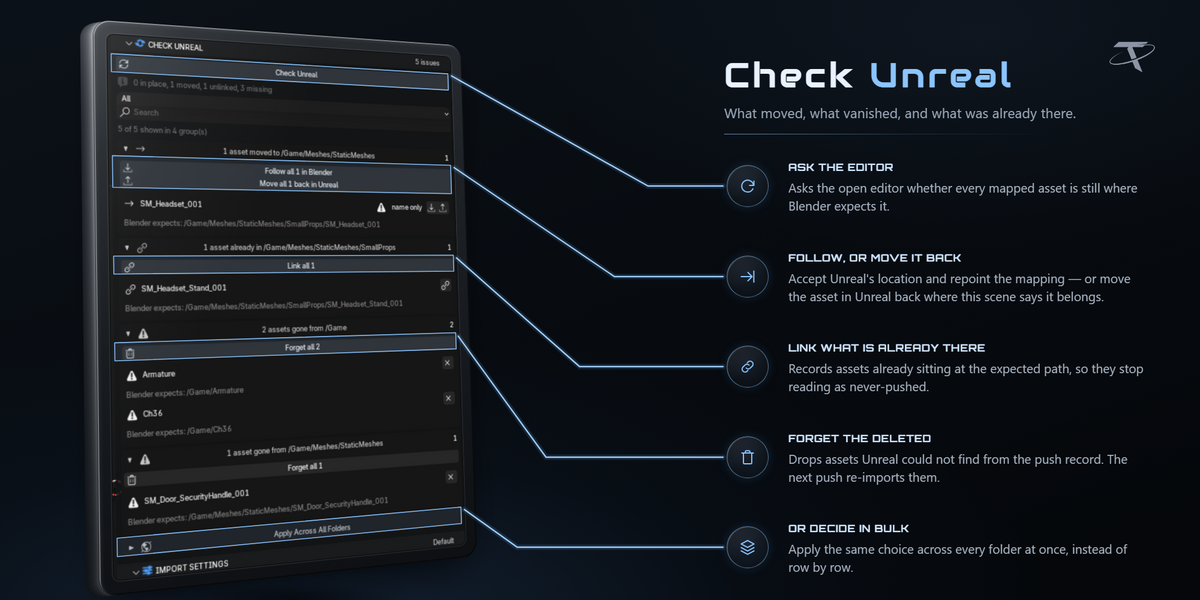
Send meshes from Blender into a running Unreal Editor with one button — collision, sockets, LODs and names already applied. Assets land in your project's real Content Browser folders, and the bridge remembers every push: it skips what has not changed, follows your edits live, and knows when something was moved or deleted on the Unreal side.

⚠ Unreal Engine is not included. It is a free download from Epic Games, installed and licensed by you; this add-on is the Blender side only. Windows only. Blender 3.3 – 5.3, Unreal 5.2 – 5.8. Not affiliated with, endorsed by, or sponsored by Epic Games.
TWO EDITIONS
Unreal Bridge
Everything on this page.
Unreal Bridge + Material Translator
The Bridge plus Material Translator, which rebuilds your Blender shaders as Unreal materials in the same push, computing the same values node for node. Already own the Bridge? Upgrade to the matching + Translator edition and pay only the difference. Material Translator needs the Bridge and does not work on its own.
Each edition comes for one seat, a team or a studio.
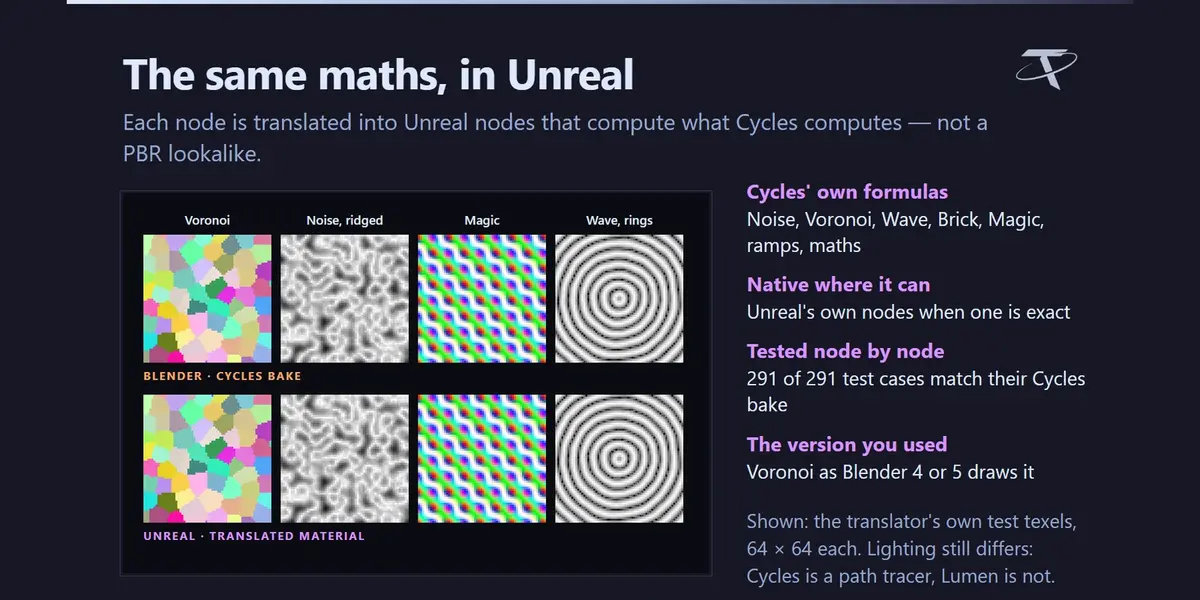
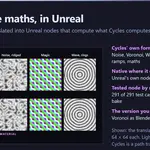
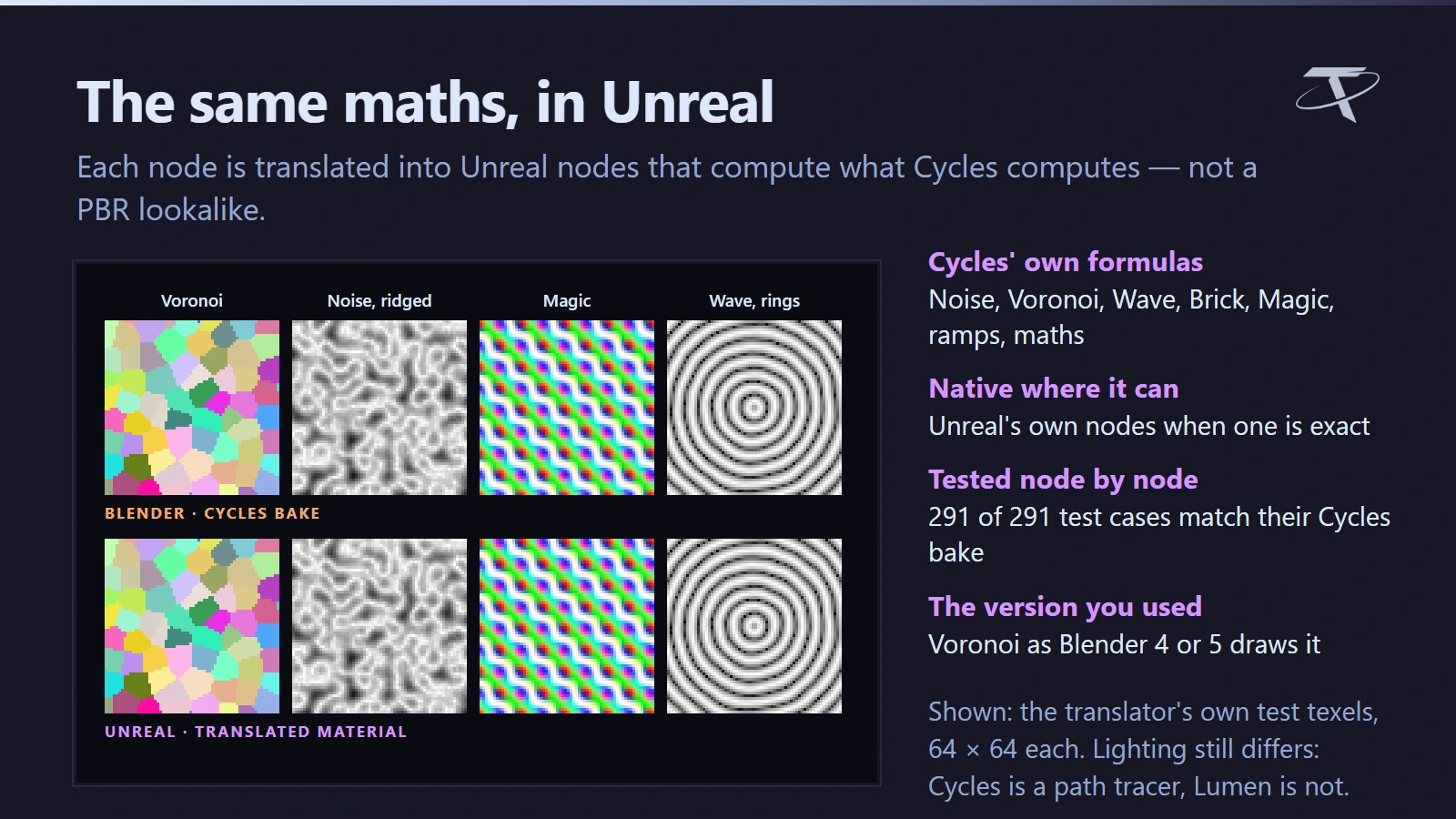
Material Translator: the same maths in Cycles and in Unreal
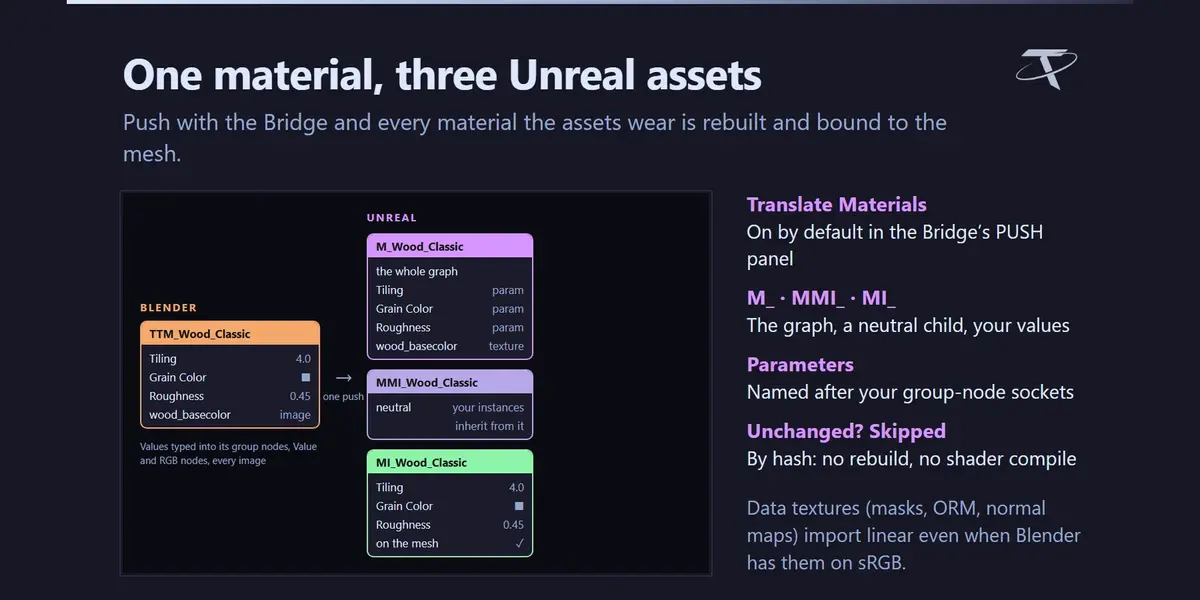
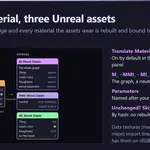
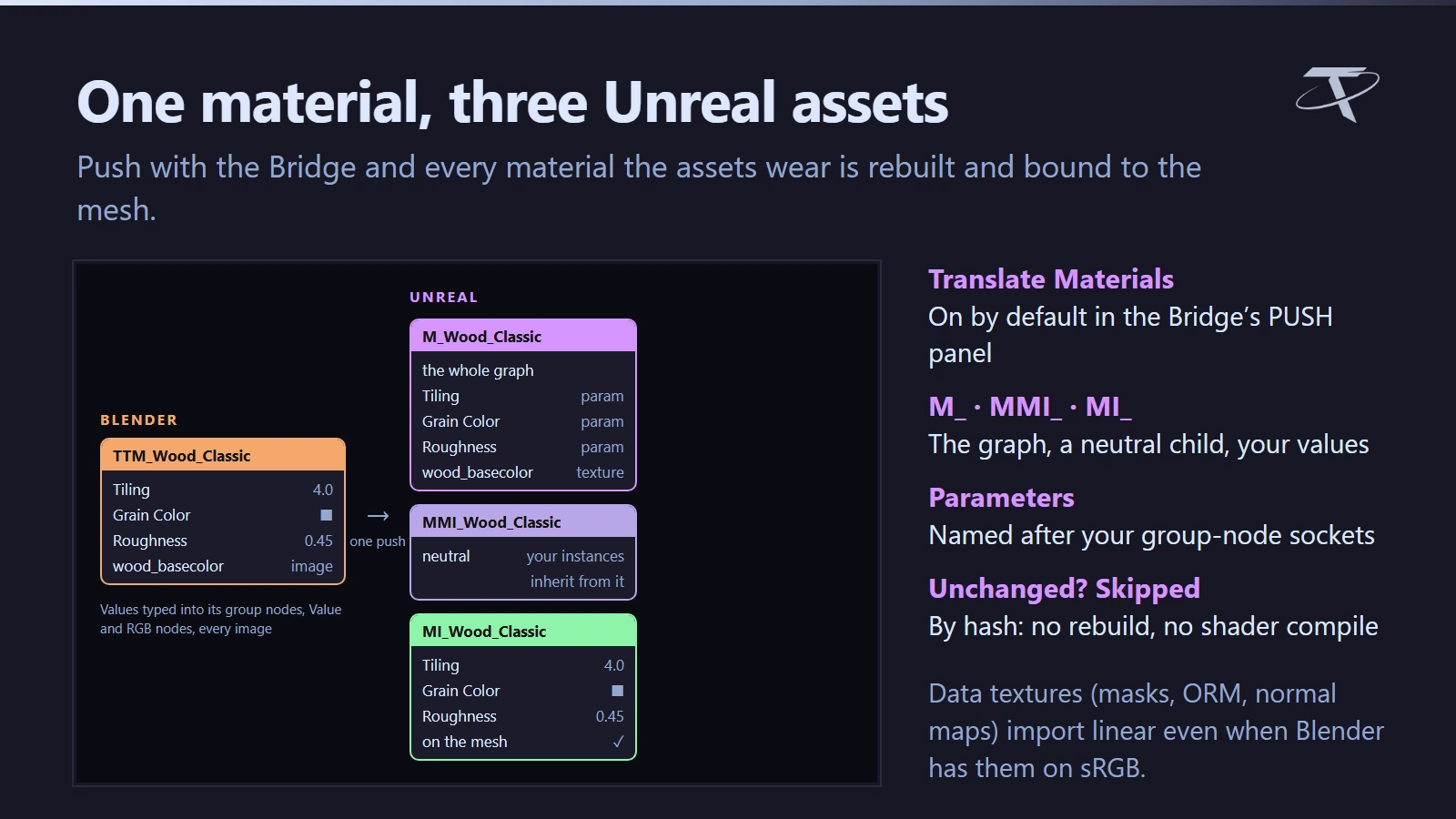
One material, three assets: master, neutral instance and your instance
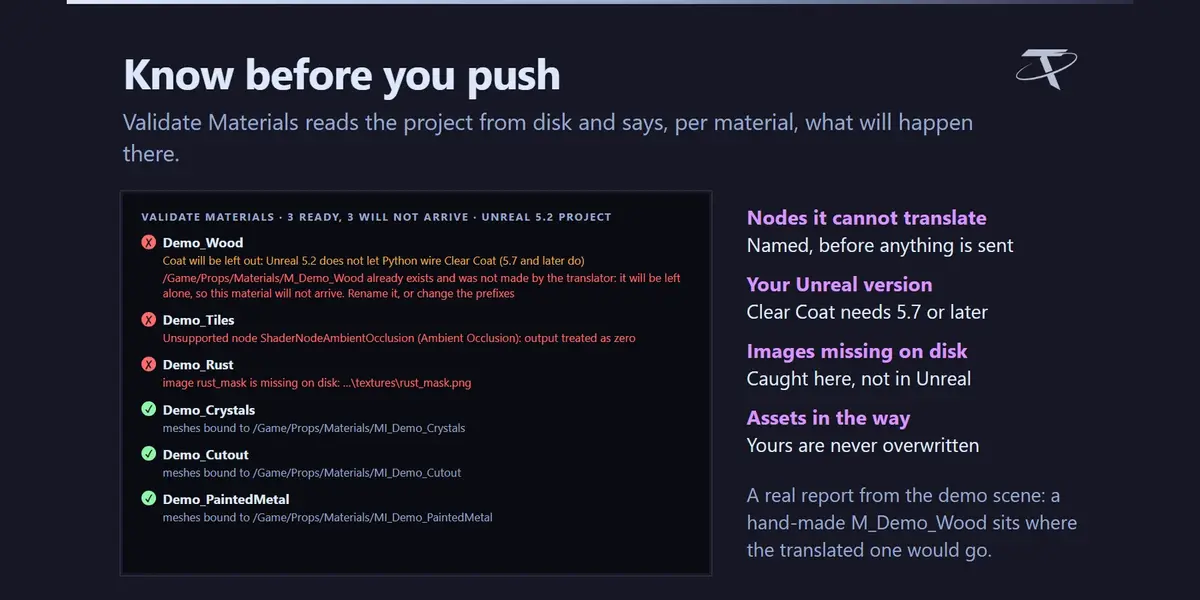
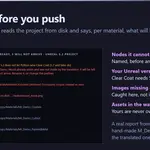
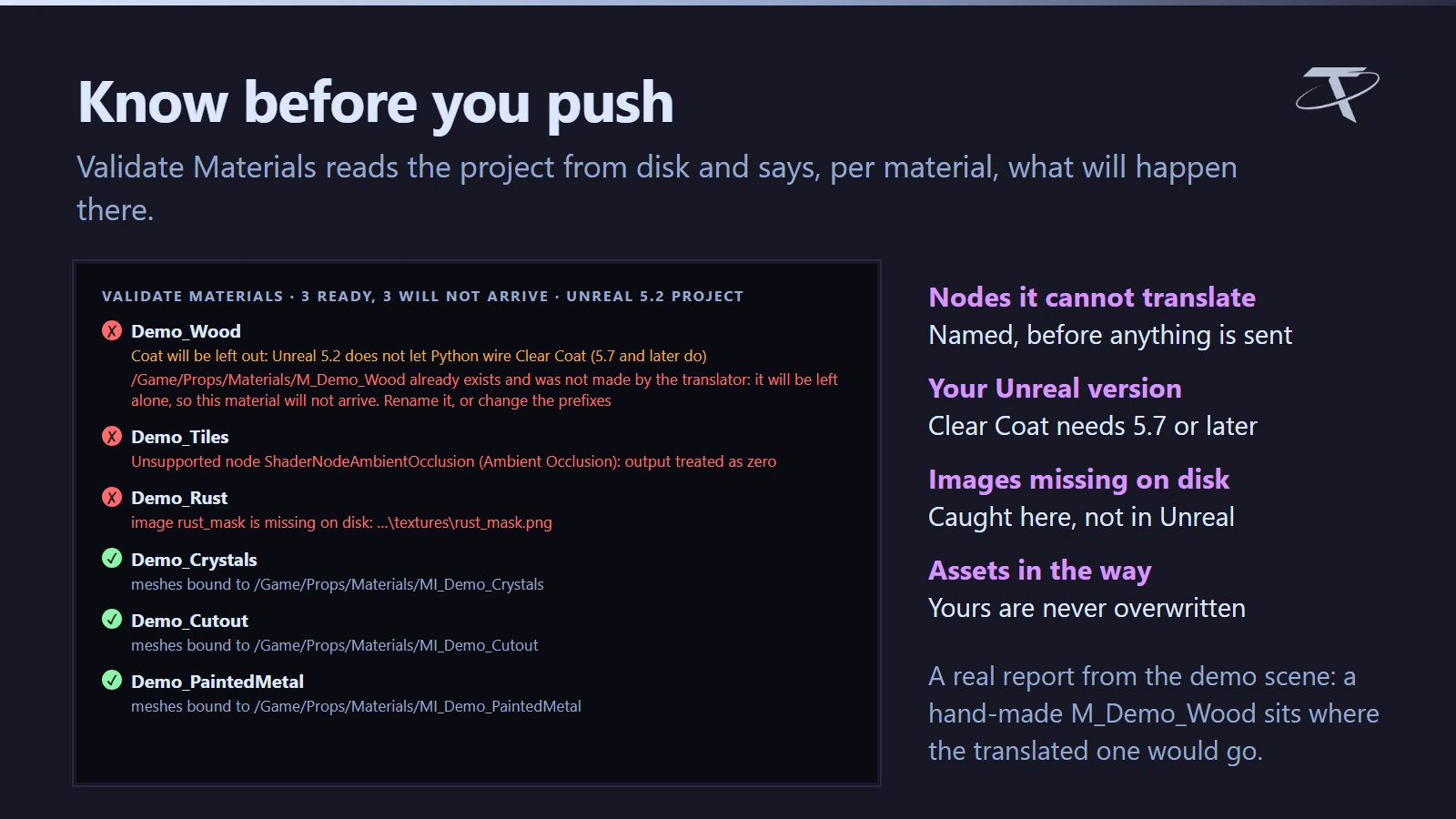
Validate Materials checks your project before the push
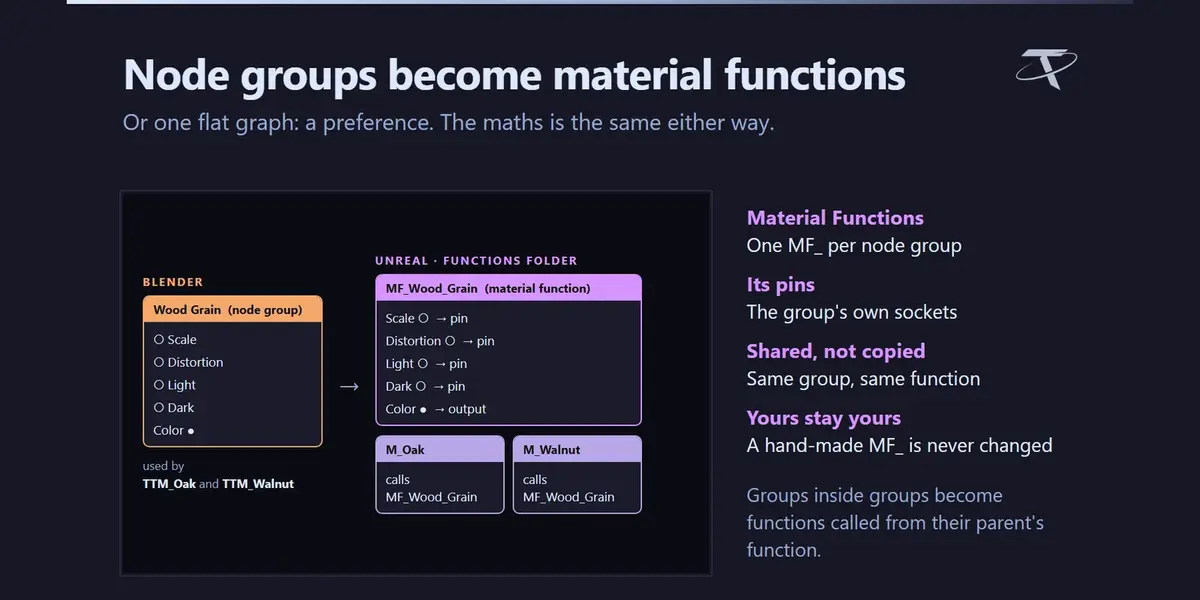
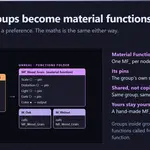
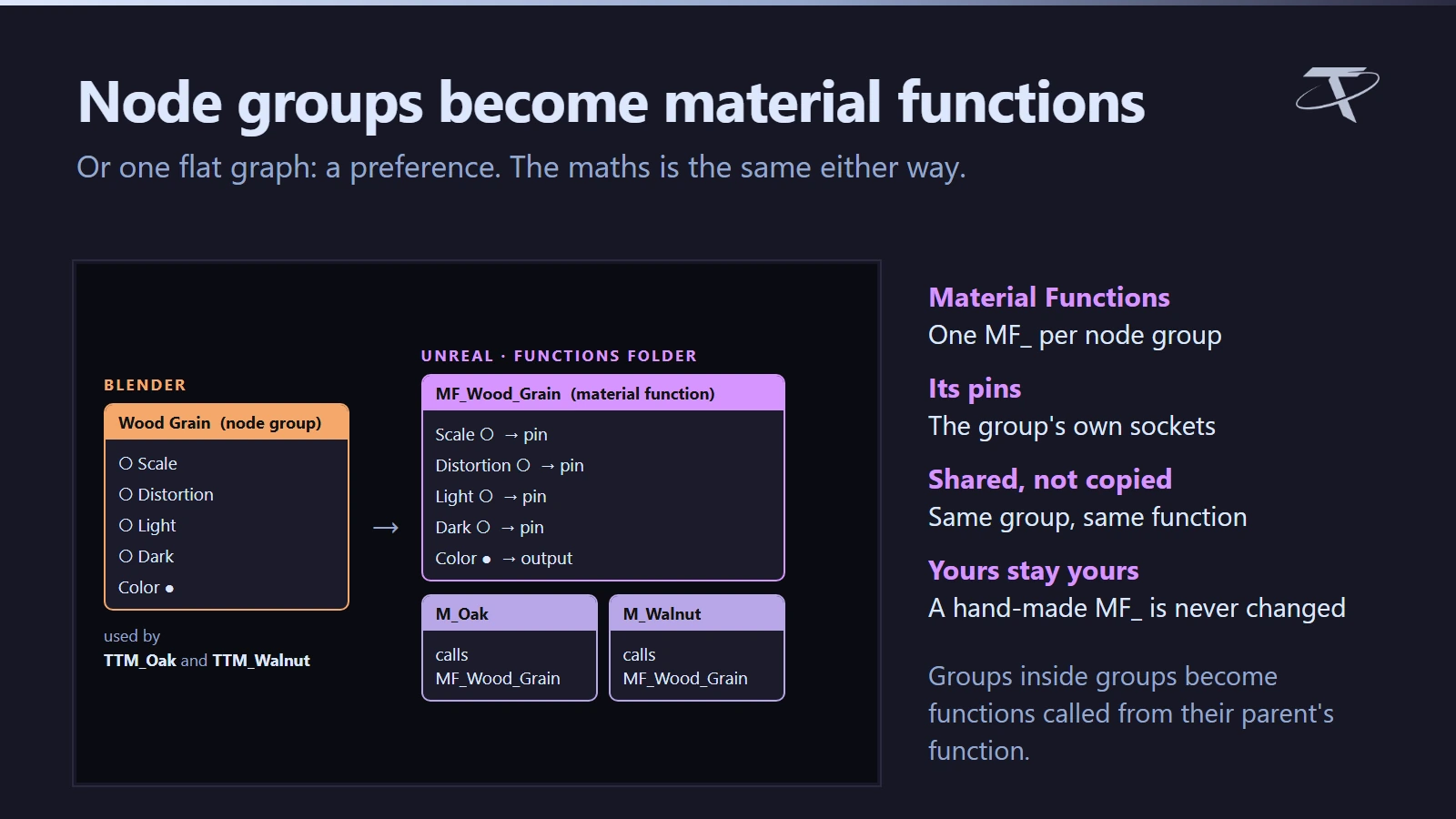
Node groups become material functions
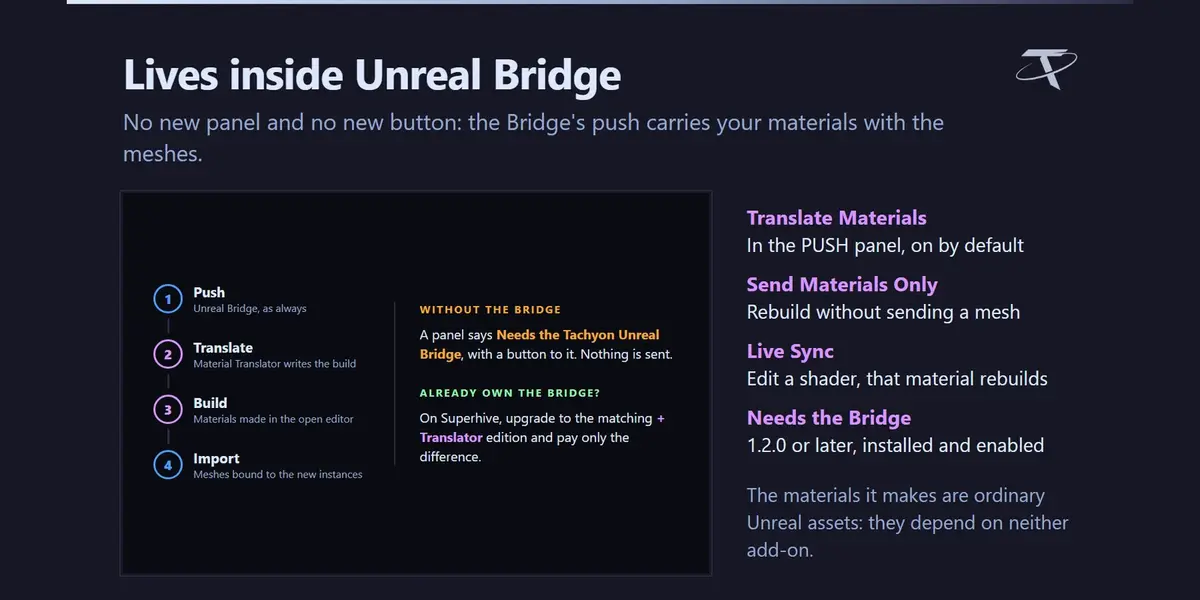
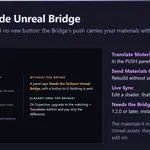
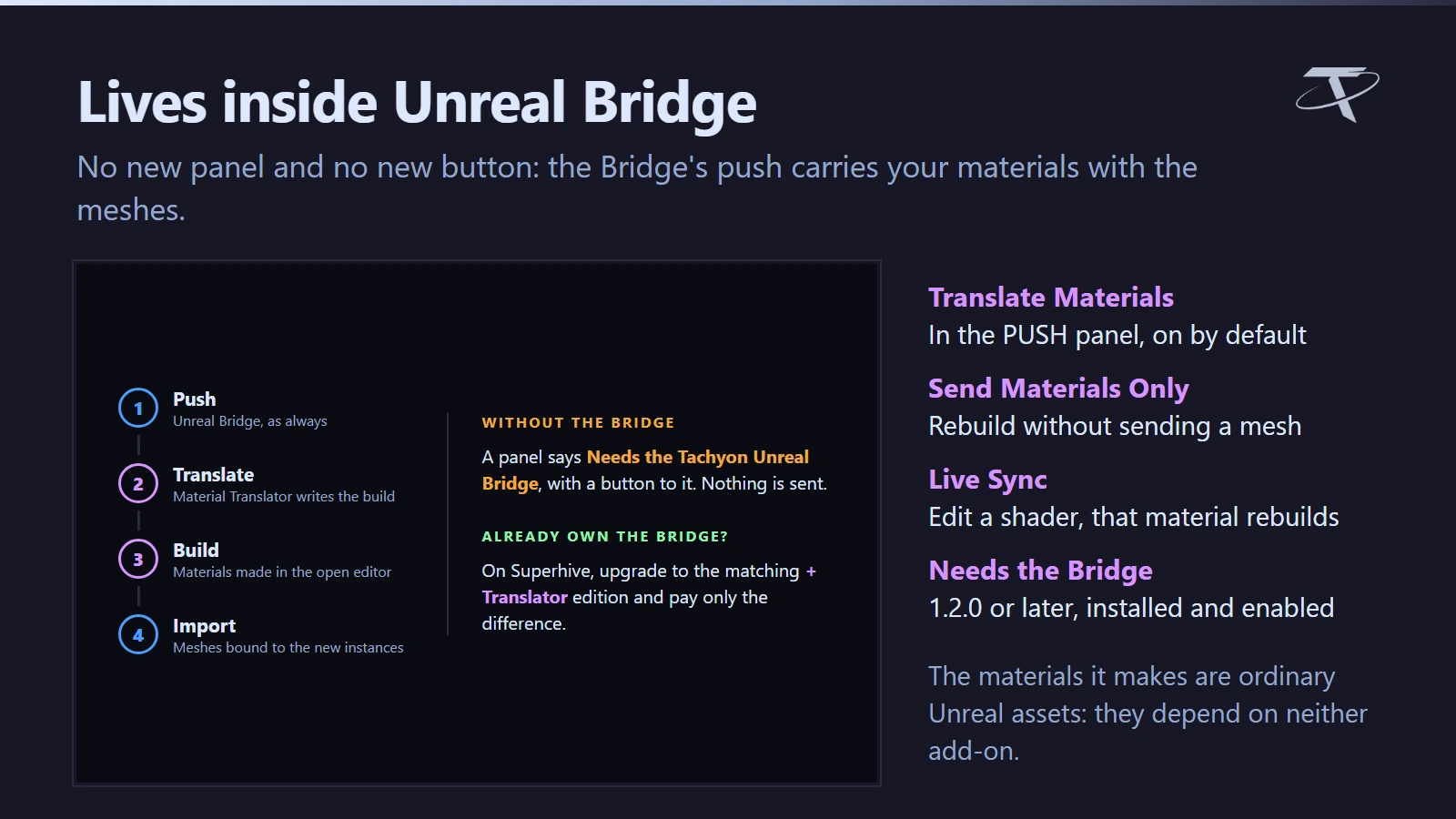
Material Translator lives inside Unreal Bridge
FEATURE BY FEATURE
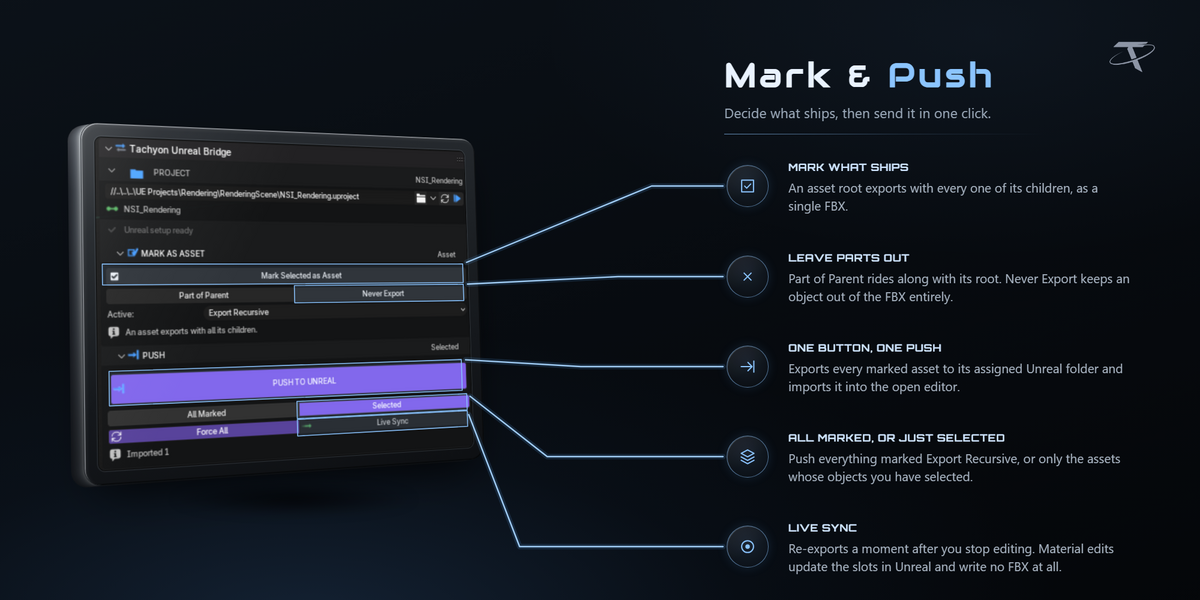
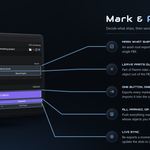
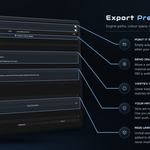
One button into the open editor
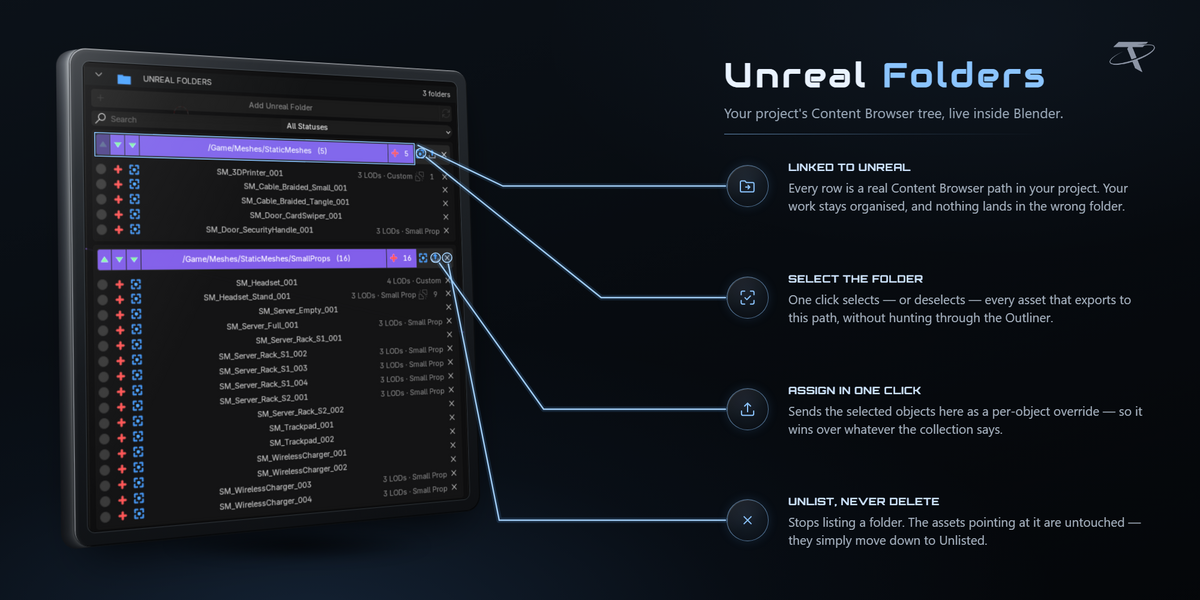
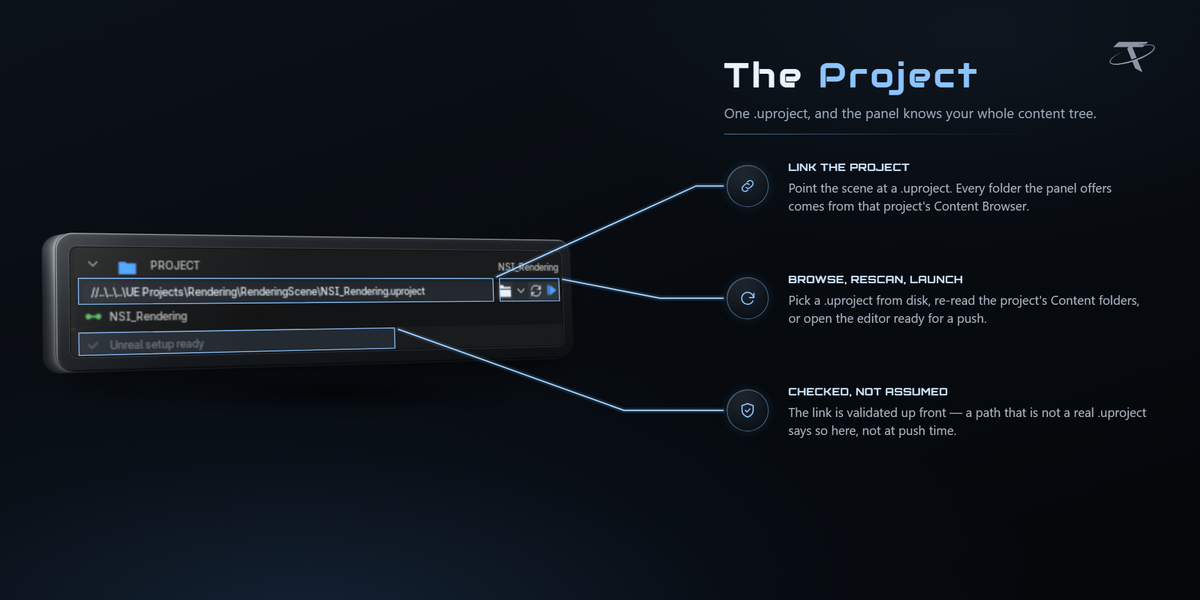
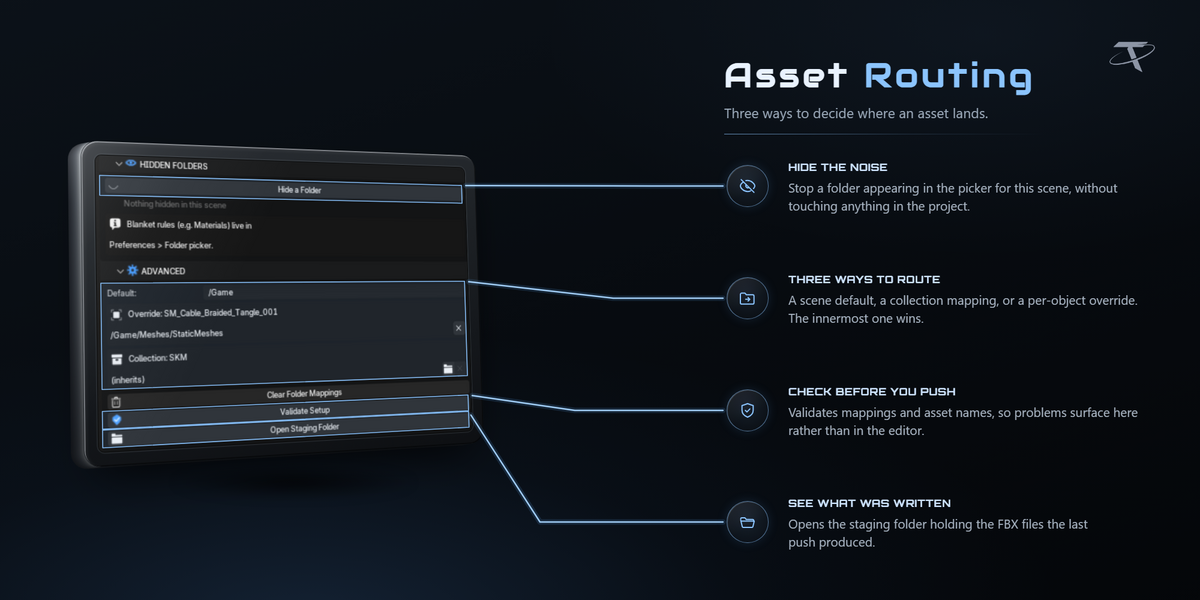
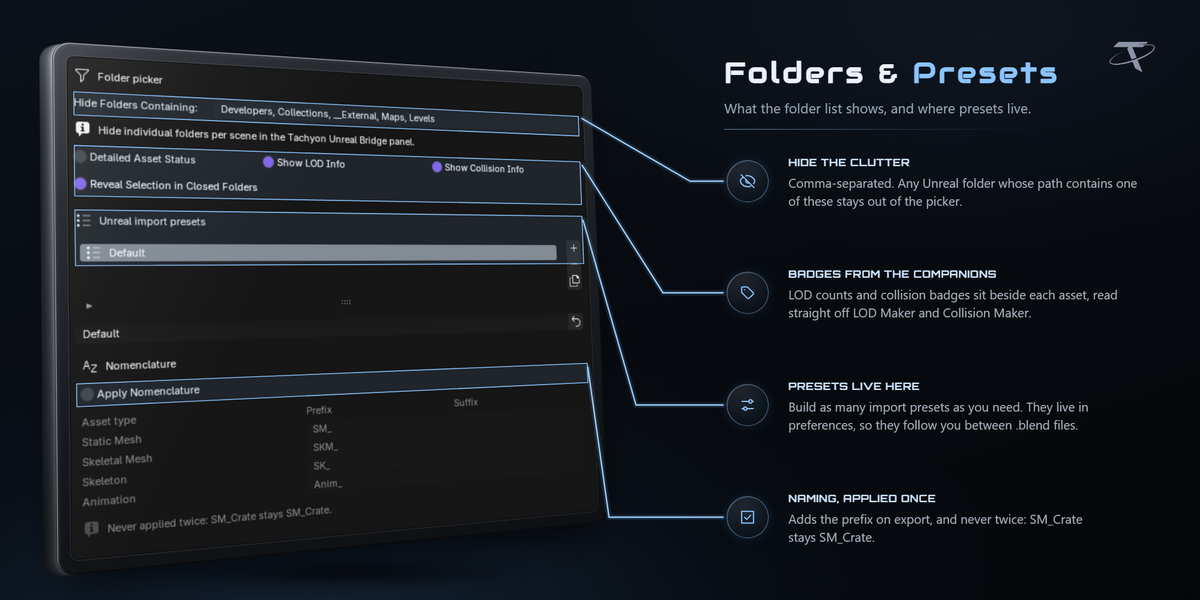
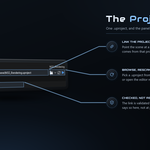
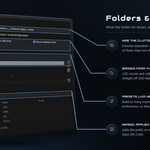
Your project's folders, not a guess at them
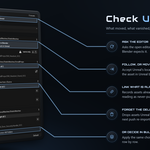
Edit in Blender, watch Unreal follow
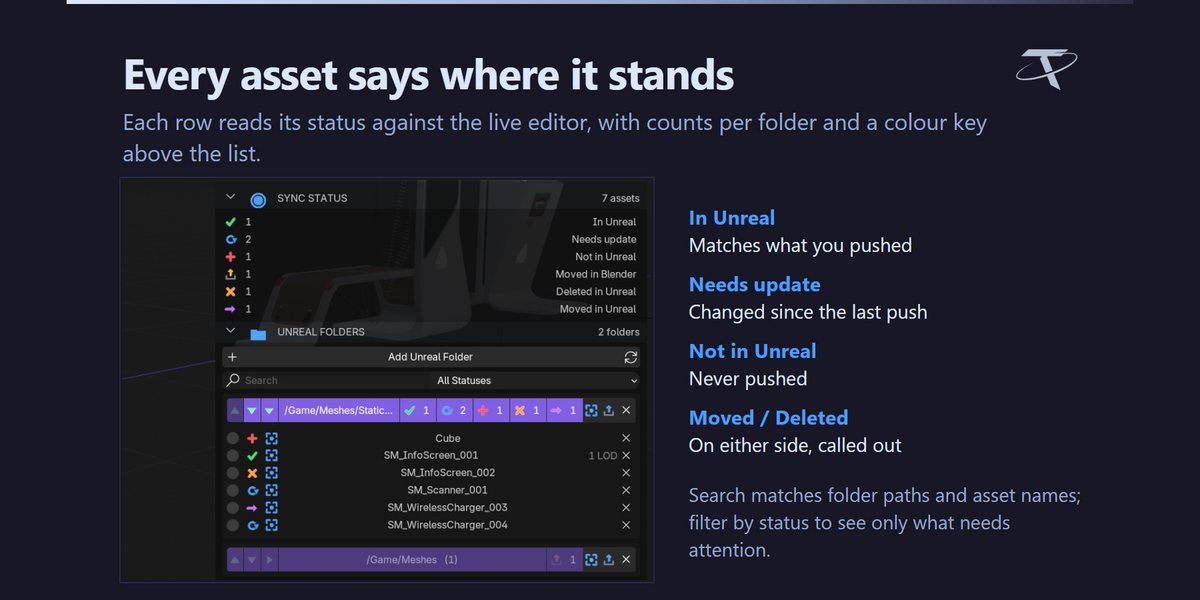
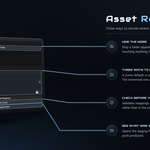
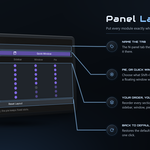
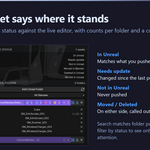
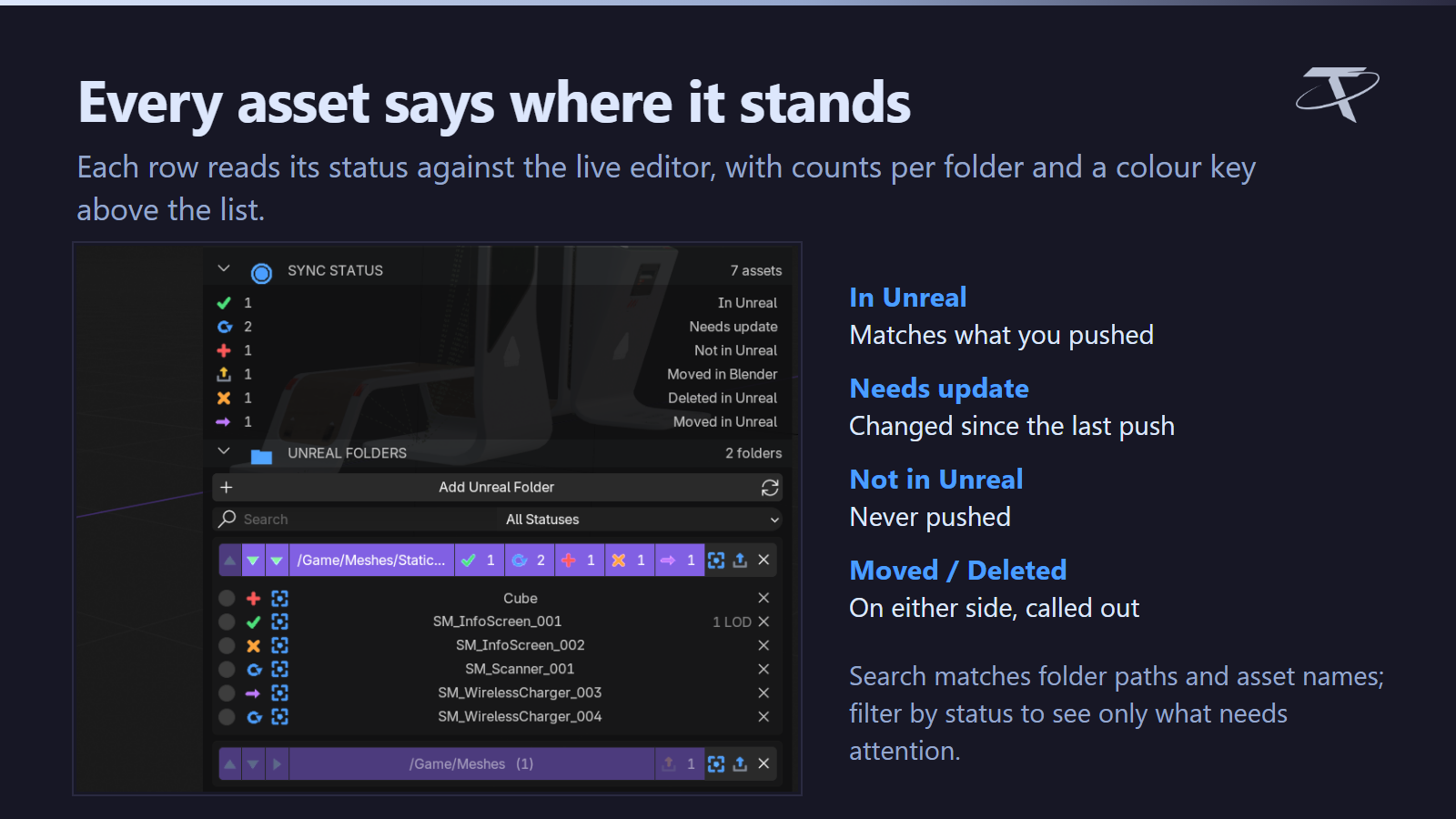
Every asset says where it stands
When Unreal and Blender disagree
Collision and LODs arrive with the mesh
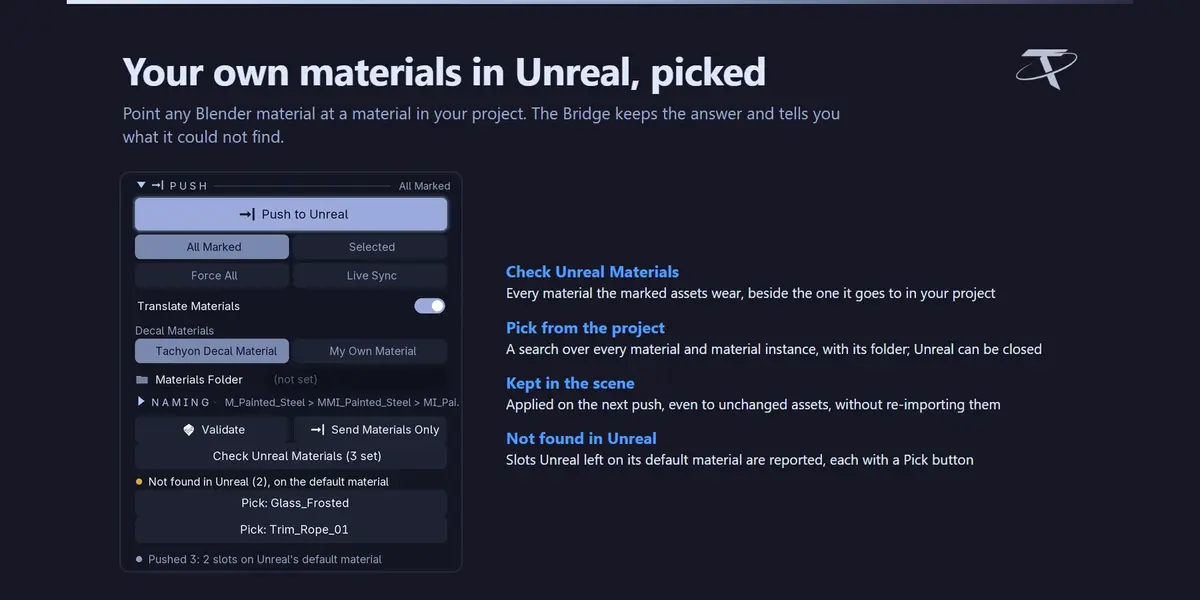
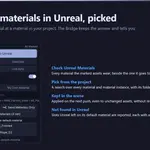
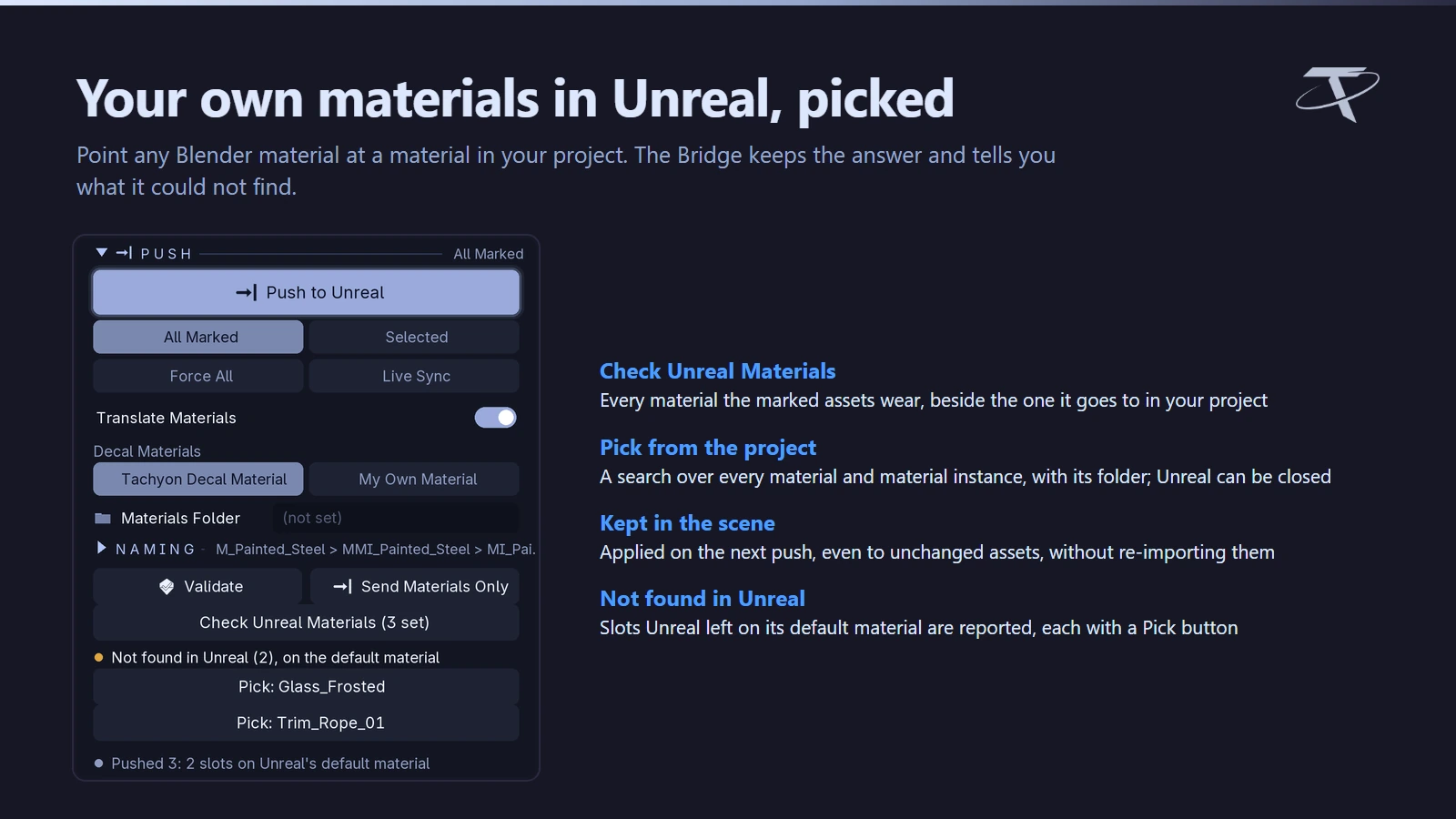
Your own Unreal materials, picked from the project
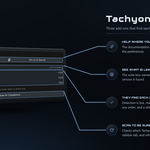
Push stops before Unreal drops anything
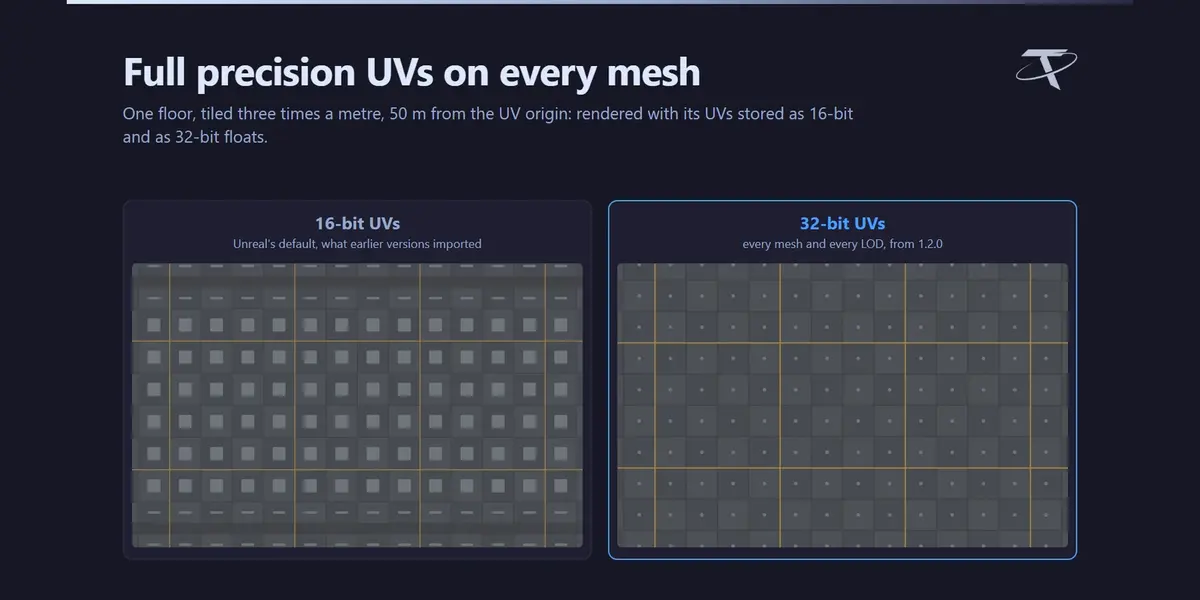
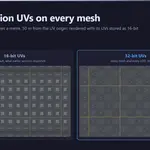
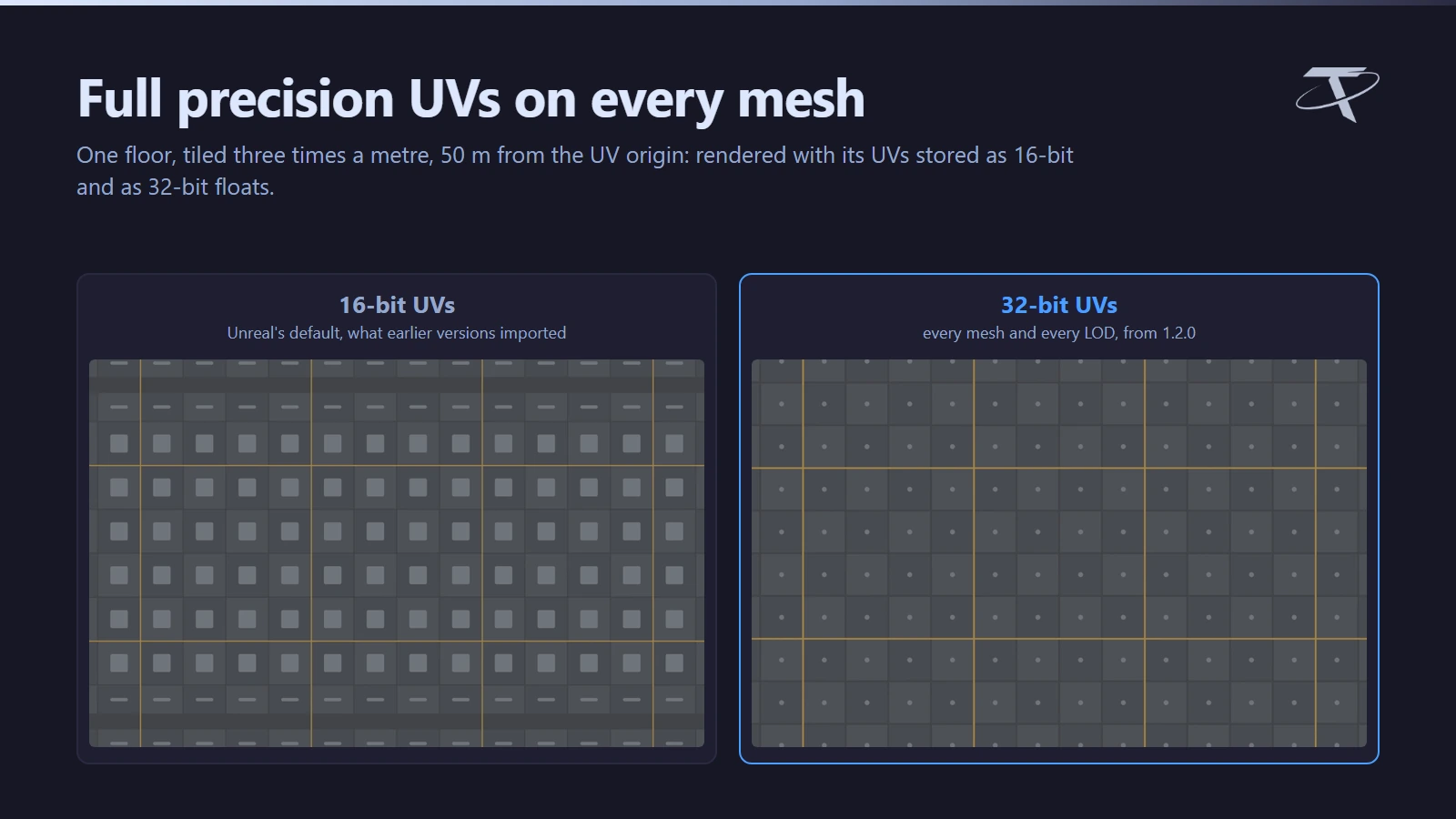
Full precision UVs on every mesh
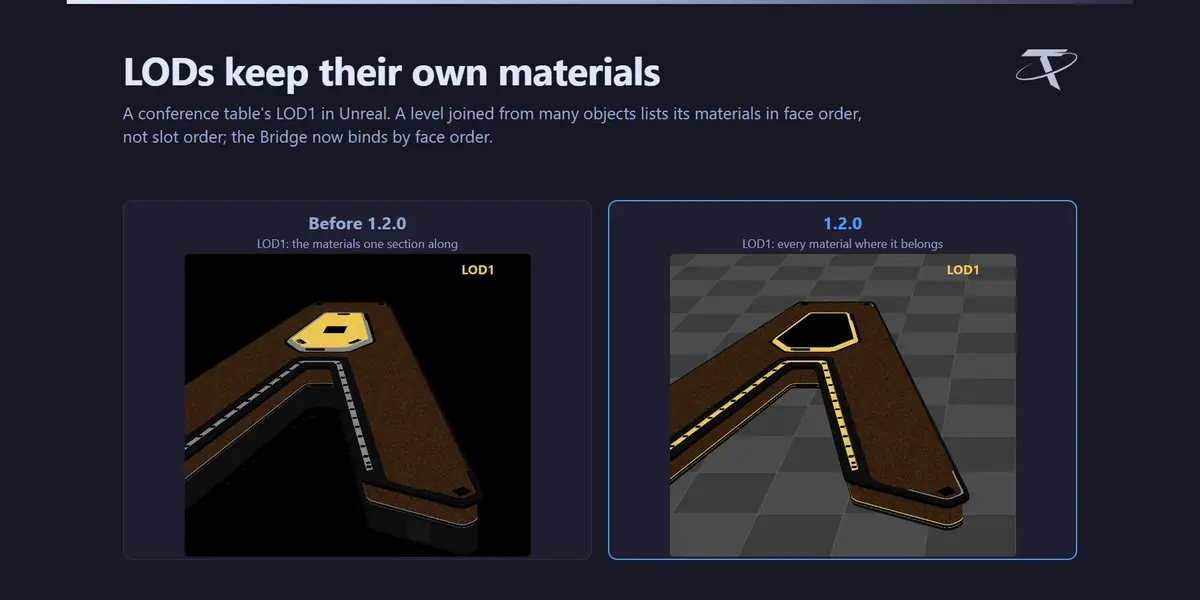
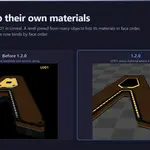
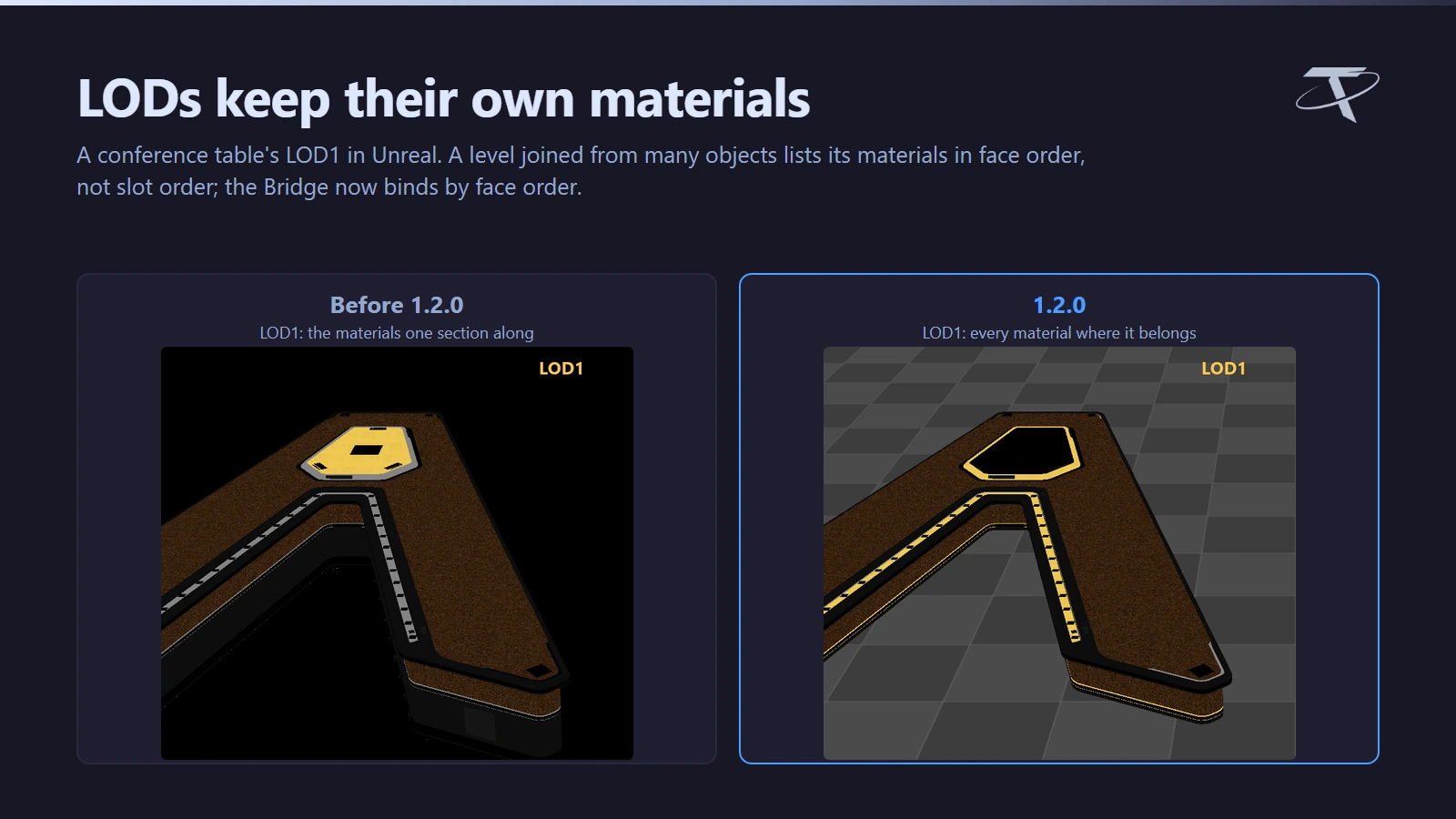
LODs bound to their materials in the order Unreal numbers them
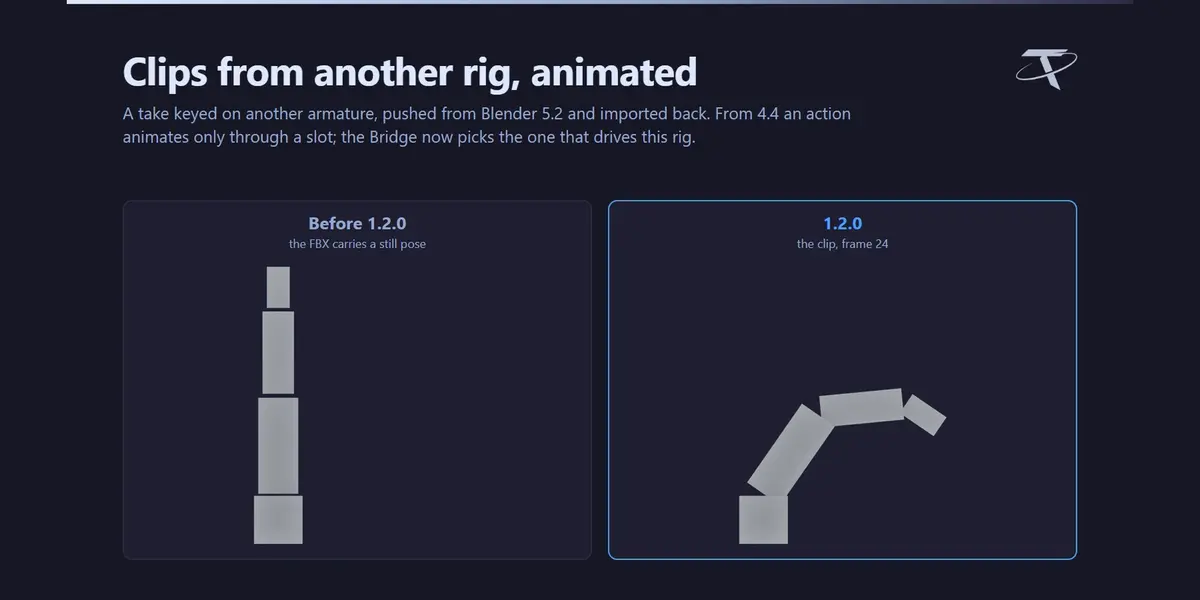
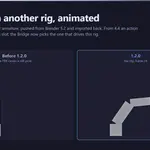
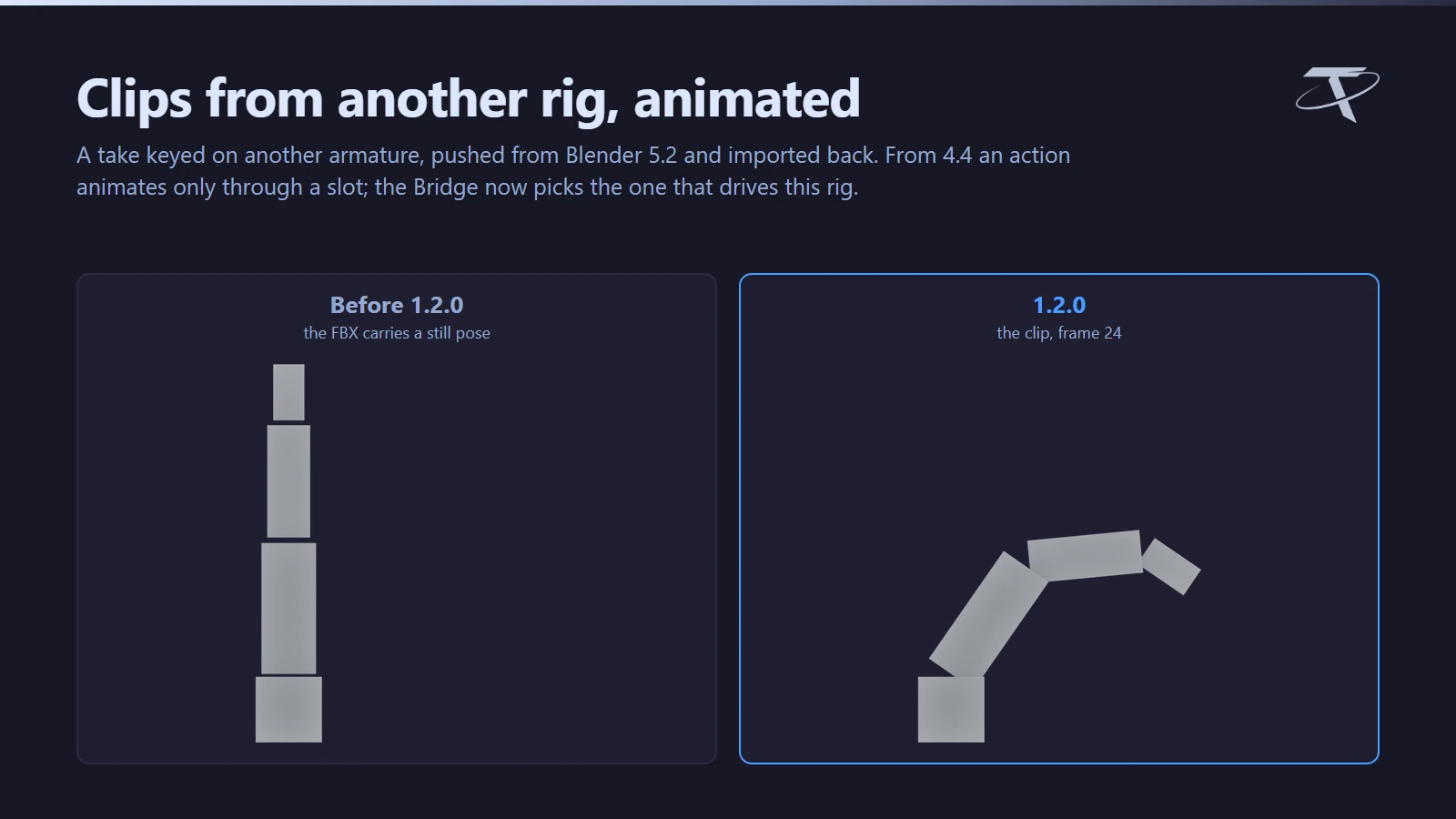
Animations from another rig export animated
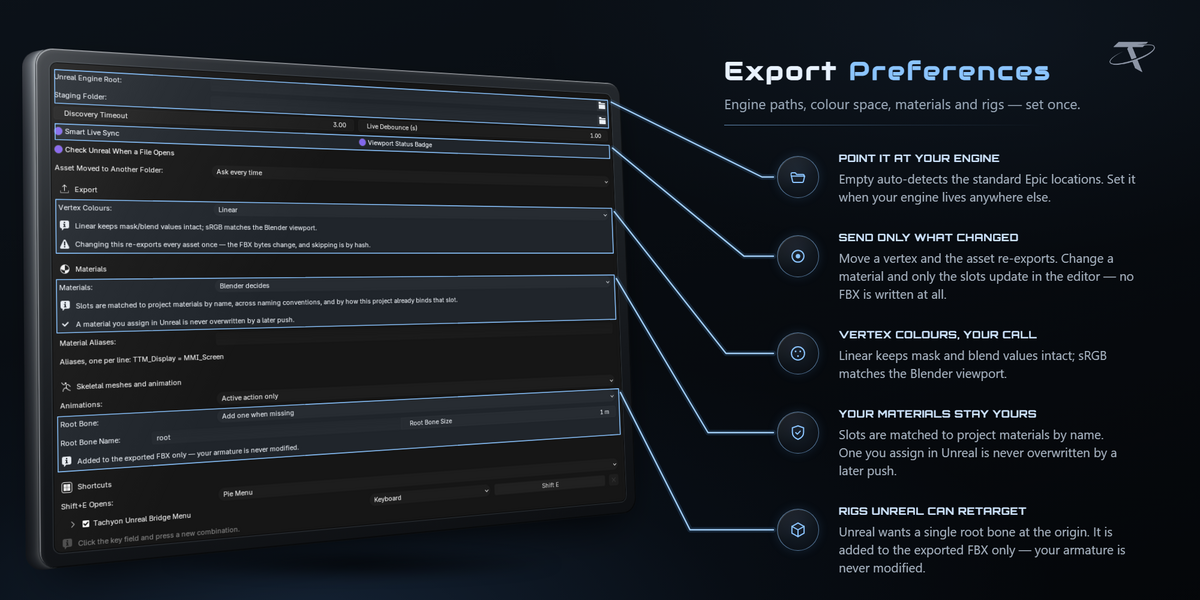
One-time Unreal setup, done for you
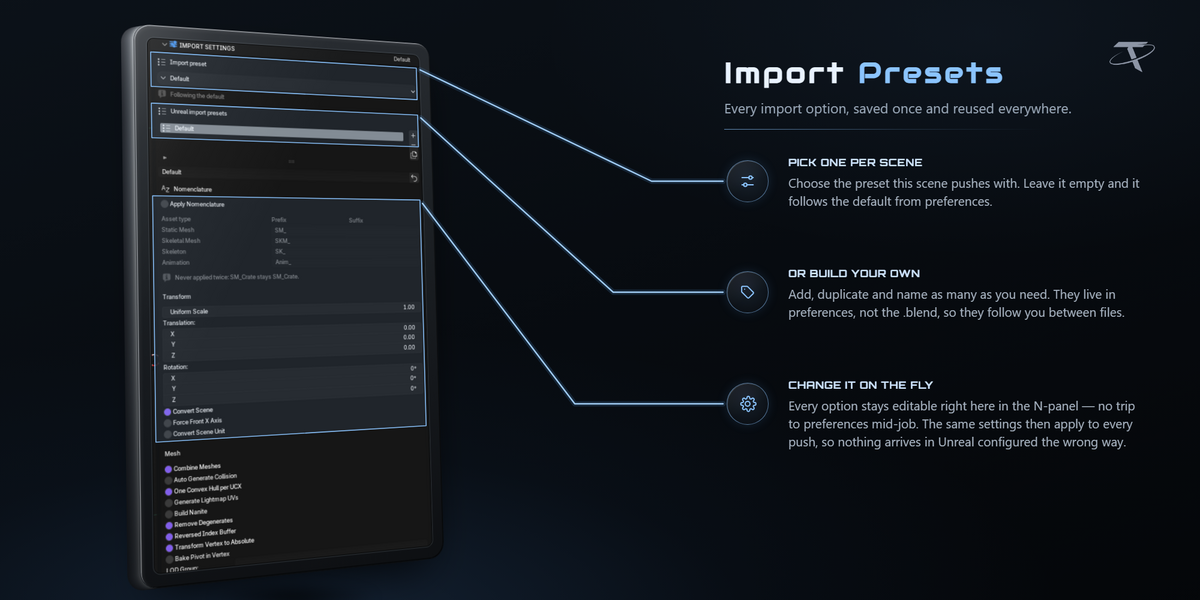
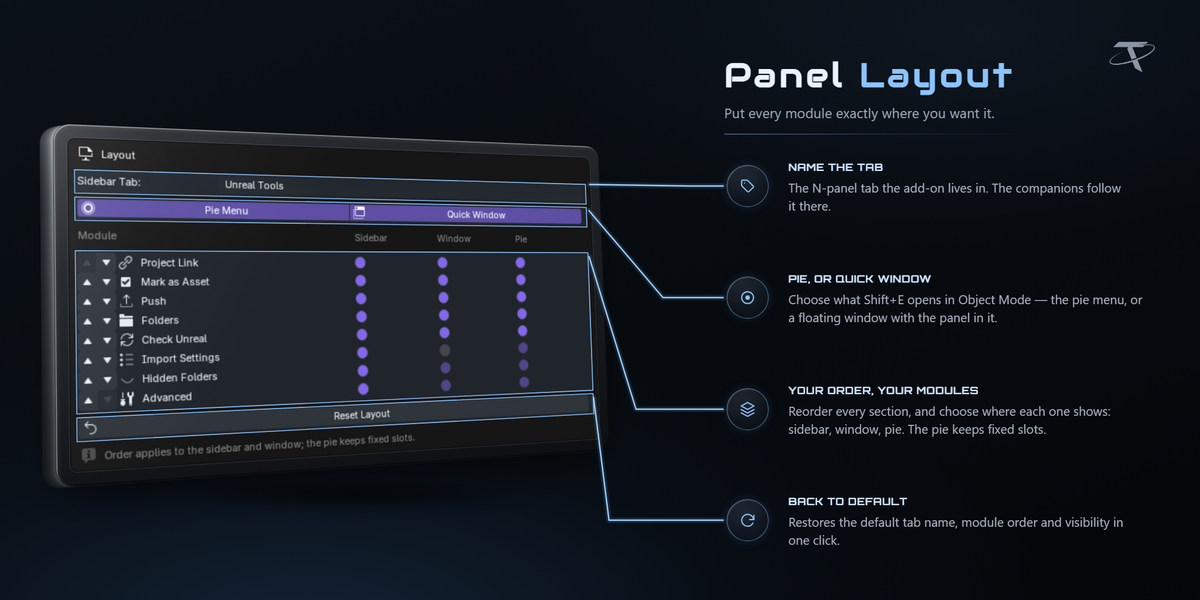
Arrange it the way you work
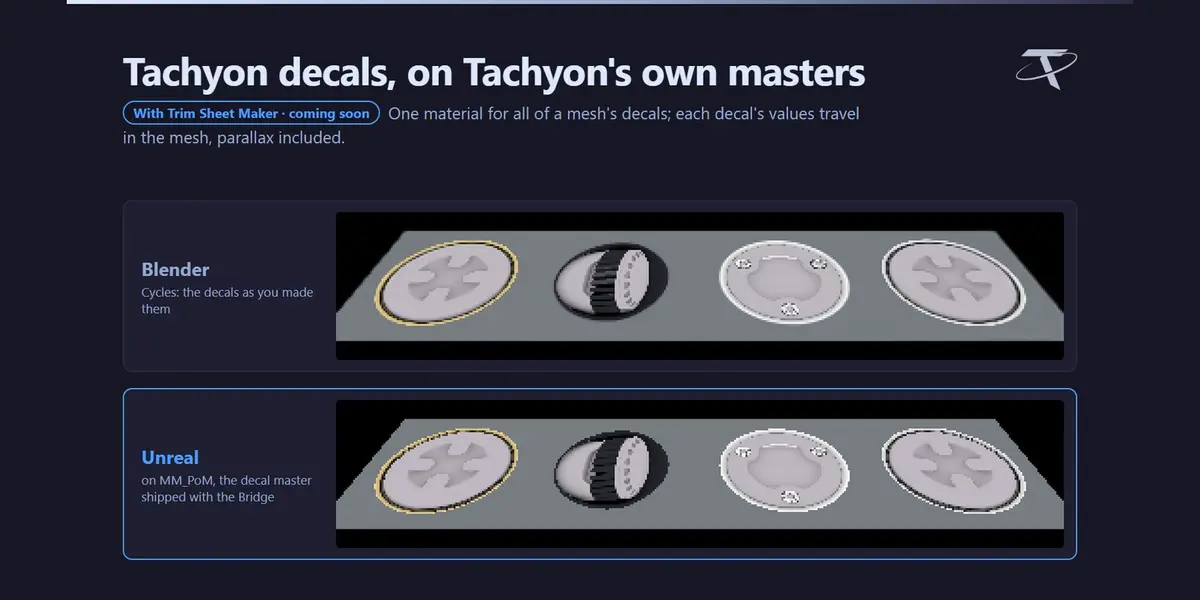
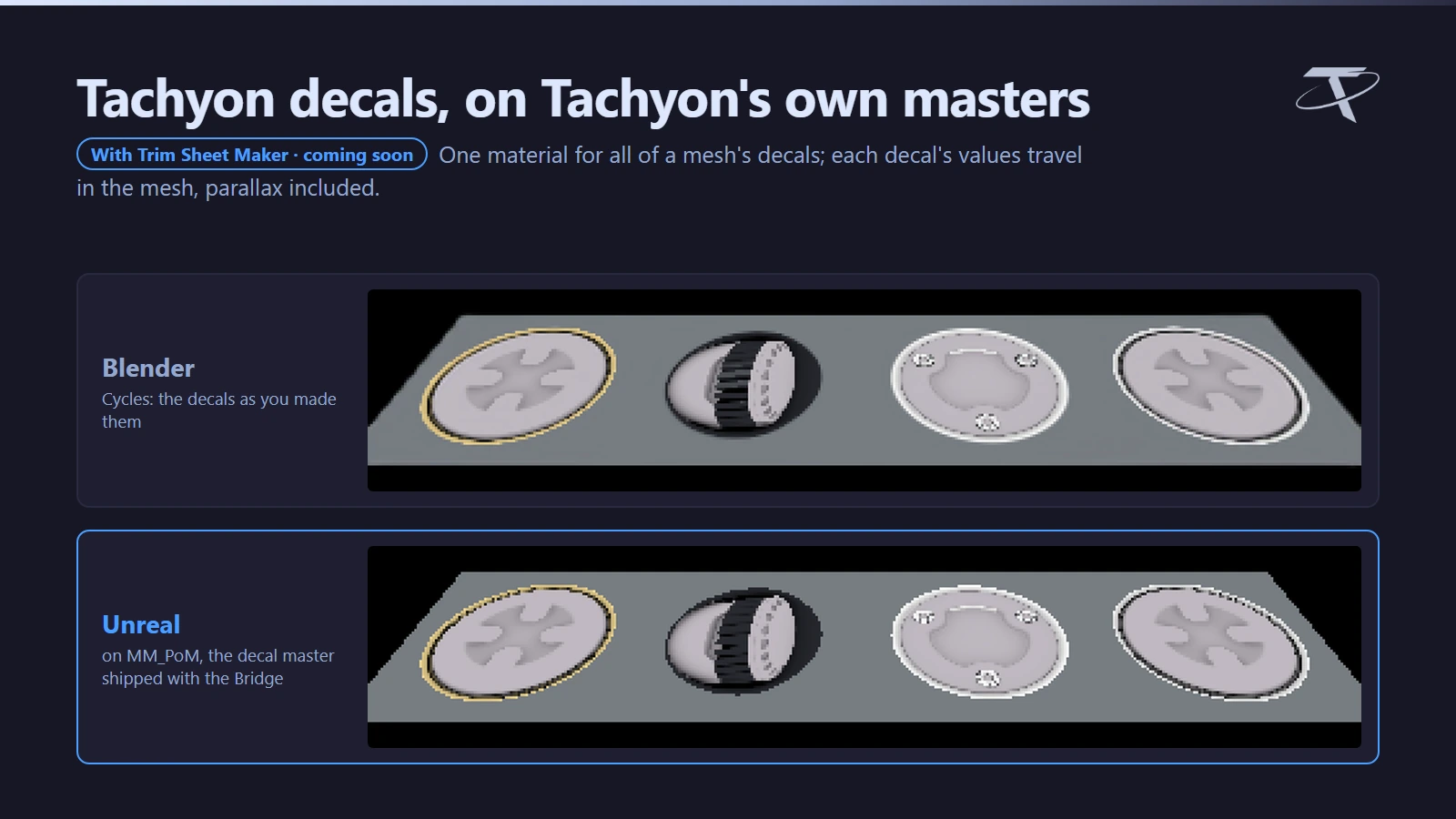
Tachyon decals, with Trim Sheet Maker (coming soon)
Tachyon Studio
Questions, bug reports and feature requests — join the Discord.
GPL-3.0-or-later · Copyright 2026 Tachyon Studio.

THE TACHYON STUDIO COLLECTION

Go beyond
Unreal Engine Bridge.

Build the collision and LODs it carries into Unreal, then check, organize and deliver.

ADD THE COLLISION

Unreal Collision Maker

Build collision that follows the shape, named for Unreal. The bridge sends it inside the asset’s FBX.
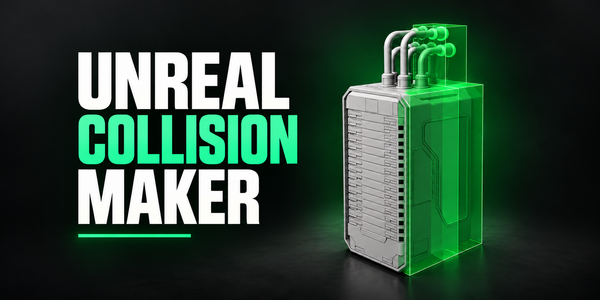
Unreal Collision Maker product thumbnail

ADD THE LODS

Unreal LOD Maker

Build LOD levels with Unreal’s screen sizes. The bridge imports every level and sets each one.
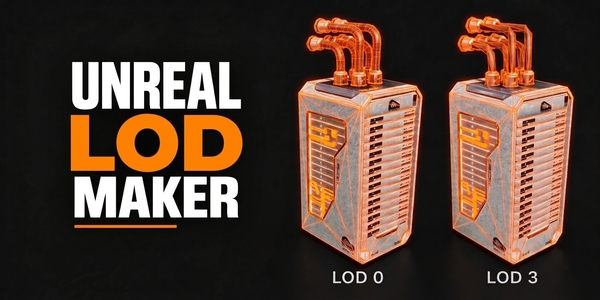
Unreal LOD Maker product thumbnail

Build out your workflow.

Optional tools for your workflow.
There is more in the studio.

See the full collection ↗

Optional products, sold separately. Check requirements; external applications are not included.

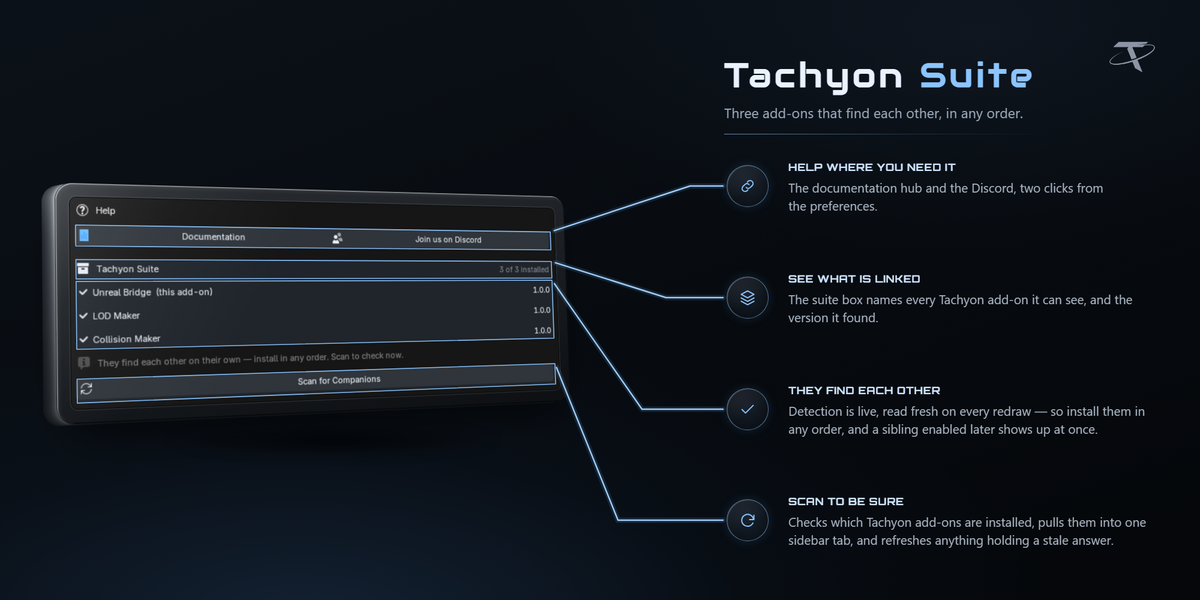
Collision Maker and LOD Maker are picked up by the bridge automatically when installed; neither is required.

Setup, compatibility and more: tachyonstudio.net/tools/unreal-bridge


  • For 1 person (1 seat). Commercial use included.

    $19.99
  • For a team of up to 6 people (6 seats). Commercial use included.

    $77.99
  • For a studio of up to 20 people (20 seats). Commercial use included. Need more than 20 seats? Contact us directly.

    $194.99
  • For 1 person (1 seat). Includes the Material Translator. Commercial use included.

    $32.98
  • For a team of up to 6 people (6 seats). Includes the Material Translator. Commercial use included.

    $129.98
  • For a studio of up to 20 people (20 seats). Includes the Material Translator. Commercial use included. Need more than 20 seats? Contact us directly.

    $324.98
$19.99

Support Period Included

Includes 12 months of

Extend this product’s Support Period +12 months: 50% of product price

Have questions before purchasing?
Login to message

Details
Blender Extension Compatible Yes
Sales 10
Published 2 months ago
Blender Version 3.3 - 5.3
License GPL