 Mesh Online
 Danilo

Mesh Online
about 4 years ago
Can you describe the issue in more details?

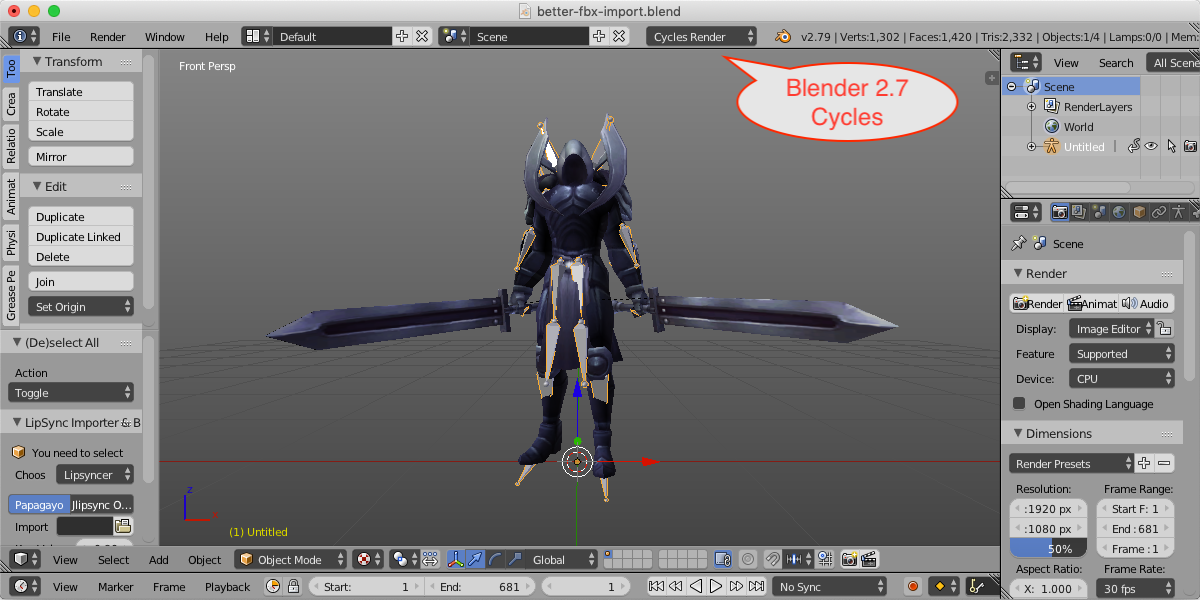
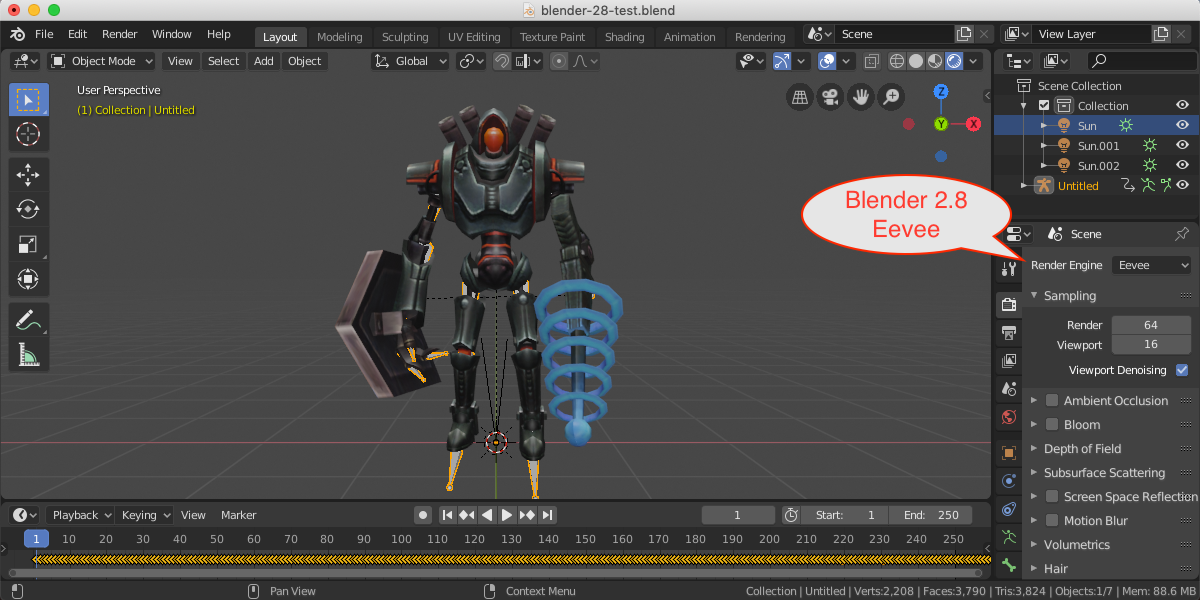
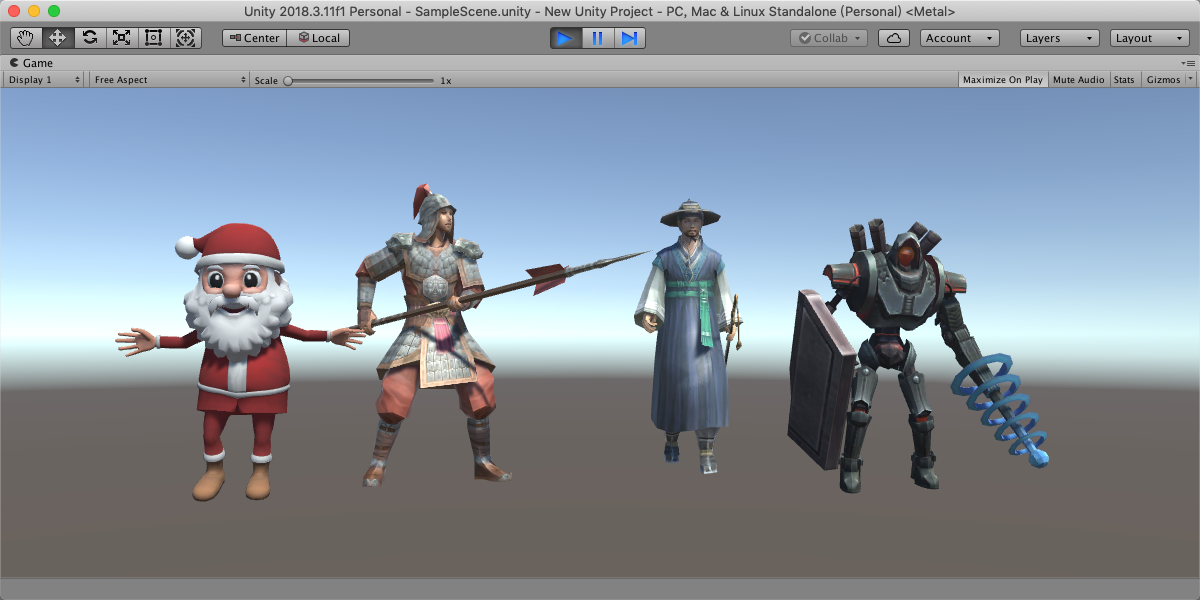
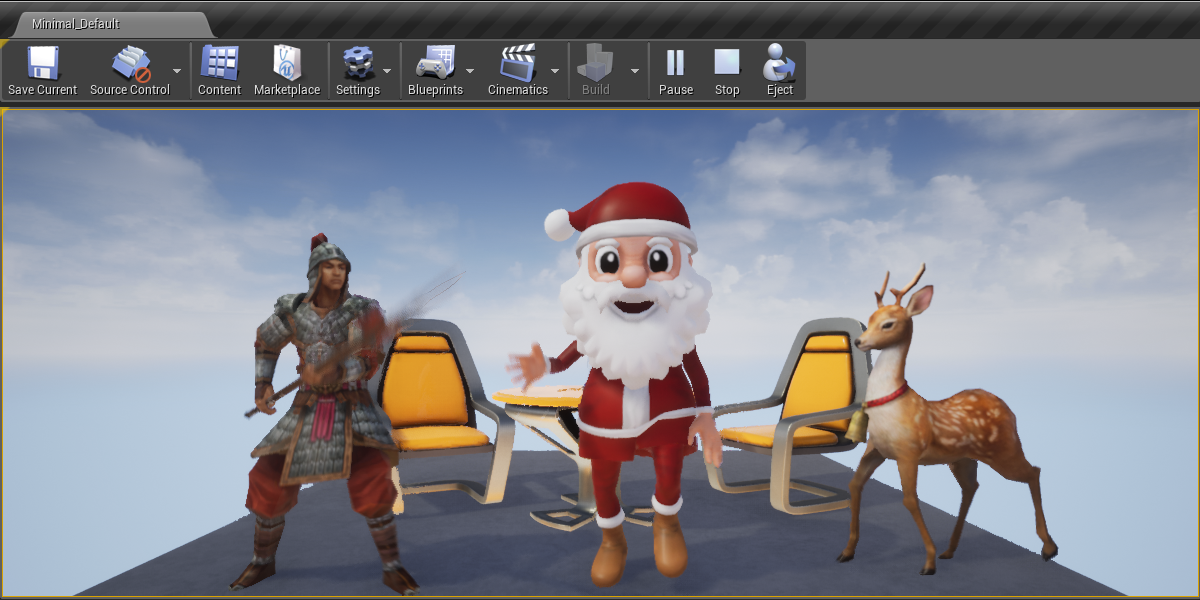


This item has an average rating of 4 from 127 ratings by the community.
Purchase this item to leave a review!
Mesh Online
about 4 years ago
Can you describe the issue in more details?
Mesh Online
over 4 years ago
Hi Annis, this add-on works well with most FBX files, but might have bug with some FBX files, if you encountered issues, please contact me, or you can simply request a refund, no problem.
Mesh Online
over 5 years ago
Please unzip the product, then install from 'addon/2.7/fbx.zip' or 'addon/2.8/fbx.zip', type 'better' in the search box, activate both the importer and the exporter, done.
Mesh Online
over 5 years ago
In some cases, you need to bake animation before exporting, I'll add 'Bake animation' feature in future version.
To insert a default pose keyframe? Please check if it contains any keyframe at the current pose.
Mesh Online
almost 6 years ago
Blender works in material mode by default, which will not show texture colors, after importing, you need to switch to 'Texture' mode from the 'Viewport Shading' to show texture colors.
The add-on may have bugs to fix, can you send me the issued file? Or you can request a refund, sorry for your inconvenience..
Mesh Online
over 6 years ago
I am sorry you have encountered such a problem, there must be something wrong, would you contact me via the inbox? I need more informations.
Mesh Online
over 6 years ago
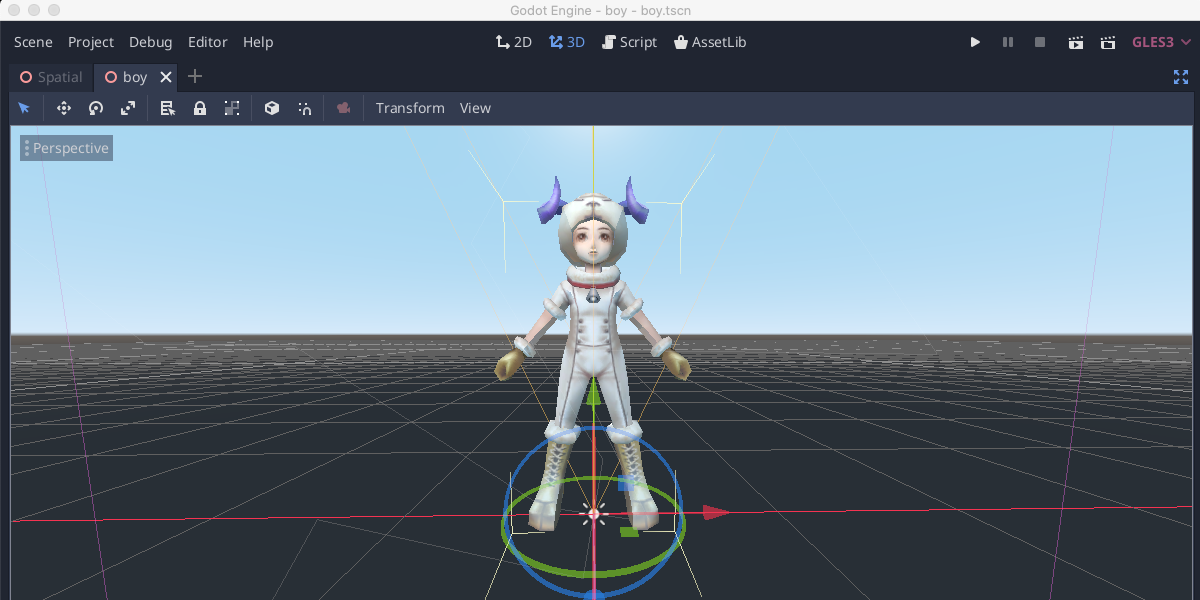
Hi Jim, There is an 'Optimize For Game Engine' option, activate it can export the armature and 3d model with unit scale and zero rotations, I have verified in Unity, Unreal and Godot.
Have questions about this product?
Login to message
| Blender Extension Compatible | Yes |
| Sales | 12900+ |
| Rating | 127 ratings |
| Dev Fund Contributor | |
| Published | about 7 years ago |
| Blender Version | 3.6 - 5.2 |
| Extension Type | Add-on |
| Render Engine Used | Cycles, Eevee |
| License | GPL |
 Annis naeem
 Matthew McKenzie
 Nolan
Nolan
 J. Gregory
 dallas
 Jim
Jim
