Mesh Online
over 4 years ago
Sorry the add-on does not support FOV animation, if you want to request a refund, please contact me, thank you.
This item has an average rating of 4 from 127 ratings by the community.
Purchase this item to leave a review!
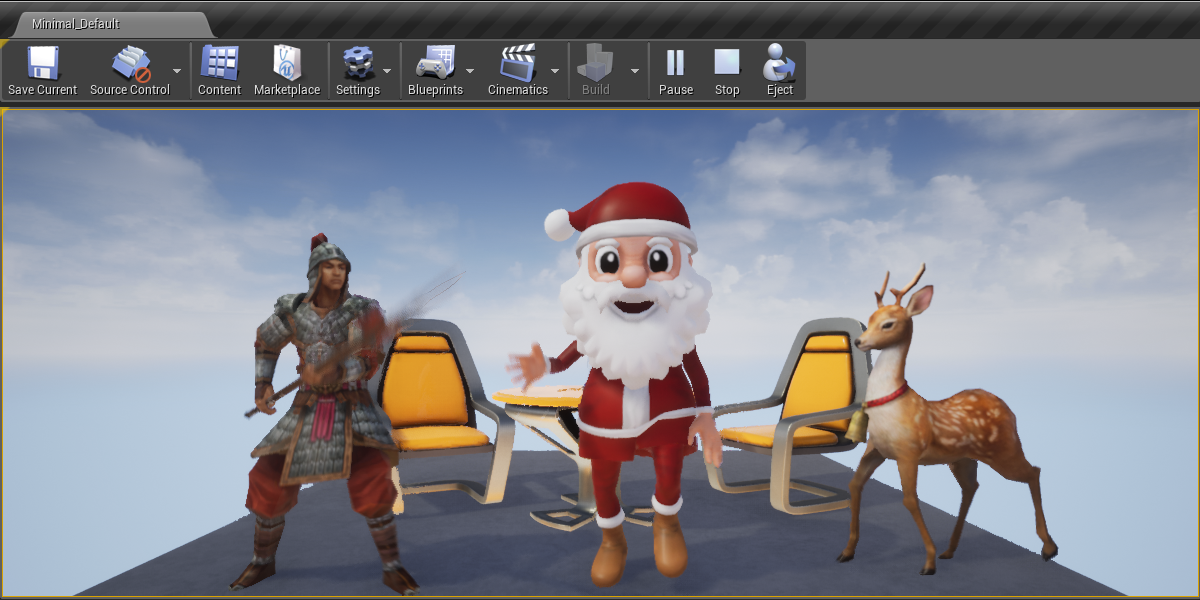
Made it a lot easier to import / export assets between UE4 4.27 and blender 3.0
Does what I need it to do out of the box, aside from an error which the dev helped me solve immediately which was due to the Blender 3.1 update.
Great asset, and quick response from the dev. What more could you ask for?
Very nice add-on!
I had a lot of problems solved.
Thanks a lot!
I noticed about the FOV output of the camera.
I have output the camera with BetterFBX.
Then I imported that camera with BetterFBX.
The FOV value was missing.
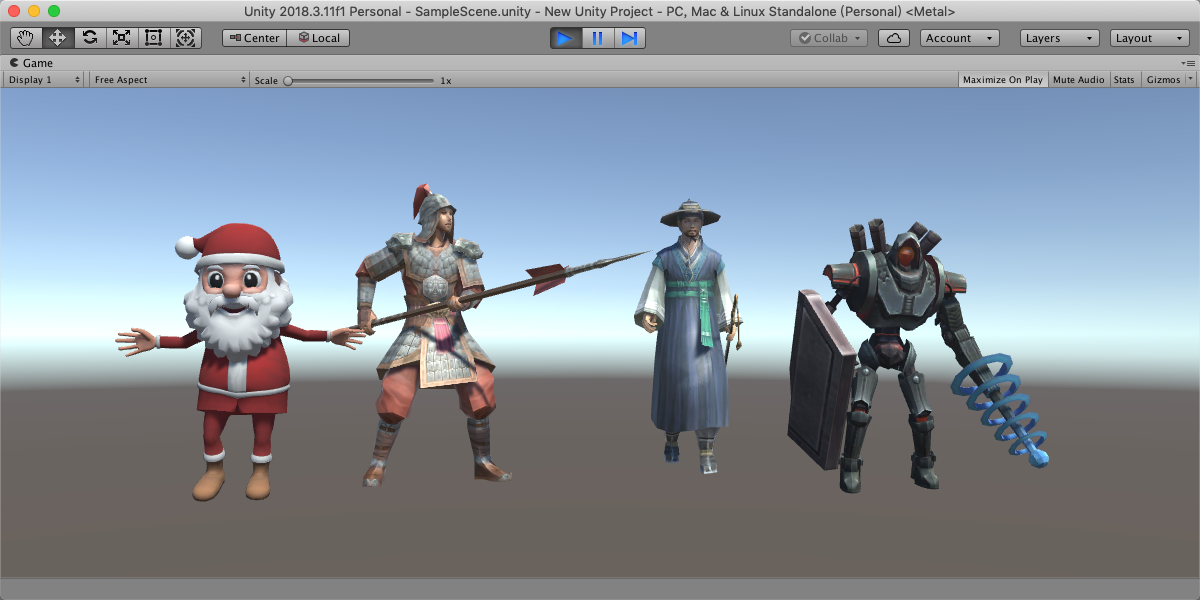
When I imported it into Unity, there was no FOV value.
Is this a bug?
Or do I need to set something to enable FOV for the camera?
I hope you can help me.
Mesh Online
over 4 years ago
Sorry the add-on does not support FOV animation, if you want to request a refund, please contact me, thank you.
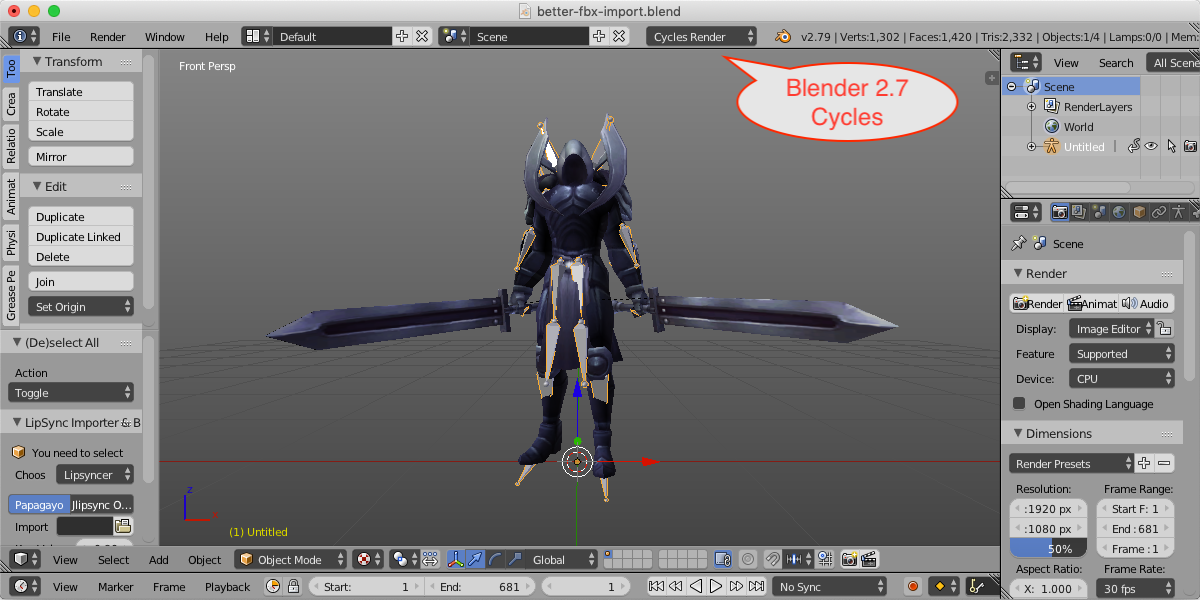
Does the job very good and much better then the default on. Bone orientation and difficult scenes import correctly. No more scale or orientation problems. However, its also slower. Guess it simle has to do more.
Works as expected.
I cannot believe how erratic and unreliable Blender is at importing rigged FBX files, even in v3.0. They should just buy your importer off of you! Great asset, allowed me to stop wasting time tinkering around and just get to character work!
if unity textures arnt working...
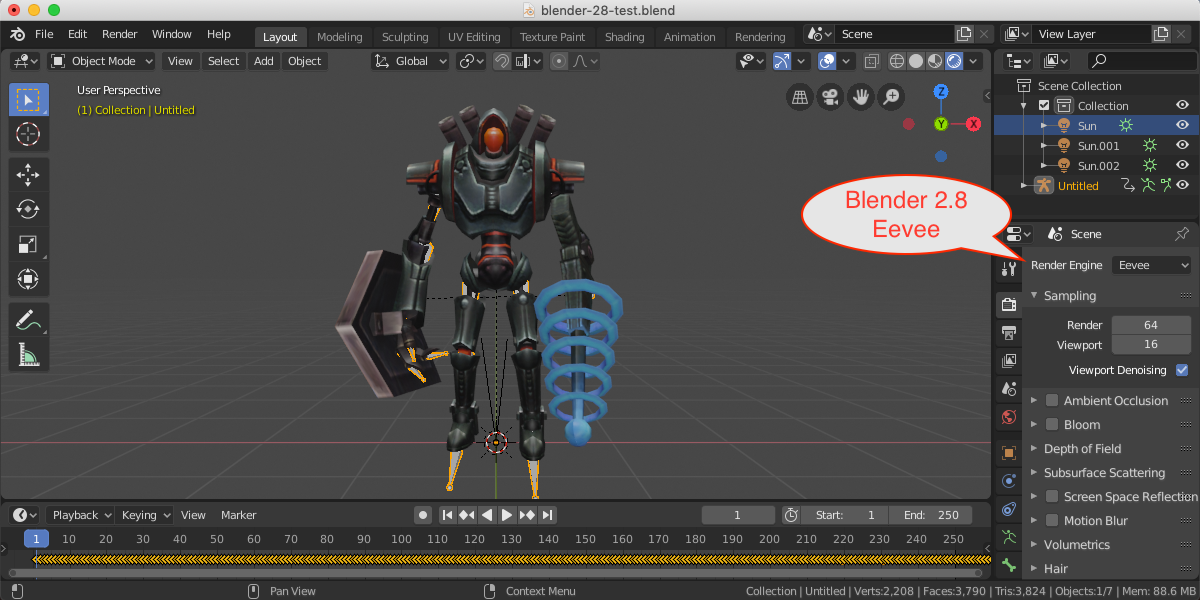
THIS IS IF YOU USE TEXTURES PACKED INTO THE BLEND FILE. If not, be careful overwriting existing files
file->external data->unpack all into files->write files to current directory (overwrite existing files)
file->external data->automatically pack into .blend <-IMPORTANT OR ELSE YOU CAN LOOSE DATA
file->export->FBX->make sure path mode is set to copy and embed textures icon is checked
export to its own folder in unity
when you get to unity, in the materials tab click extract textures FIRST
click extract materials. Textures should auto assign to materials and materials should auto assign to model
Extract the textures first, then extract the materials, itll mostly set itself up correctly in the slots. Metallic and roughness do not work as quantity sliders, but to work as textures. The emission texture imports but does not auto assign or enable emission. normal map works
I couldnt find a way to export linked data with textures
Sure wish I would have found this add-on 5 days ago! I'm completely new to 3D and was just playing around with 3D models, but couldn't for the life of me figure out what was going on with flawless imports of .obj files as opposed to the .fbx files that I wanted to import due to already established skeleton and shape keys. Needless to say, it took me roughly 5 days to come across the simple fact that Blender is lacking when it comes to importing .fbx files. This add-on solved the issue completely, and for that, I will say thank you for your program.
very good add-on.
especially, the feature of "Apply Modifiers" is good.
it successed to relieve my exporting work.
Massive timesaver for my workload and I greatly appreciate how helpful the dev is.
Have questions about this product?
Login to message
| Blender Extension Compatible | Yes |
| Sales | 12900+ |
| Rating |
127 ratings
|
| Dev Fund Contributor | |
| Published | about 7 years ago |
| Blender Version | 3.6 - 5.2 |
| Extension Type | Add-on |
| Render Engine Used | Cycles, Eevee |
| License | GPL |