Mesh Online
almost 6 years ago
The user had confirmed that the issue was caused by wrongly locked some channels, after unlocked the channels, everything is ok.
This item has an average rating of 4 from 127 ratings by the community.
Purchase this item to leave a review!
We heavily work with Blender and UE4, and this addon has been a gift for us. We had a problem with a specific shaking effect in one of the animations, which we tried to solve for a week of so, and the author was kind enough to highlight the error we were making.
Before giving 5 stars I checked the previous reviews. One of the 1 star reviews has problems installing, I have no idea where he or she could have had problems, but whatever they are, they are in his or her side only.
The other one is about IK bones and constrains. I don't think this addon is advertising itself as fixing that, and baking the animations as we do anyways gives perfect results.
Love it, Solve mostly of my problems
The issue/feature I need is to have to Import Only Animations into an existing File/model
I have FBX files that only contains animation info (bones with keyframes)
In 3dsMax/Maya the Option is called (Update Animations Only)
Here's the Feature:
https://streamable.com/r9y77u
Other than that, works like a charm
Was having weird issues with Blender's build in FBX export. This solved it like magic. The build in implementation is just buggy frankly. This is worth the $25 easily IMO.
Worked for me. Way better than Blender's own tool. Seeing the other ratings, the tool may be less than perfect, but worked with everything I tested it with.
Works like a charm
Works perfectly for me. Exporting animated FBX models for Unity and Roblox in a click.
It's good.
I don't export so much as I import, and found this tool very useful.
Perfect example; Try loading Mixamo stuff with it. All the bones connect and it faithfully represents the original rig structure you see in Mixamo.com. The default fbx importer has a very confusing orientation that could create offsets from the bones having potentially elapsing directions of gimble lock. This addon is worth getting simply for the importer. Really.
-s
Love it! You saved me a lot of time!
Just one thing, if you left the 'Auto Keying' funtion activated when exporting an animation, the first frame is replaced with the default pose, maybe it's a bug
Mesh Online
almost 6 years ago
The user had confirmed that the issue was caused by wrongly locked some channels, after unlocked the channels, everything is ok.
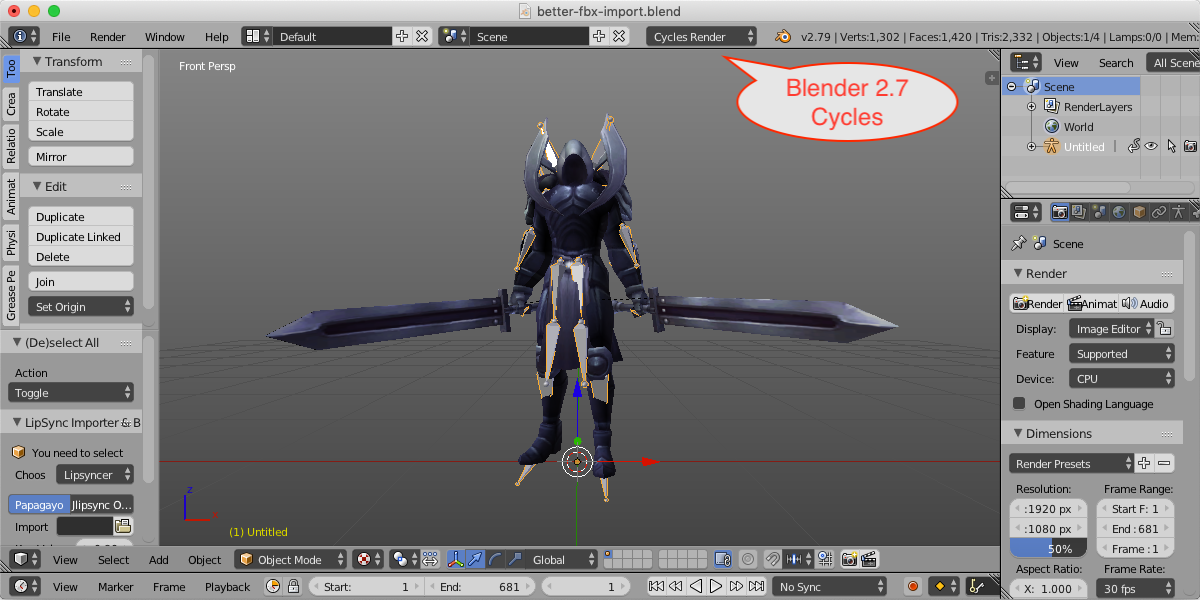
Picked up this add-on because the standard FBX tool in Blender wasn't doing the job. I'm extremely glad I did. First, this FBX tool works well and has all the features needed for working with well constructed rigs. Second, the developer provided excellent customer service. A recent contract job required me to work with a rig that was NOT well constructed which resulted in the finger bones having a bad roll after import. The developer was quick to respond to my questions and even offered a suggestion which totally fixed my issue and saved me from having to redo all my work.
Thanks so much for a great tool and awesome support.
Switching from Maya to Blender, I've been having such a hard time trying to import rigs into Blender using their internal FBX importer; meshes would be too big or too small to fit the armature, and some bones would just be placed out in space not being connected to armatures at all. This plugin however, fixed all my problems! Still had to do some manual tweaking to fix the rigs a bit but other than that works perfectly for what I need!
Have questions about this product?
Login to message
| Blender Extension Compatible | Yes |
| Sales | 12900+ |
| Rating |
127 ratings
|
| Dev Fund Contributor | |
| Published | about 7 years ago |
| Blender Version | 3.6 - 5.2 |
| Extension Type | Add-on |
| Render Engine Used | Cycles, Eevee |
| License | GPL |