 Unik Studio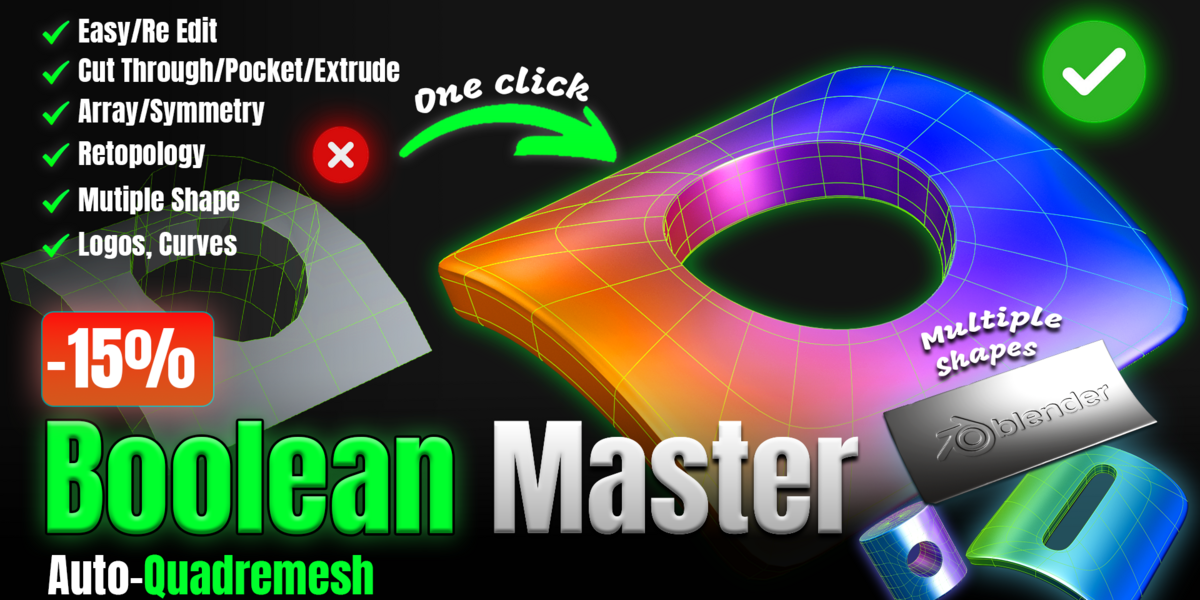




Boolean MasterBoolean-style cuts, clean quad topology
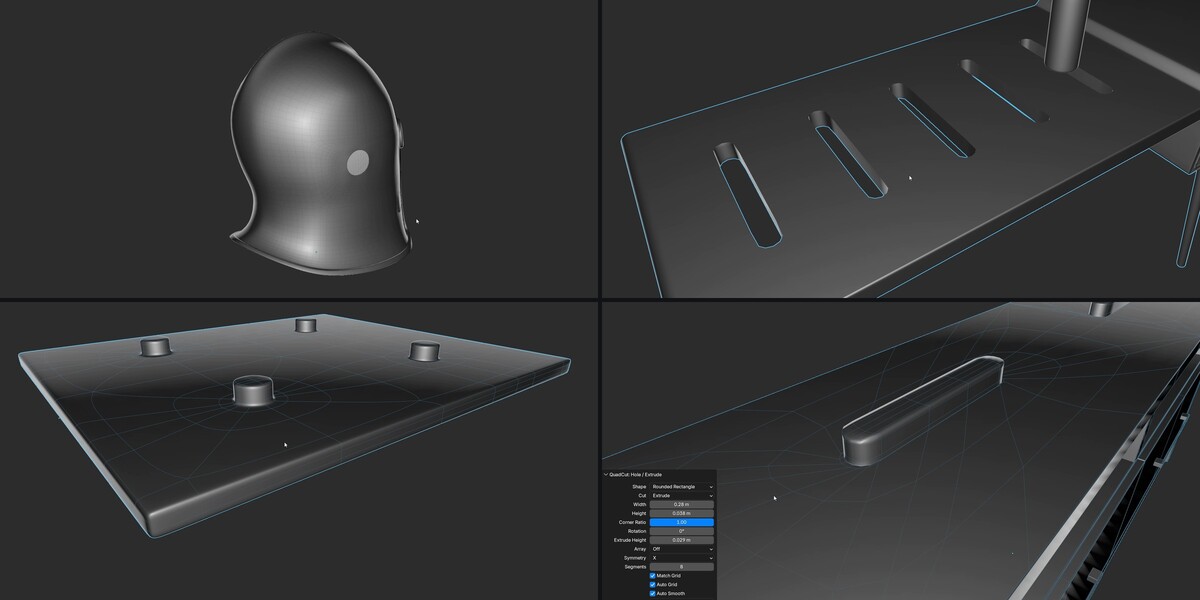
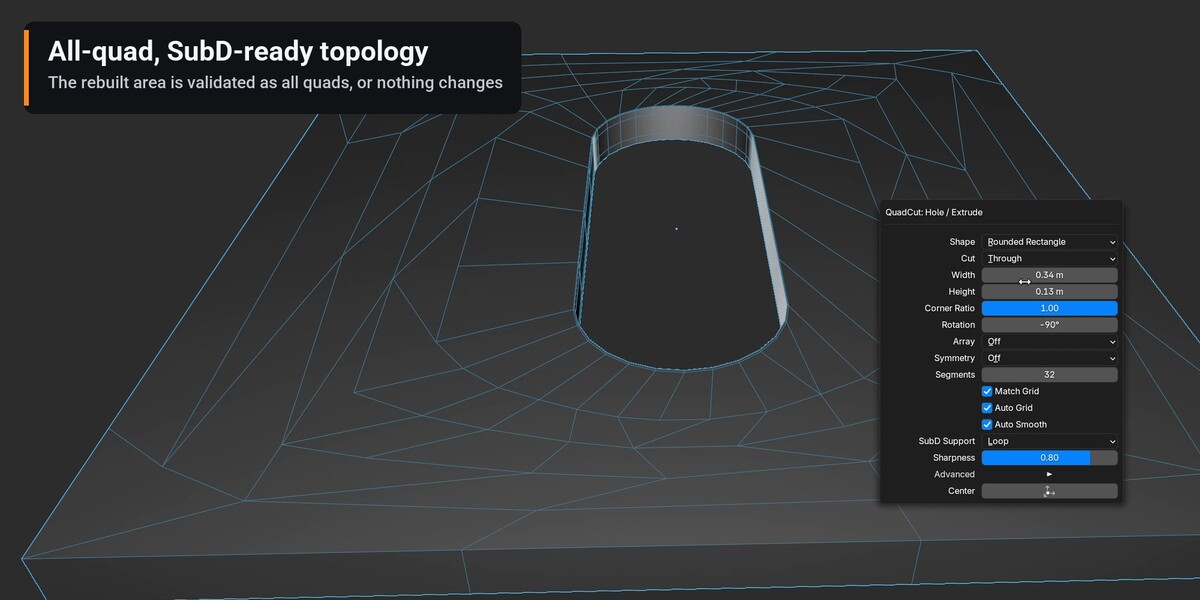
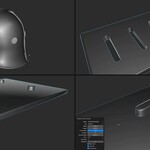
Place holes, slots, pockets and bosses with the mouse. Boolean Master rebuilds the surface around them as clean, all-quad topology with support loops — ready for Subdivision Surface, with no n-gons to clean up.
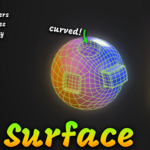
Cut logos, curves and text
Lay a Curve, an imported SVG or a Text object over the mesh, select it and the mesh, and cut it as clean, all-quad topology.
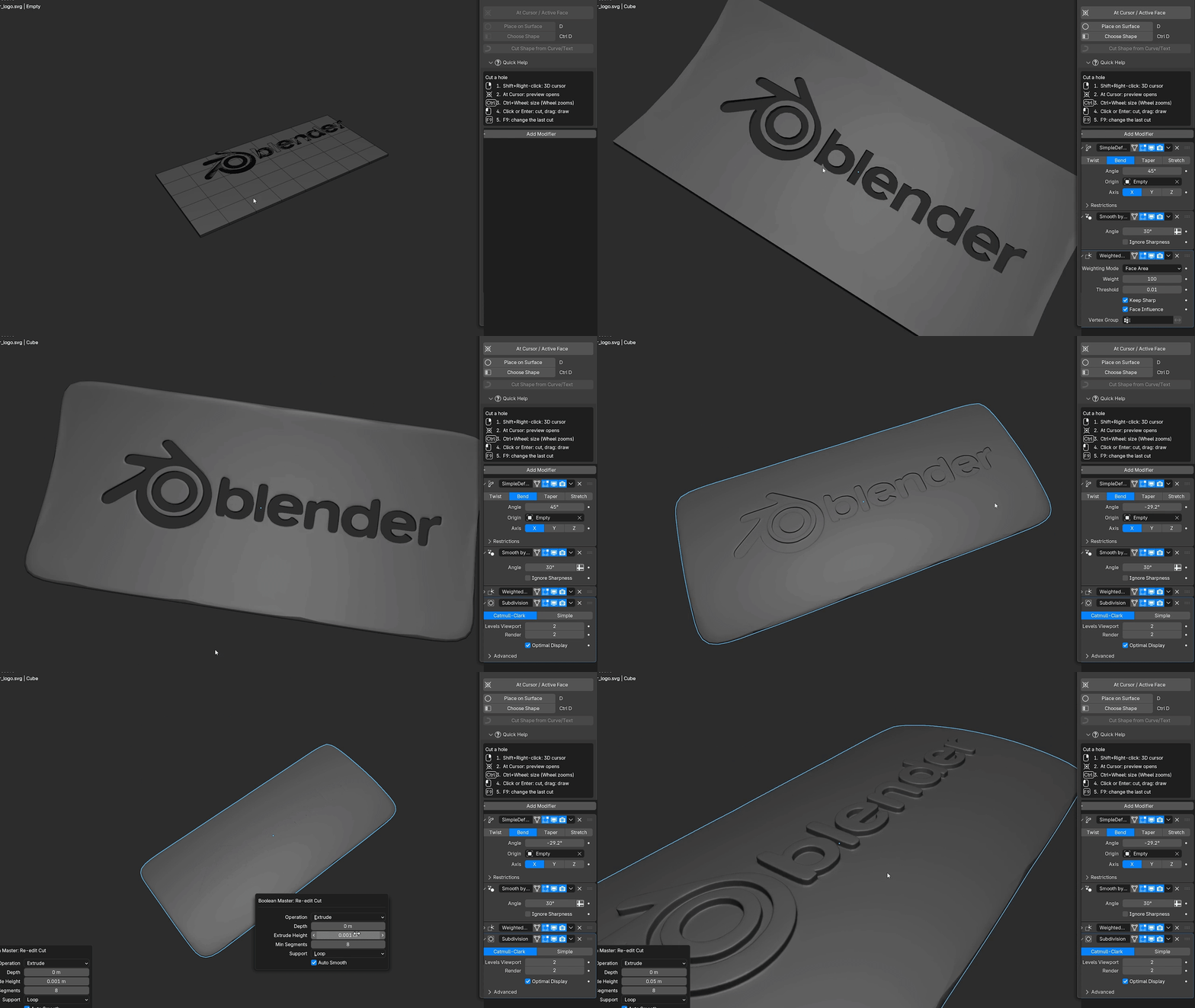
- ✓ Logos and SVG — import an SVG, lay it on the surface and cut it — one object per letter or per colour.
- ✓ Text — type with Blender's Text object; letters with holes (O, A, B, 8, @) keep their inside.
- ✓ Curves — closed curves, tubes with Bevel Depth and rings cut the shape you see in the viewport.
- ✓ Through, Pocket or Extrude — and change it later with F9, even after adding a Subdivision Surface.
Live Feature Demos
Recorded in Blender with the add-on itself. Everything below is in the full version; the Lite edition cuts Circle holes and lets you change their size.
Click. Size. Cut.
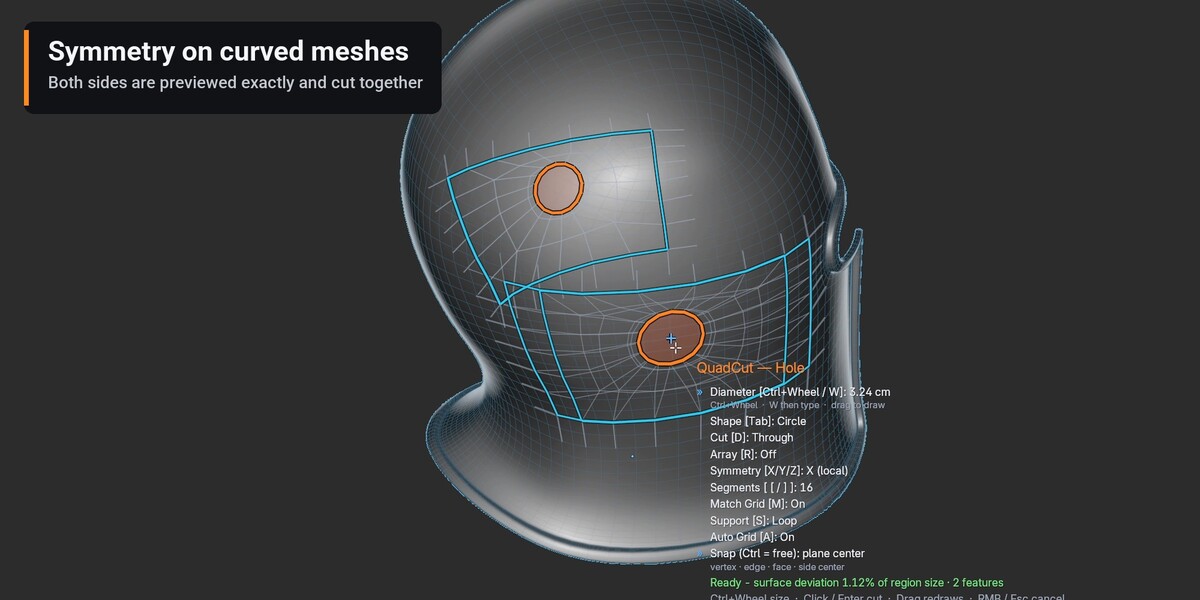
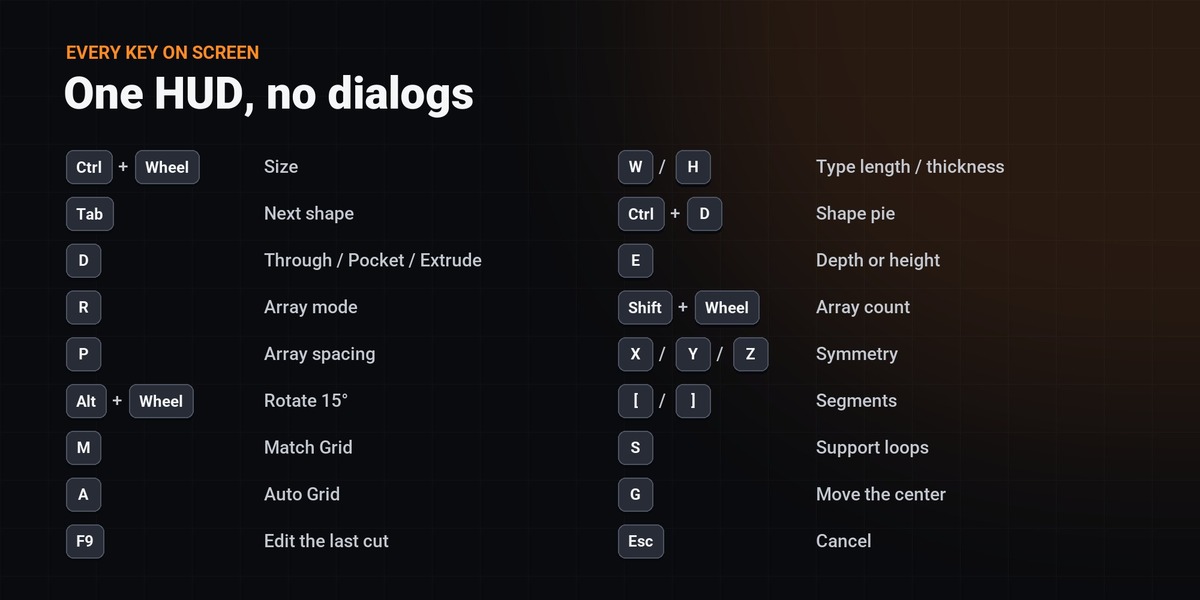
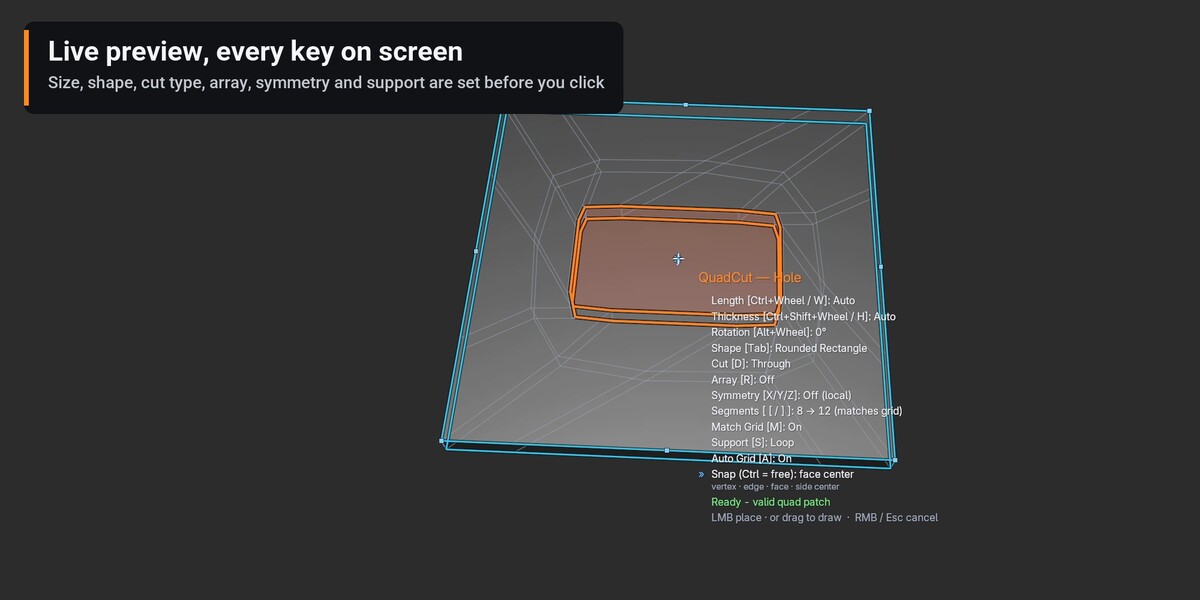
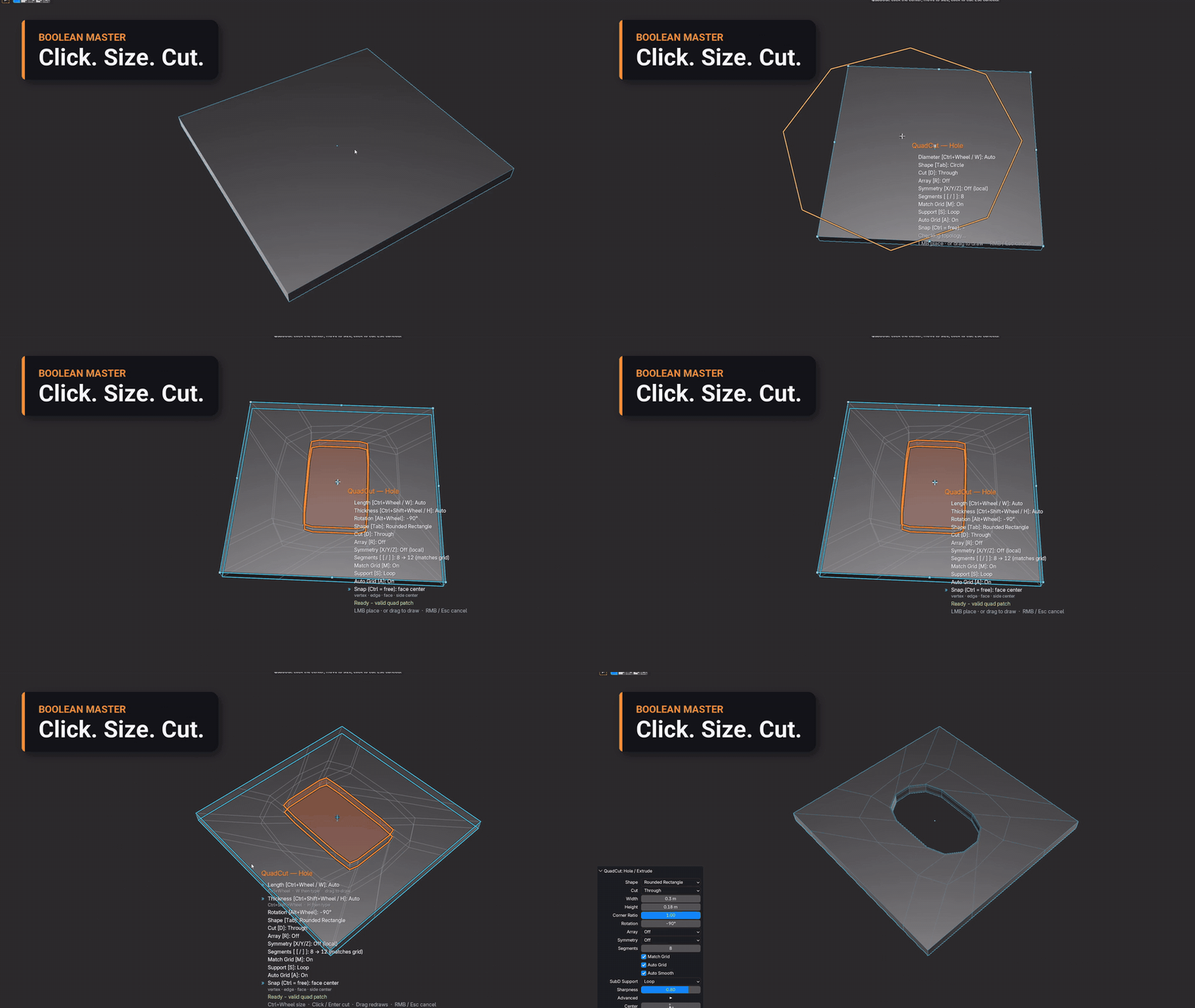
Press Shift+Q, move over the surface and click the center. The live preview snaps to vertices, edge middles and face centers, Ctrl+Wheel sizes it and a second click cuts. The plain wheel still zooms the view.
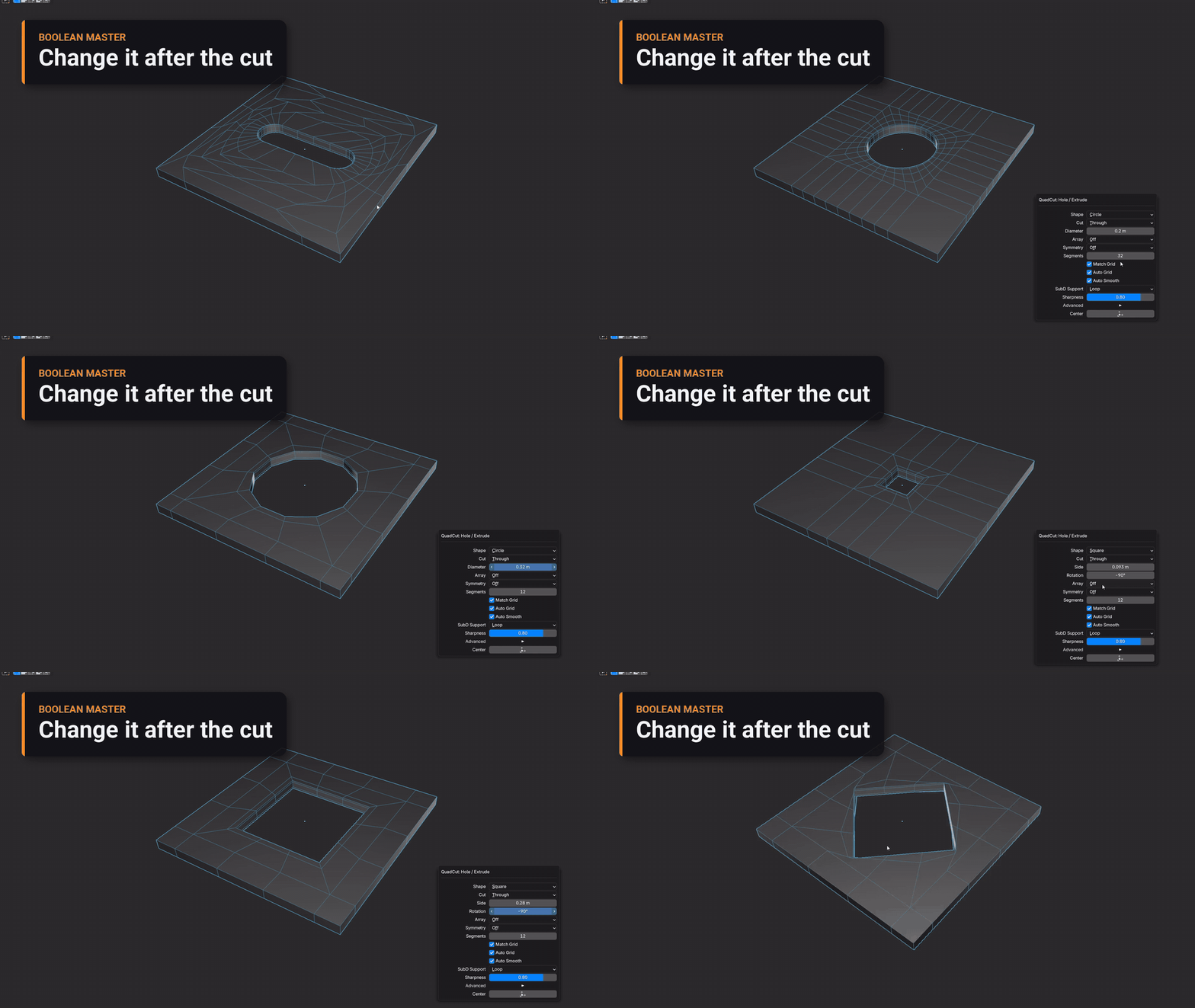
Change it after the cut
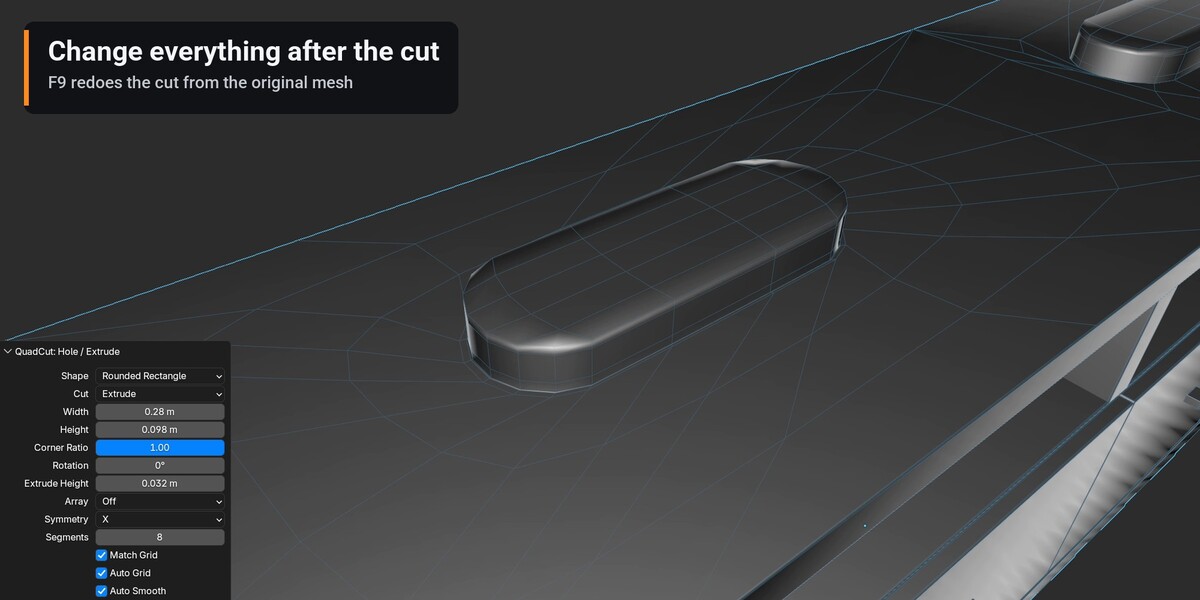
Press F9 to change the shape, size, segments, corner ratio, rotation or cut type. Every change is redone from the original mesh, so nothing piles up.
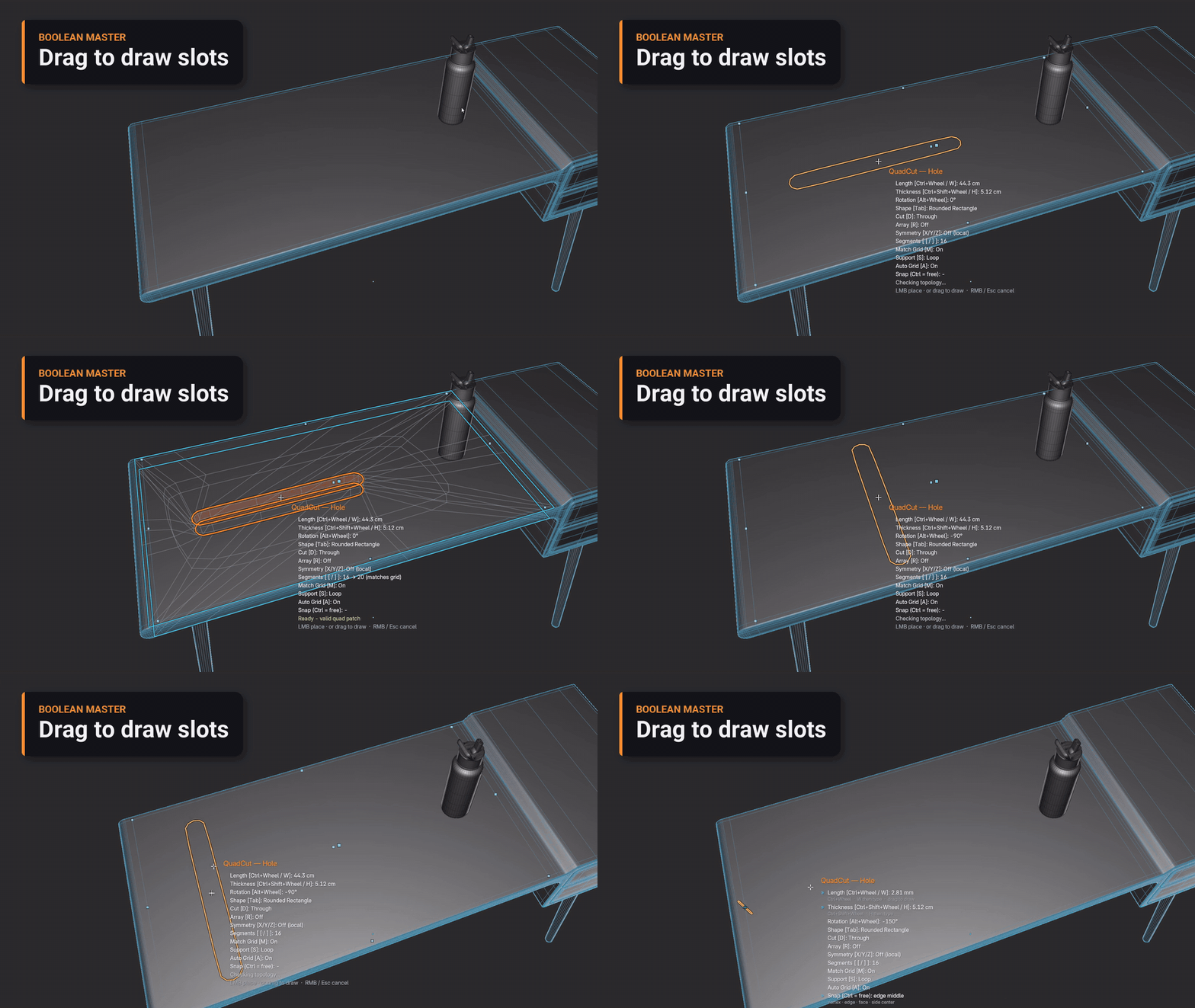
Drag to draw slots
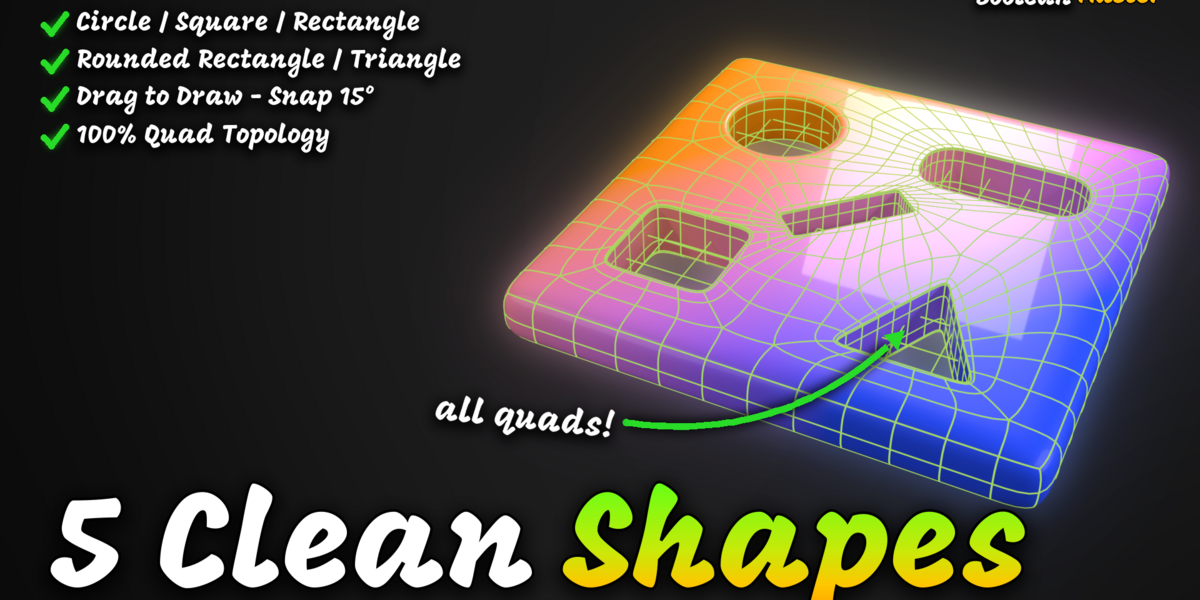
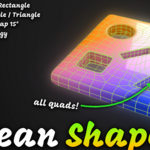
Press, drag and release to draw a Rounded Rectangle or Rectangle from end to end. The angle snaps to 15° and the center to the nearest vertex or edge middle; Alt+Wheel rotates, hold Ctrl to place freely.
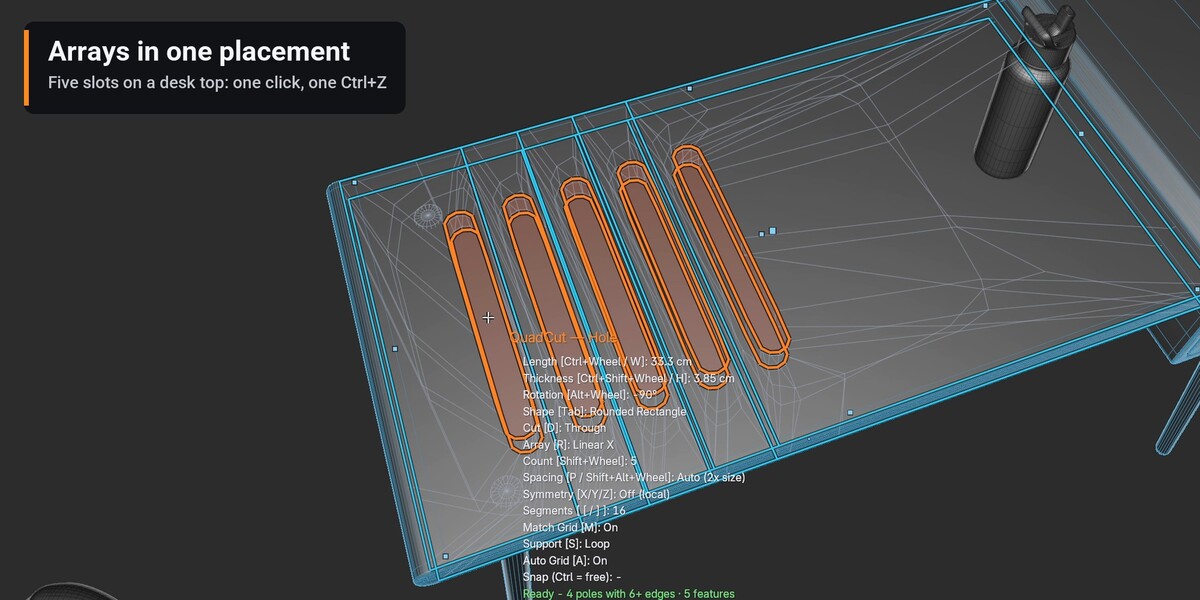
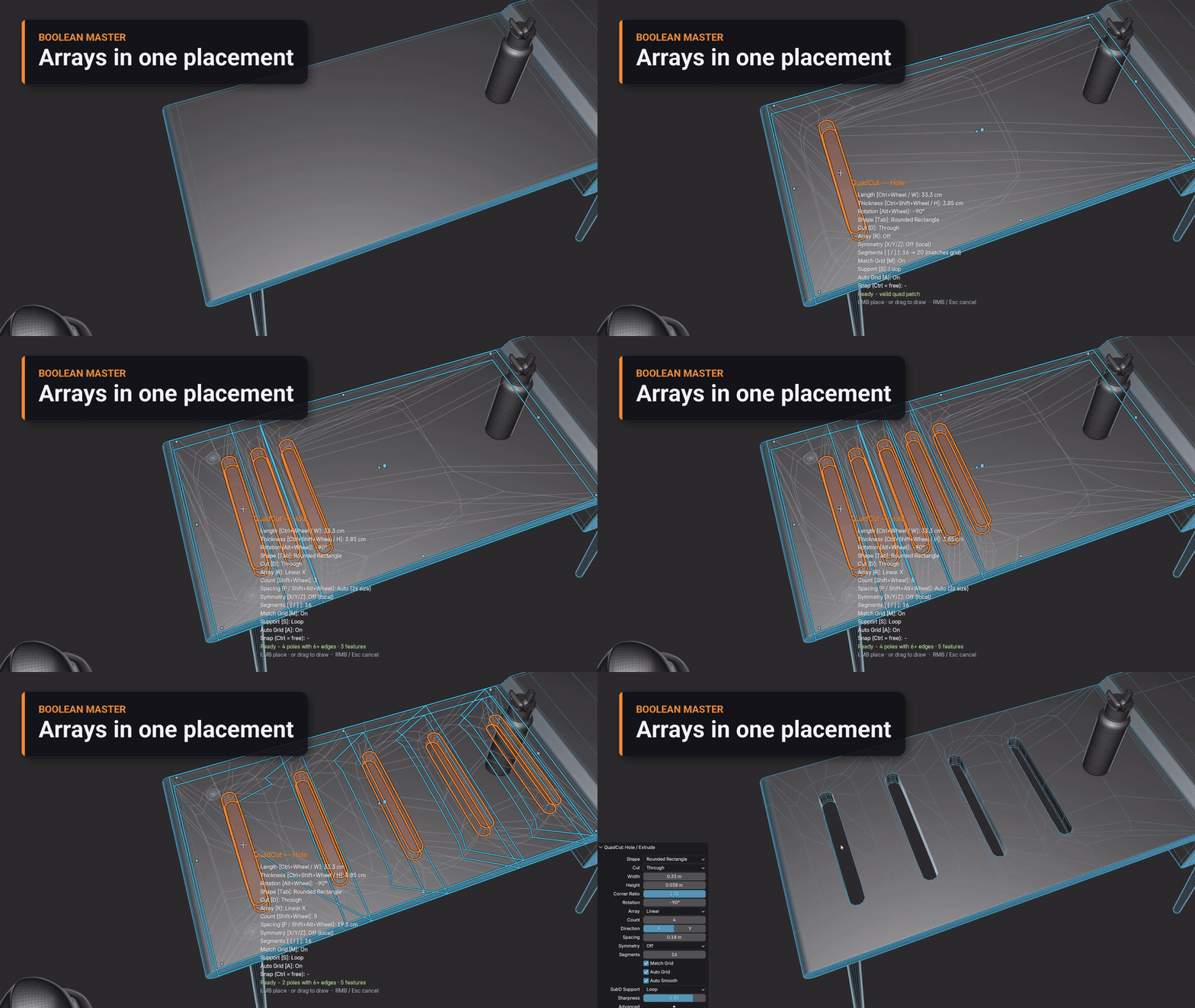
Arrays in one placement
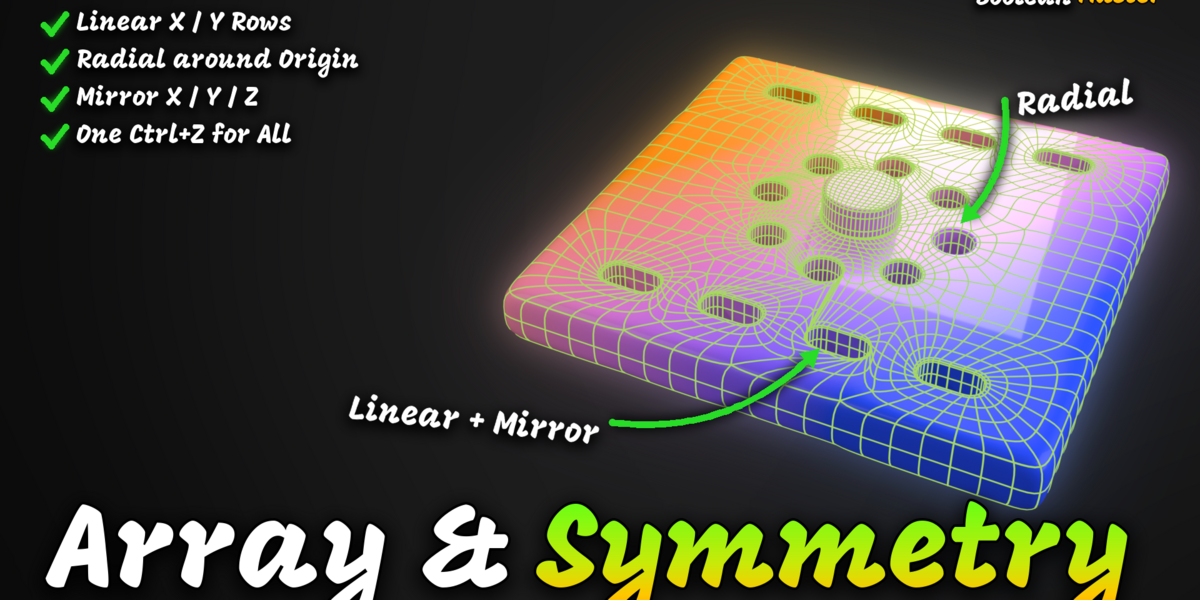
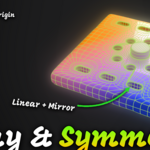
R cycles Linear X, Linear Y and Radial. Shift+Wheel sets the count (2–32), P or Shift+Alt+Wheel the spacing. Every copy is previewed, and the whole row is cut — or refused — as one step that one Ctrl+Z undoes.
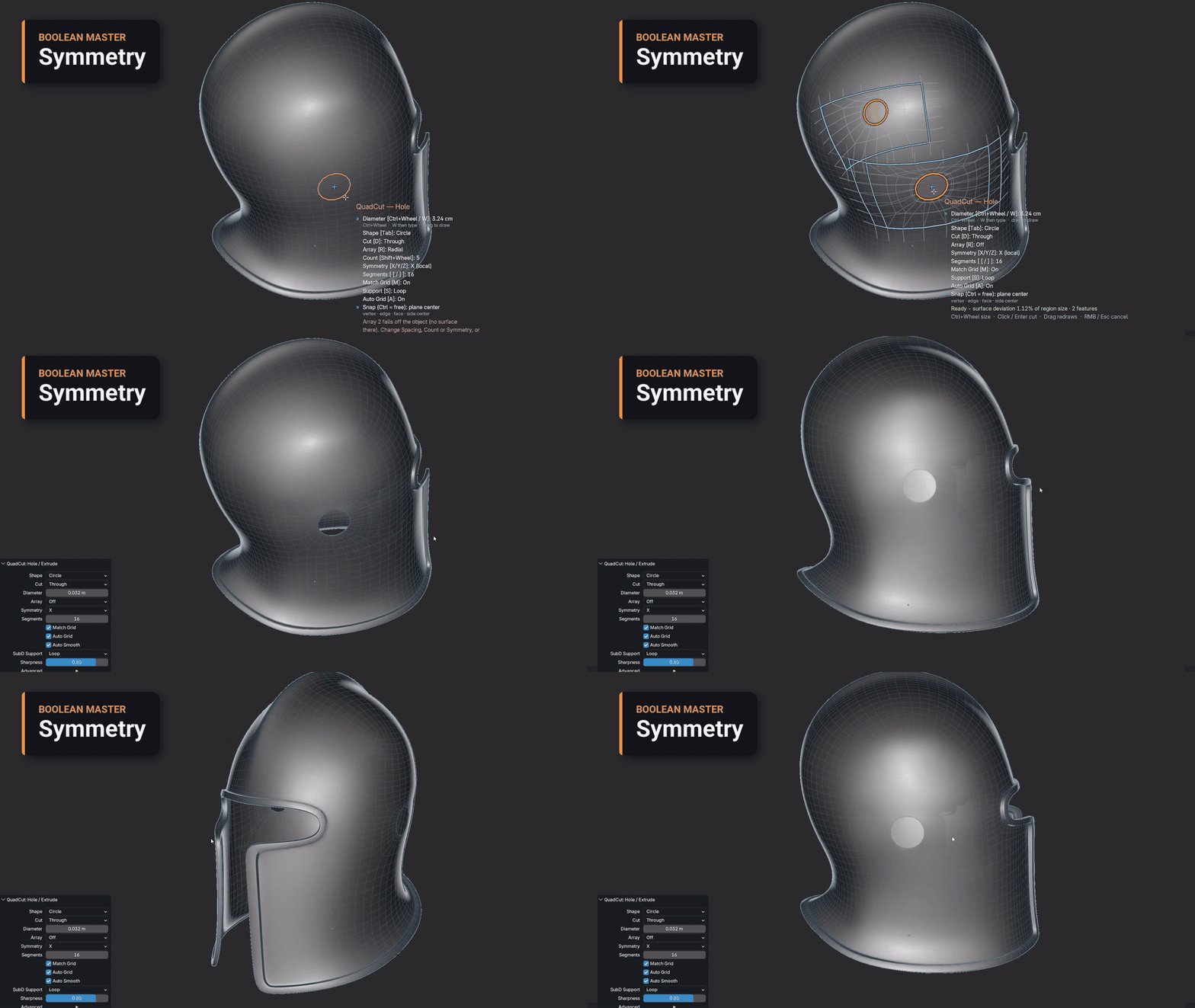
Mirror across the origin
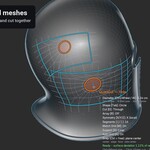
X, Y or Z mirrors the hole across the object origin. Both sides are previewed exactly and cut together, also on curved meshes.
Bosses and ribs
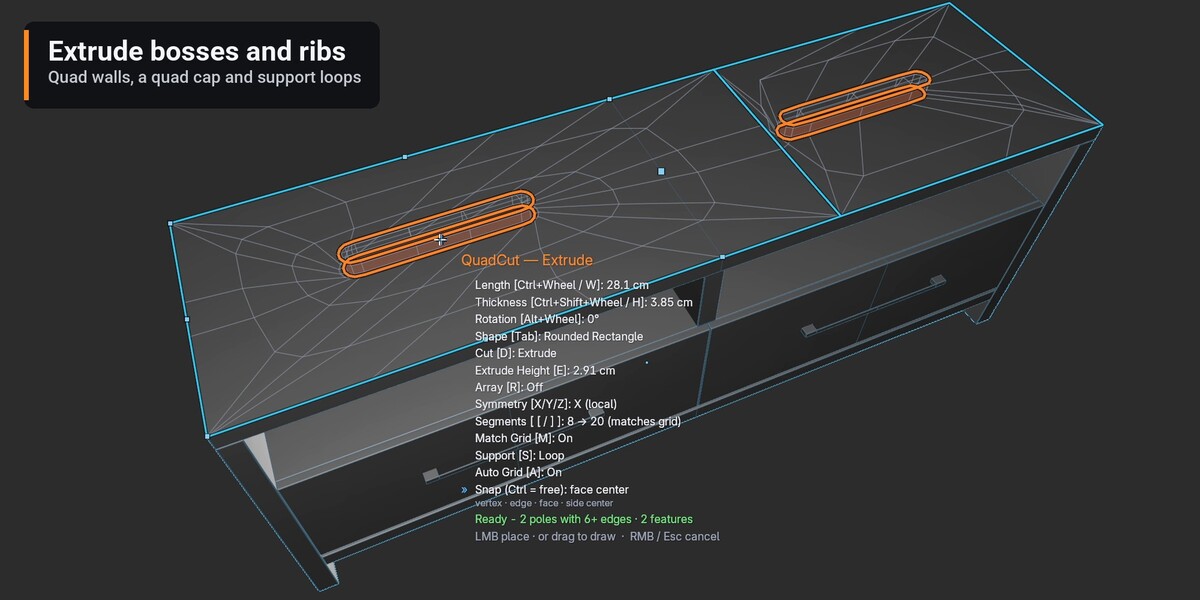
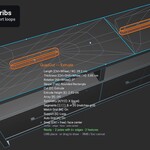
D switches to Extrude: the outline rises along the surface normal and closes with quad walls and a quad cap. E types the height, Ctrl+Alt+Wheel changes it.
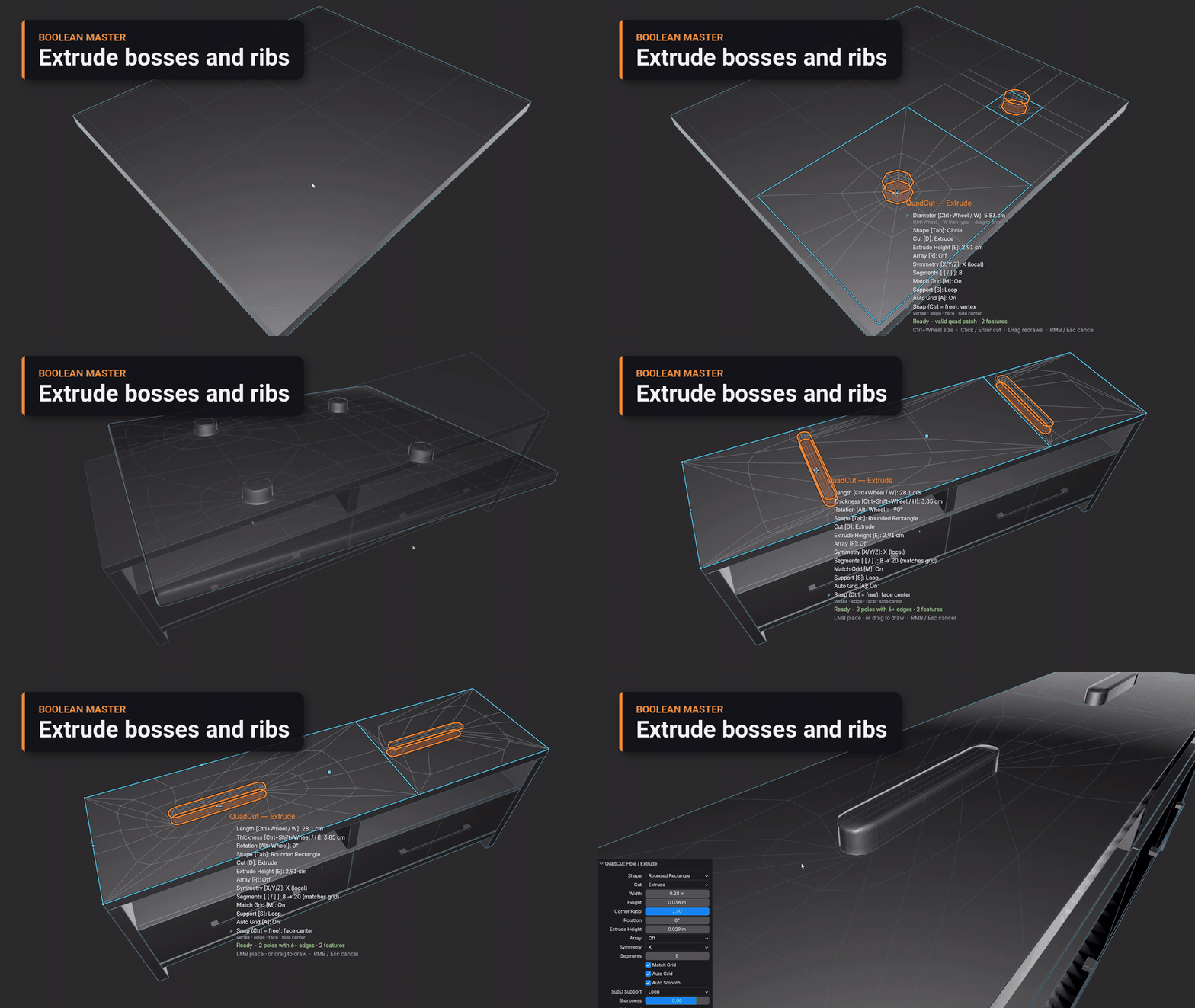
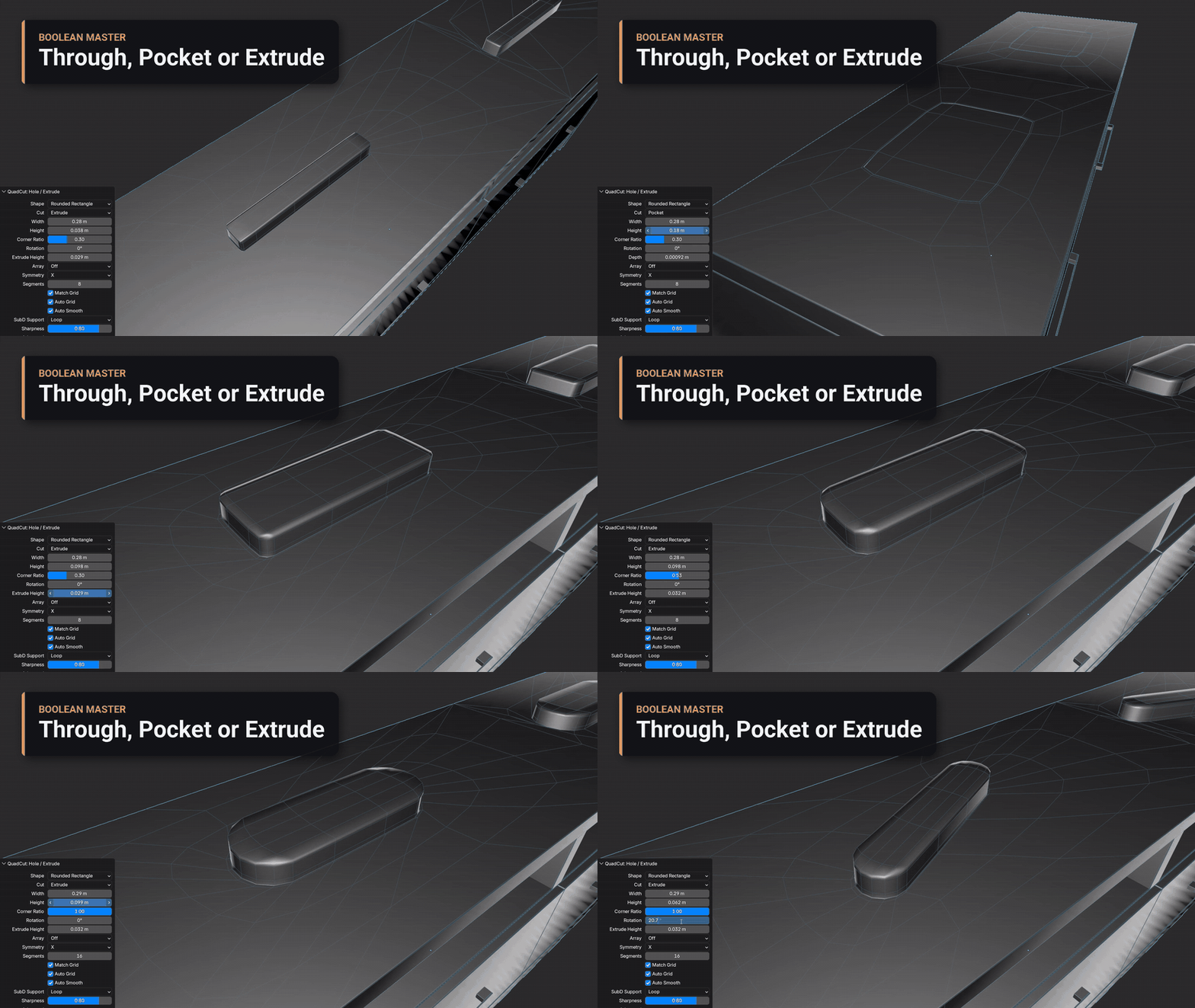
Through, Pocket or Extrude
Turn the same outline into a hole, a recess or a boss in F9, then tune depth, height and corner ratio until it fits.
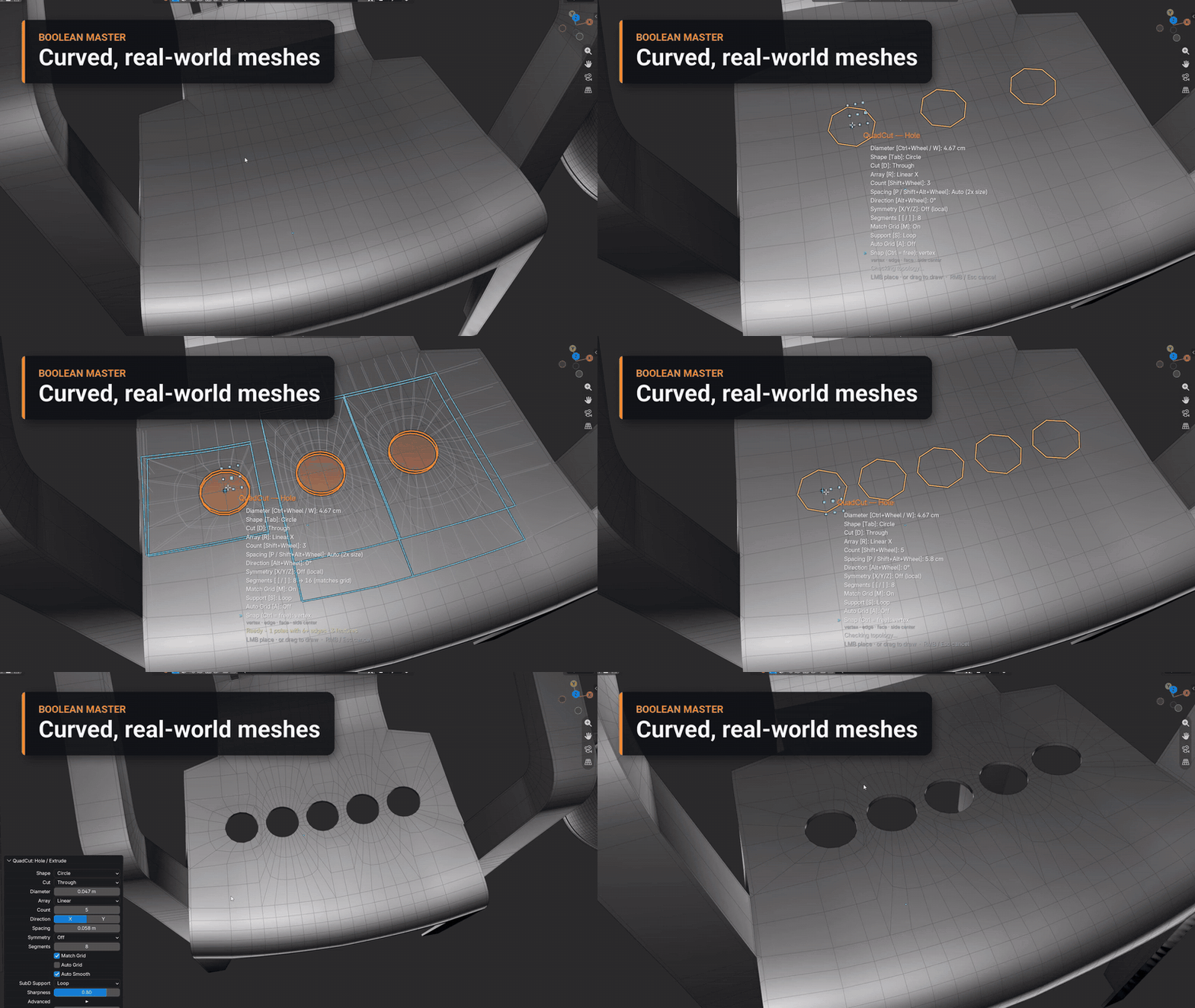
Curved, real-world meshes
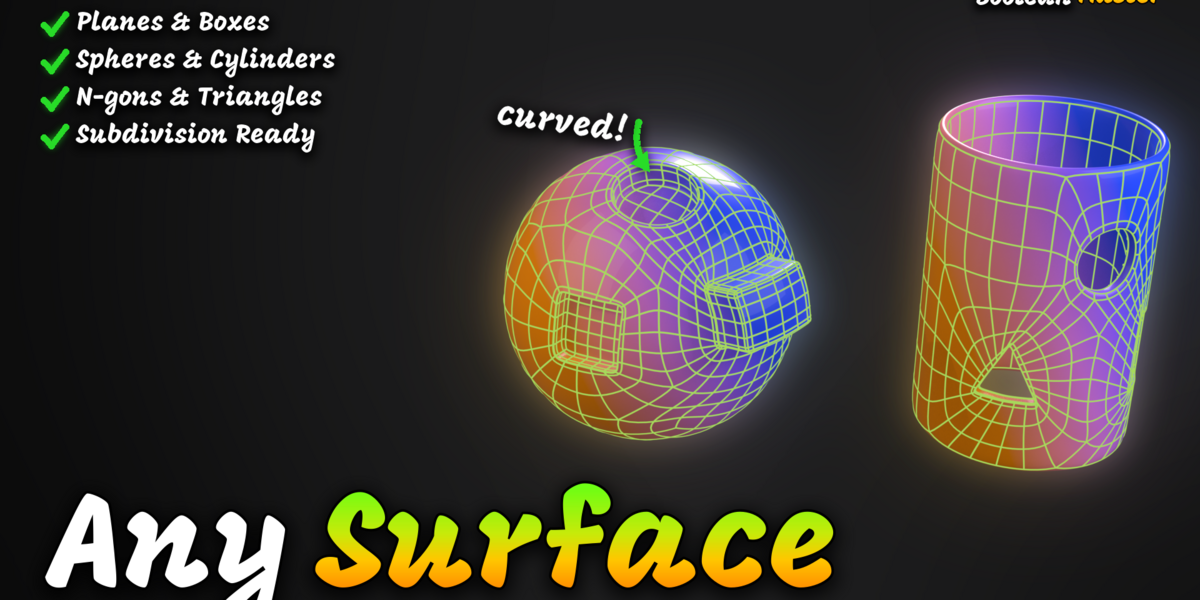
The cut follows the surface. Quad grids are cut on the grid; strips, triangles, n-gons and areas near an earlier hole get a local quad patch, and the rest of the mesh stays untouched.
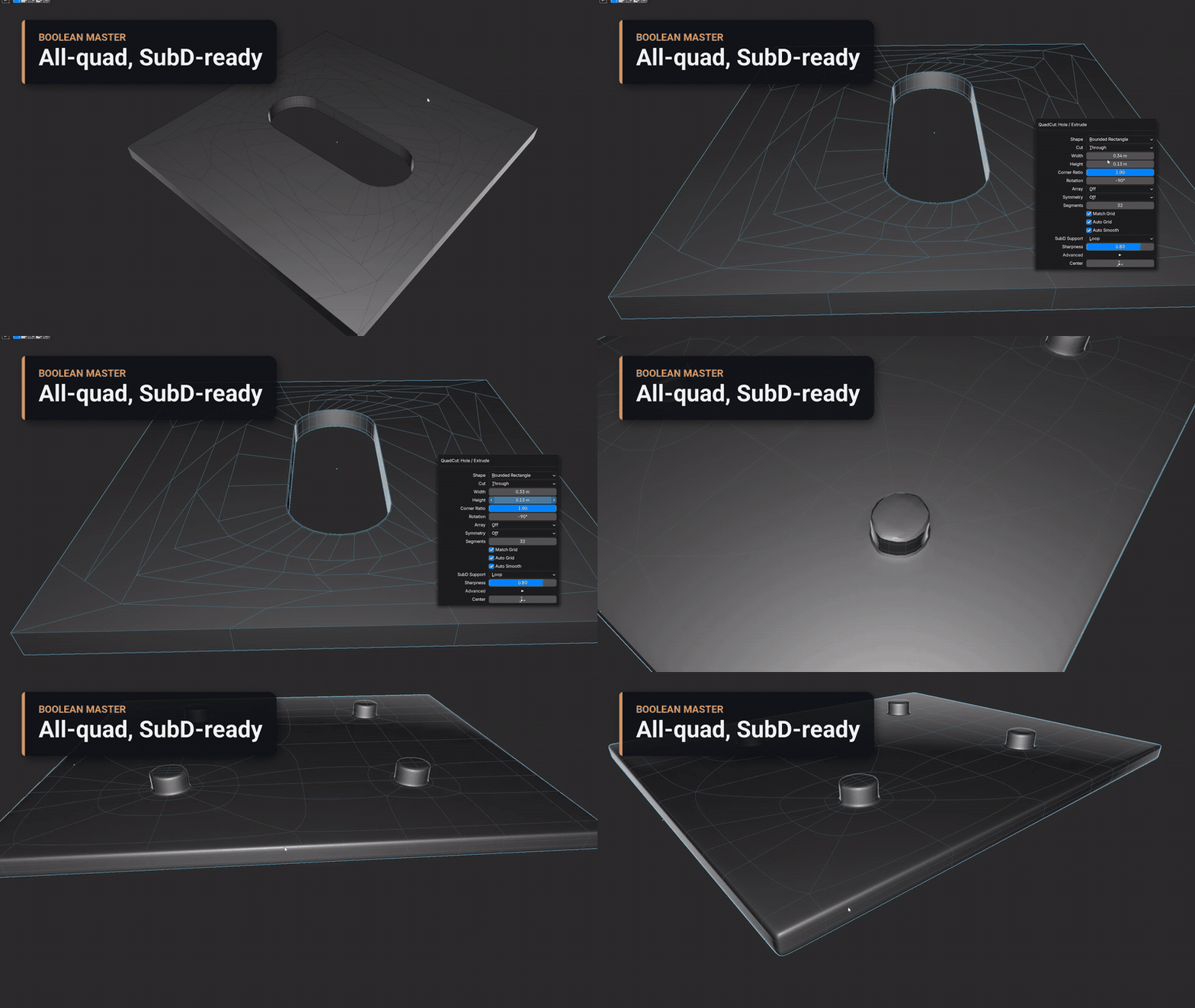
All-quad, SubD-ready
Every result is validated as all quads with support loops. Match Grid keeps dense surfaces flat, Auto Grid prepares a coarse Plane or Cube — and if a cut cannot be made cleanly, nothing changes.
Lite or Full
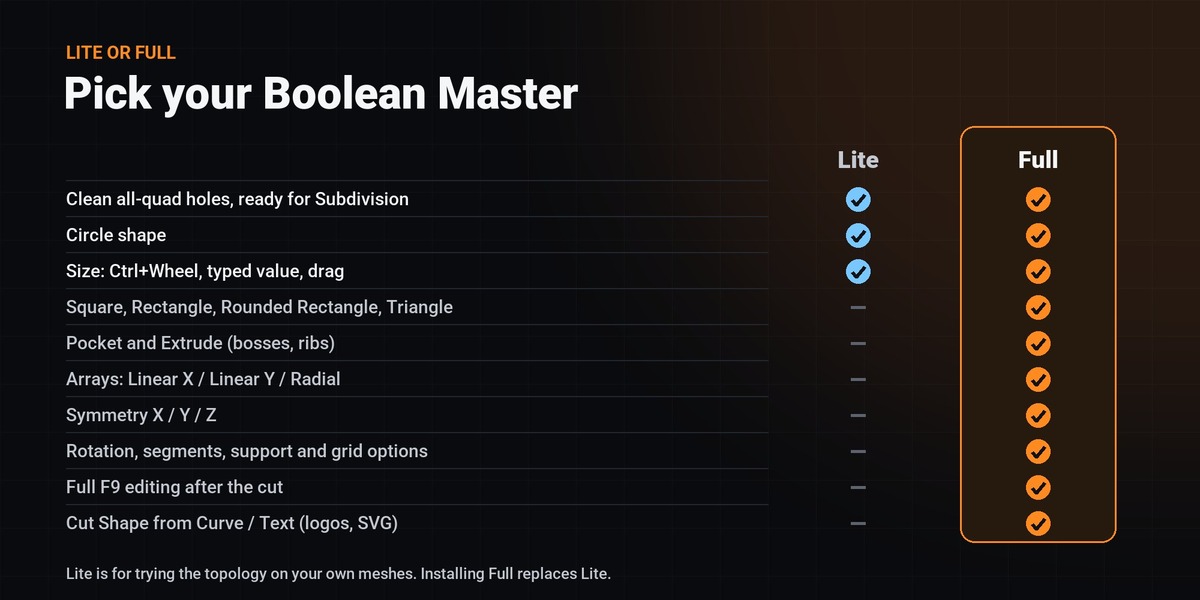
Lite is for trying the topology on your own meshes. Upgrade any time — installing the full ZIP replaces Lite.
| FEATURE | Lite | Full |
|---|---|---|
| Clean all-quad holes with support loops | ✓ | ✓ |
| Circle shape, Through cut | ✓ | ✓ |
| Size with Ctrl+Wheel, a typed value or a drag | ✓ | ✓ |
| Square, Rectangle, Rounded Rectangle and Triangle | — | ✓ |
| Pocket and Extrude (recesses, bosses, ribs) | — | ✓ |
| Arrays: Linear X, Linear Y, Radial | — | ✓ |
| Symmetry X / Y / Z | — | ✓ |
| Rotation, segments, support and grid options | — | ✓ |
| Full F9 editing after the cut | — | ✓ |
| Cut Shape from Curve / Text (logos, SVG) | — | ✓ |
What Boolean Master Adds
A focused hard-surface tool: cut, keep the topology clean, move on.
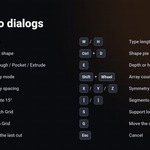
1Live placement HUD
Every setting is listed next to the cursor with its key — no dialogs.
2Five shapes
Circle, Square, Rectangle, Rounded Rectangle and Triangle, plus drag-drawn slots.
3Three cut types
Through holes, Pocket recesses and Extrude bosses with quad walls.
4Arrays and Symmetry
Linear X / Y and Radial copies, mirrored on X / Y / Z, in one placement.
5F9 redo
Change any setting after the cut; it is recomputed from the original mesh.
6SubD support
Support loops or crease, Match Grid, Auto Grid and Auto Smooth.
7Custom outlines
Cut a closed Curve or Text object — a logo, a letter, an imported SVG.
8Safe by design
All-quad validation on every cut; refused cuts leave the mesh unchanged.
Workflow
Requirements
- ✓Blender: Blender 4.2 or newer, installed as an Extension. Tested on Blender 4.5 LTS and 5.2.
- ✓Platform: Tested on Windows 11. Pure Python — no external dependencies, no internet access.
- ✓Mesh objects: Object Mode and Edit Mode (the active face is used in Edit Mode).
- ✓Clean setup: No Blender settings are changed; keys are added only when they do not conflict.
-
✓Install target:
boolean_master-0.5.7.zip(orboolean_master_lite-0.5.7.zip) via Edit > Preferences > Get Extensions > Install from Disk, or drag and drop the ZIP onto the Blender window.
Limitations
- 1UVs: UVs inside the rebuilt area are not preserved.
- 2Object scale: Apply non-uniform object scale for exact sizes.
- 3Custom outlines: Letters with holes (O, A, B, @), narrow mouths (e, a) and close letters are cut on flat areas; on curved surfaces each outline needs room of its own. Array, Symmetry and the live preview are not available for them.
- 4Earlier patches: Cutting into a previous patch can rebuild its nearby support loops; long-strip rows can be slightly oblique.
- 5Not included yet: Booleans between two objects, Bevel, and F9 Re-edit for Hole cuts (it works for Curve/Text cuts) are planned. Boolean Master cuts its own shapes and outlines.
Roadmap
What comes next for Boolean Master. Updates are included for buyers of the full version; the order may change with your feedback.
Logos, curves and text
- Cut Shape from Curve/Text: SVG logos, Text objects, tubes and rings
- Letters with holes (O, A, B, 8, @), close letters and narrow mouths
- F9 Re-edit of a Curve/Text cut after SubD or other steps
Re-edit everywhere
- F9 Re-edit for Hole cuts too, after adding a Subdivision Surface or other modifiers
- Move, rotate and scale a logo cut in F9 (offset X/Y, rotation, scale)
- Double support loops for custom shapes
Logos as powerful as holes
- Array and Symmetry for logos and text
- Live preview HUD while placing a Curve/Text cut
- Whole-logo cuts on curved surfaces (cylinders, rounded panels)
Bevel tools
- Bevel, Rebevel and Unbevel edges with clean quad support
- Stronger rounded rectangles straight from the HUD (corner ratio key)
History and Restore
- Re-edit any older cut, not only the last one
- Restore the original surface of a cut
- Purge stored cut data to keep .blend files small
Boolean and Pattern
- Cut with another mesh object, keeping all-quad topology
- Pattern fills: grids of holes and slots across a surface
- Full video tutorials and expanded documentation
Cut clean. Stay in quads.
Installation, every key, F9 settings and troubleshooting are in the Documentation tab.
More add-ons by Unik Studio
Other Blender tools from the same creator.