 blenderVfxMaster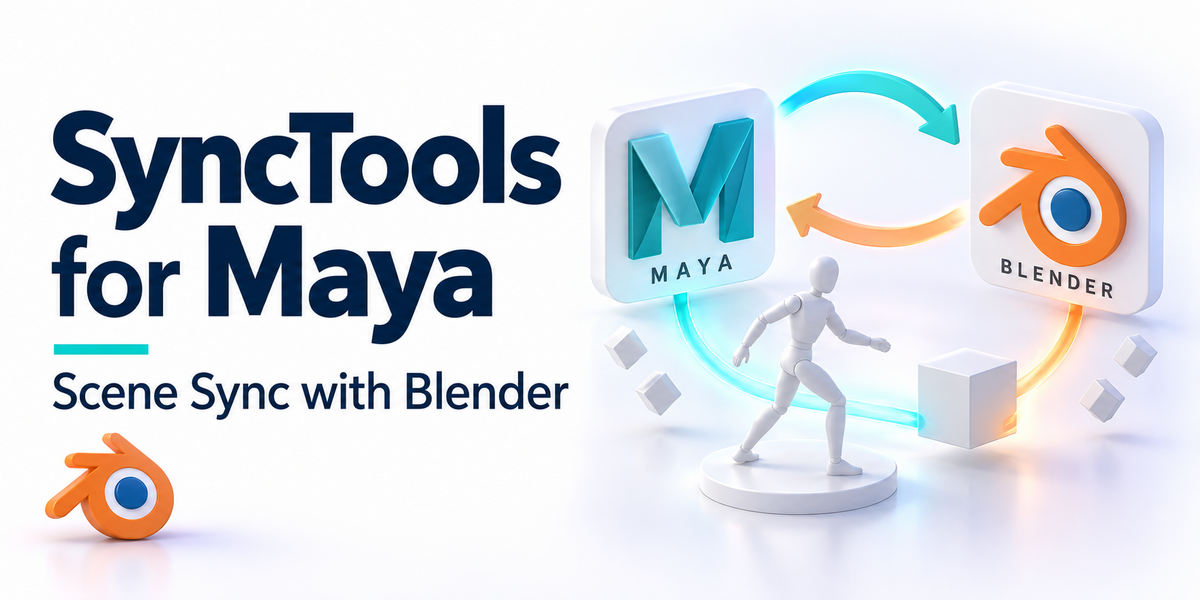
|
Multi-DCC Platform Support
The SyncTools SeriesAll SyncTools plugins share a unified data exchange protocol, enabling lossless asset conversion across platforms and true multi-software collaborative workflows.
Get all ten released SyncTools products in the DCC Integration Suite — save over 25% compared with buying them individually.
|
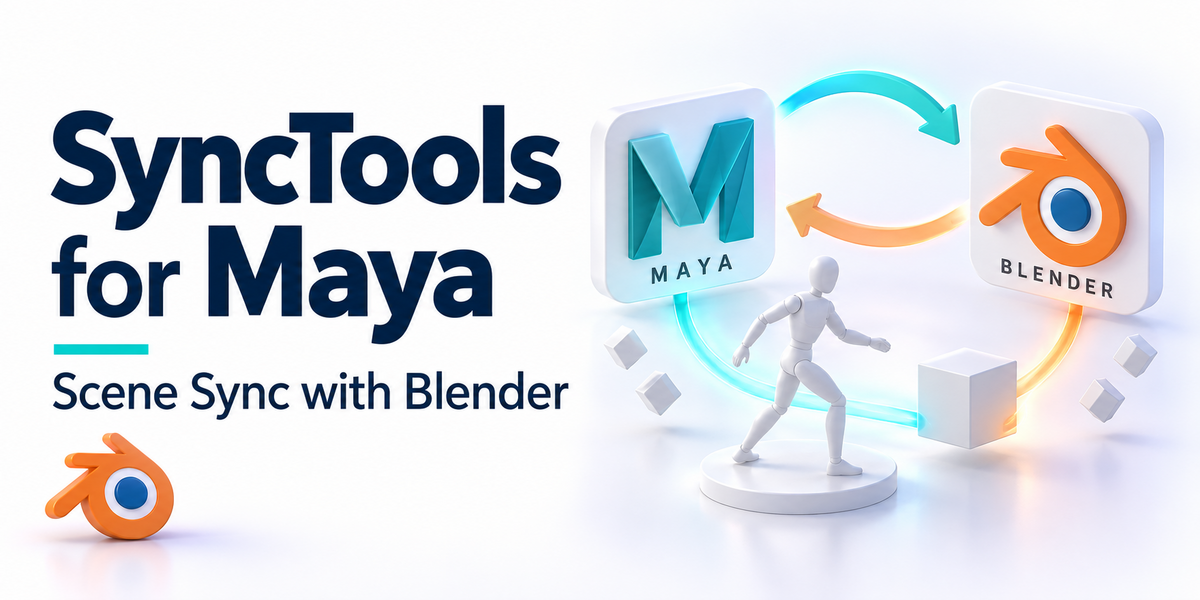
🔁 SyncTools Pro for MayaOne-click copy & paste of Maya scene data into Blender — and back.
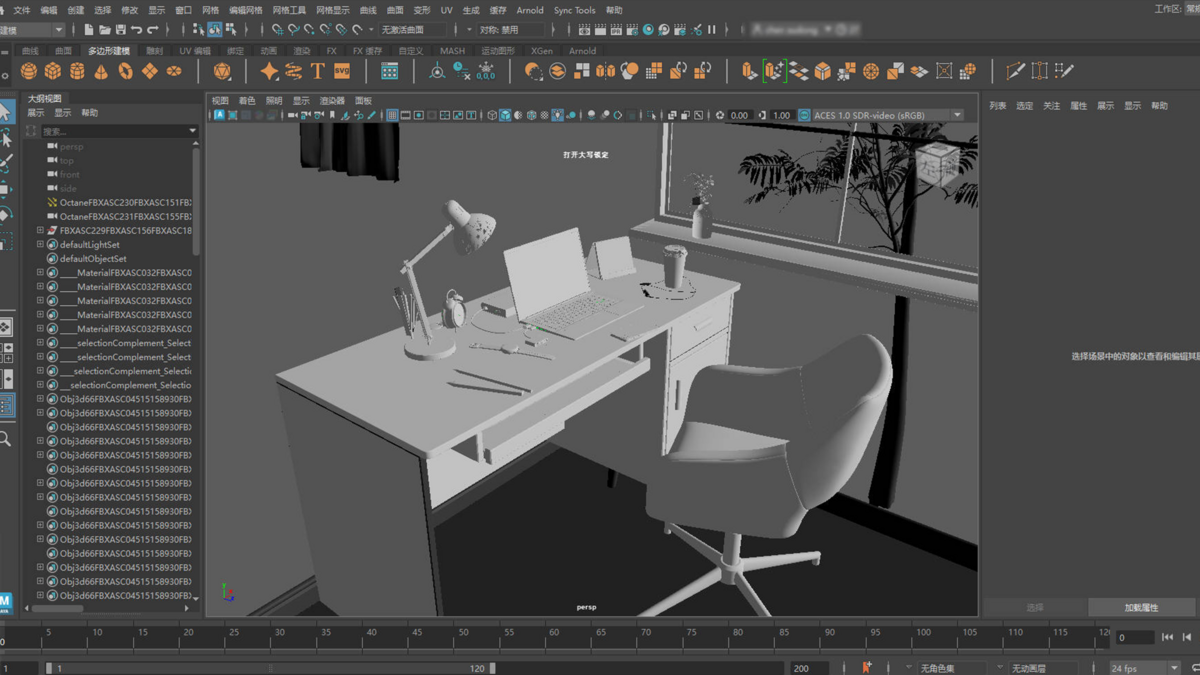
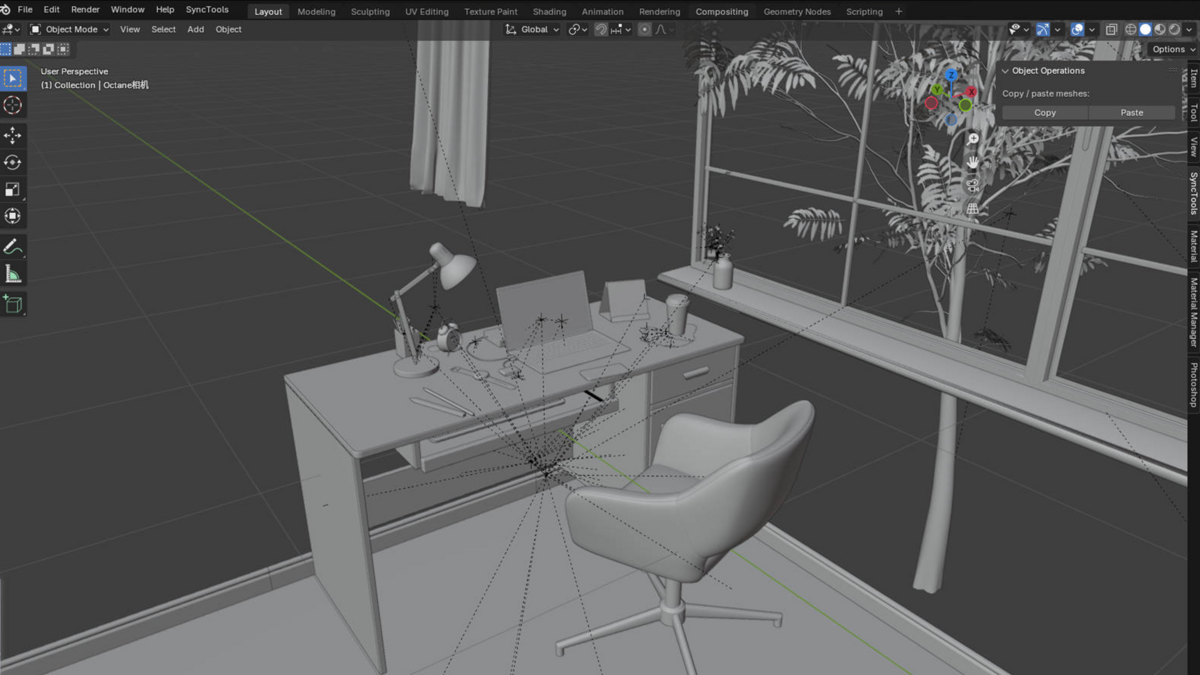
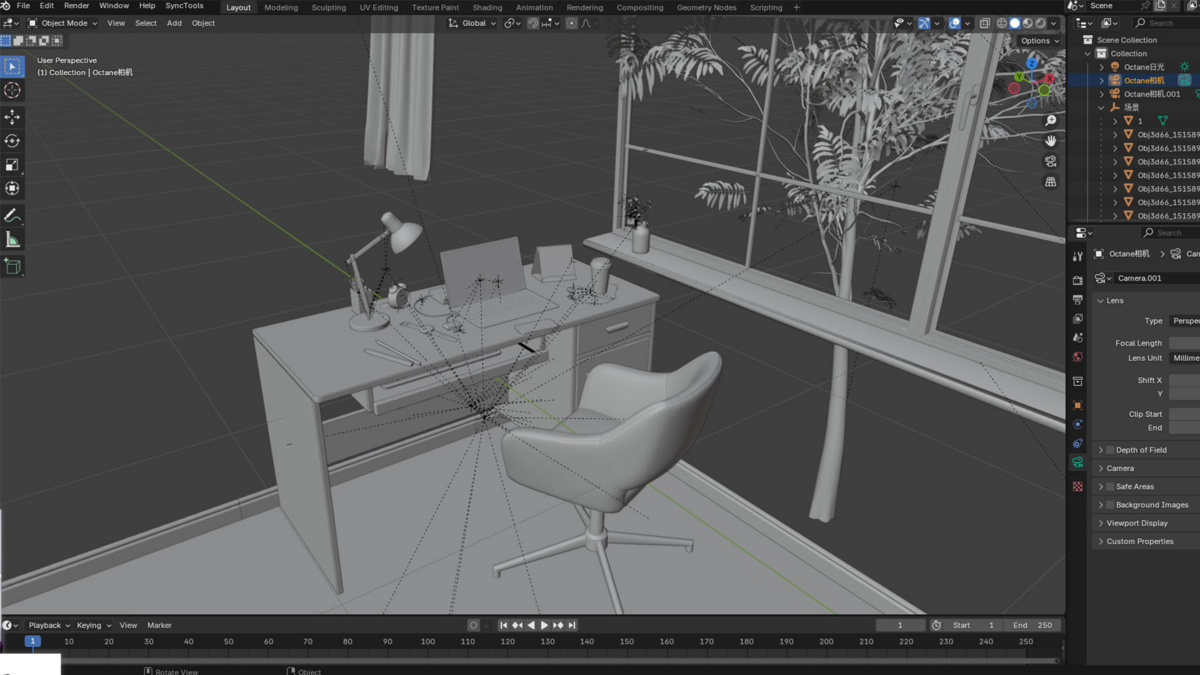
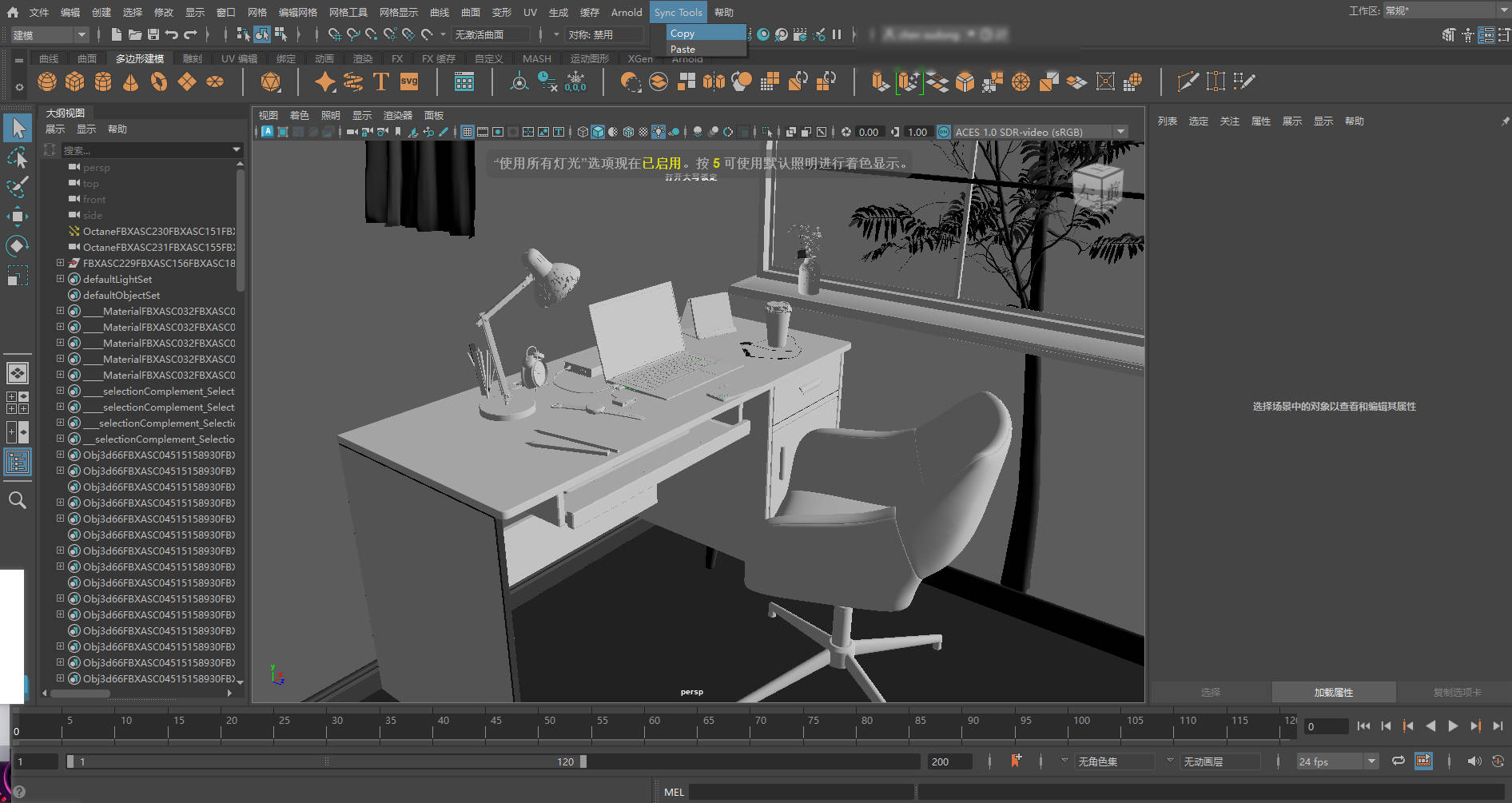
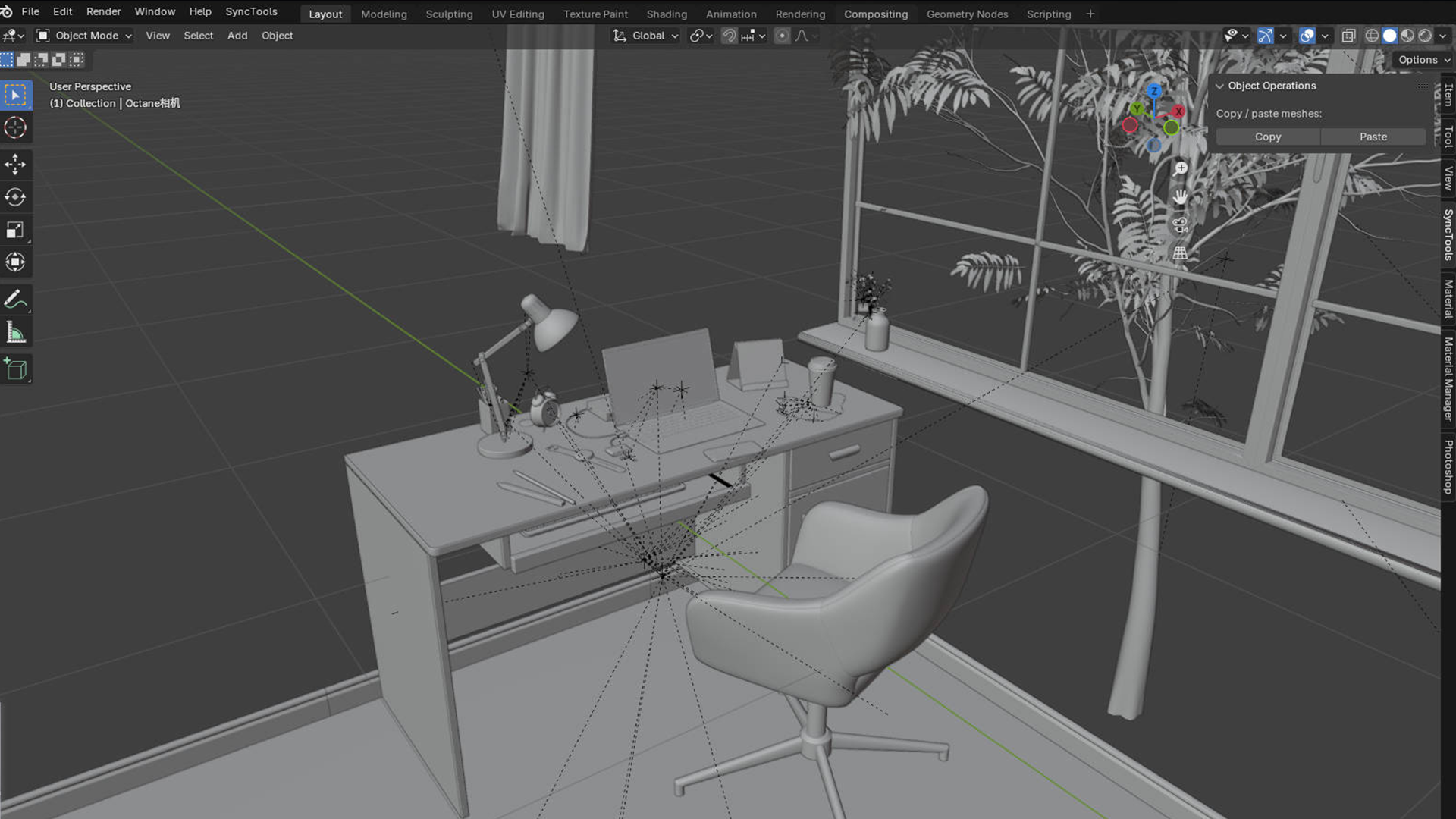
Move meshes, materials, lights, cameras, and animations between Maya and Blender with a single shortcut. SyncTools Pro runs as a native menu inside Maya and a sidebar tab inside Blender, communicating through a unified FBX-based exchange protocol — no manual exporters, no settings juggling.
What gets transferred
|
||||||||||||||||
|
Overview
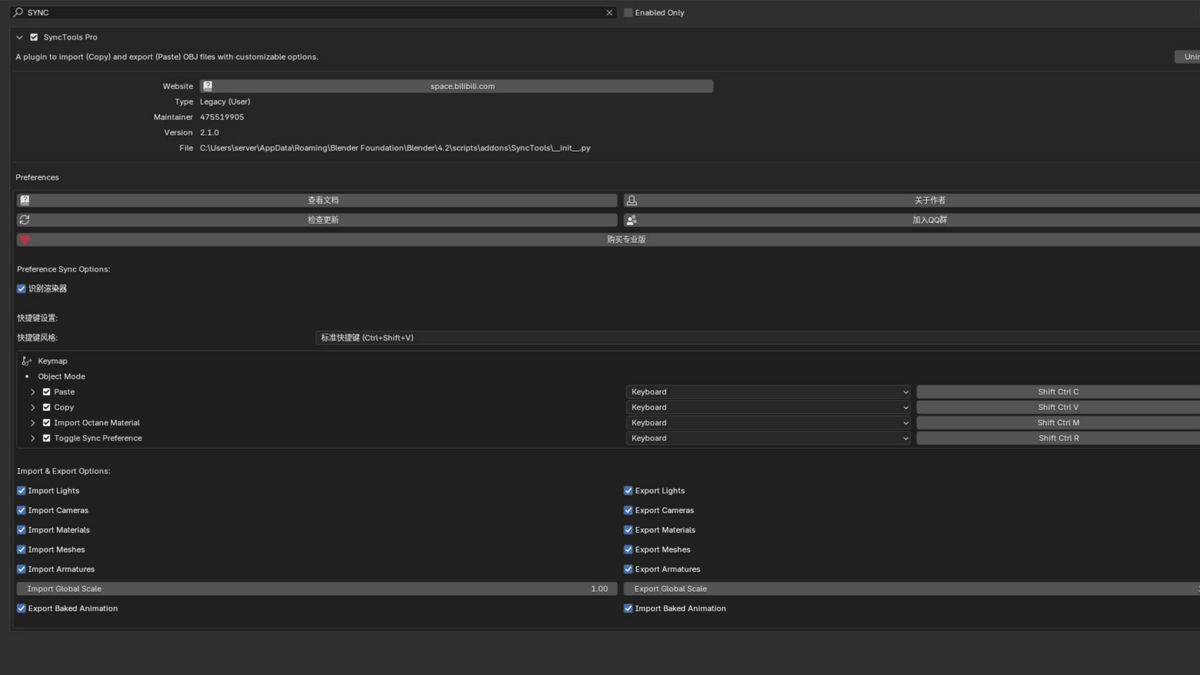
A clipboard for your 3D scenesStop wrestling with FBX exporters, scale settings, and material breakage every time you move work between Maya and Blender. SyncTools Pro turns the Blender/Maya pipeline into a familiar Copy/Paste action: select objects, hit Ctrl + Shift + C in the source app, switch apps, hit Ctrl + Shift + V in the target. The plugin uses a shared cache folder + a unified hierarchy protocol to keep everything intact — including animations, modifiers, and Octane materials.
Built for studios that work cross-DCC, freelancers switching between rigging in Maya and lookdev/render in Blender, and anyone tired of writing export presets by hand.
|
||||||||||||||||
|
Features
What you get
|
||||||||||||||||
Benefits
Why SyncTools Pro?• Zero Setup Friction — no FBX presets, no manual export dialog. Click and paste.
• Lossless Across DCCs — uses a shared protocol so animations, hierarchies, and rigging survive the round-trip.
• Studio-Ready — point both apps at a shared cache directory for team workflows.
• Part of an Ecosystem — same protocol works with our 3ds Max, Houdini, Cinema 4D, Rhino, and Marvelous Designer plugins. Buy the DCC Integration Suite to get all of them.
|
||||||||||||||||
|
Compatibility
Compatibility• Maya: 2020 and newer (verify with installation guide for your exact version)
• Blender: 3.0+
• OS: Windows 10/11, macOS 13+, Linux
|
||||||||||||||||
|
Installation
Quick StartBlender side:
1. Download the
.zip from the right-hand column.2. Blender → Edit ▸ Preferences ▸ Add-ons ▸ Install → select the zip → enable.
3. Open the 3D View Sidebar (
N) and find the SyncTools tab.Maya side:
4. Load the included plugin script via Maya's Script Editor or place it in your Maya plugins folder.
5. A new Sync Tools menu appears in Maya's main menubar.
A step-by-step guide is included in the package. Need help? See the Support section below.
|
||||||||||||||||
|
Support
Support & Updates• Email & ticket support via Superhive inbox (typically 48 h response)
• Community chat for real-time help
• Free lifetime updates
|
||||||||||||||||
|
Community
🌱 Support Blender FoundationA portion of every SyncTools sale goes to the Blender Foundation. Thank you for helping fund the open-source pipeline tools we all rely on.
|
||||||||||||||||
|
Tags
maya, blender, pipeline, dcc, sync, copy-paste, fbx, octane, materials, animation, rigging
|
||||||||||||||||
|
© 2026 SyncTools Pro for Maya · part of the SyncTools DCC family
|